As a lesser-known alternative to Chrome or Edge, Vivaldi packs powerful features that make it an ideal choice for students. With tools designed for academic demands, it streamlines studying like no other browser.
You might not realize a browser can impact your grades, but Vivaldi addresses students' unique challenges head-on.
Discover seven proven ways Vivaldi elevates your academic performance.
Juggling multiple classes, clubs, and daily life? Staying organized feels impossible—but Vivaldi's bookmark system changes that.
Access bookmarks instantly via the panel icon for effortless management.
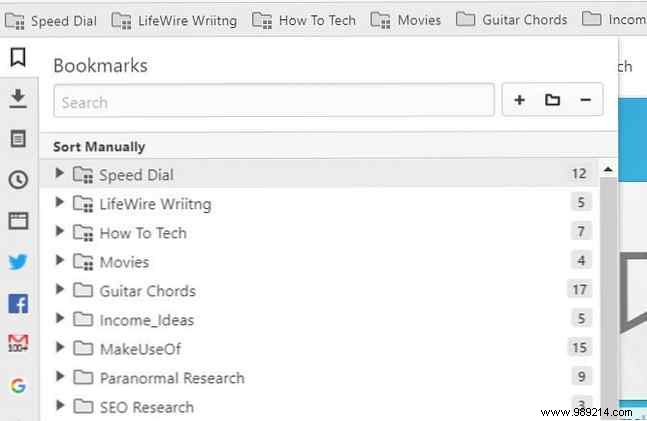
For instance, create a "History Class" folder for all lectures, research, and resources.
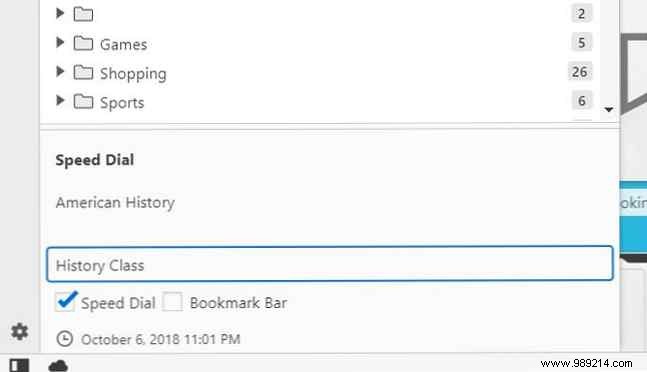
These folders integrate into Speed Dial, appearing right on new tabs for one-click access.
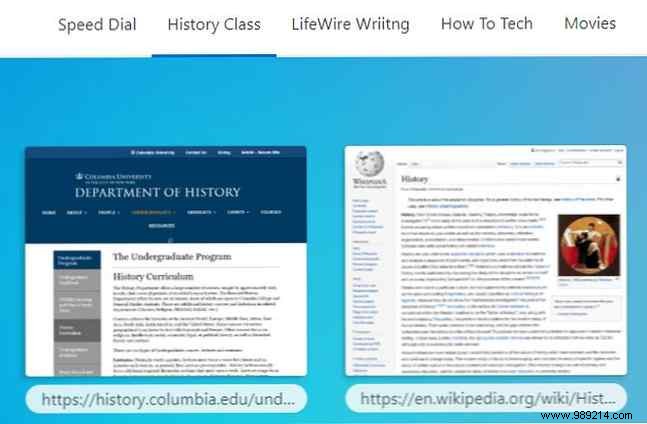
No more digging through notes or lost URLs—Vivaldi centralizes hundreds of links without clutter, essential for heavy course loads.
Classwork isn't just URLs; it includes notes, files, and screenshots. Vivaldi keeps them neatly organized.
Use the Notes panel icon to capture ideas, sort into class-specific folders.
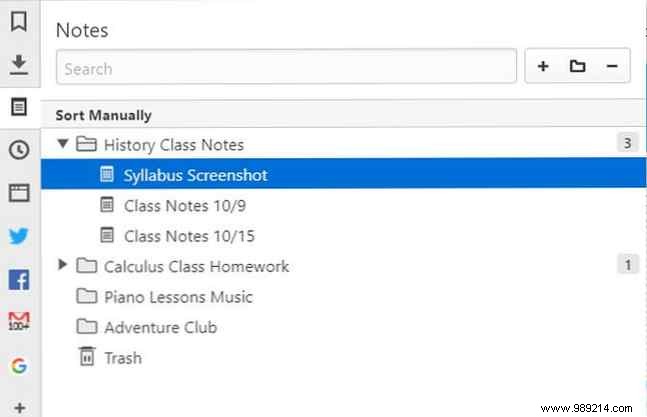
Vivaldi stands out with its built-in screenshot tool—capture full pages or selections directly into notes via camera or crosshair icons.
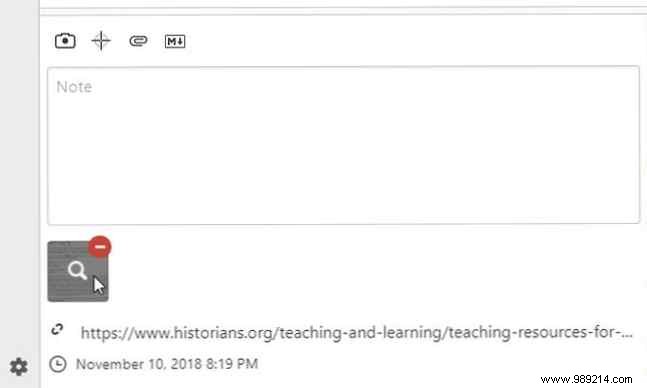
Start simple, but by mid-semester, you'll thank this system for preventing chaos and enabling easy archiving post-class.
Social media distractions derail study sessions, but quitting isn't realistic. Vivaldi pins social tabs to a floating sidebar for quick peeks.
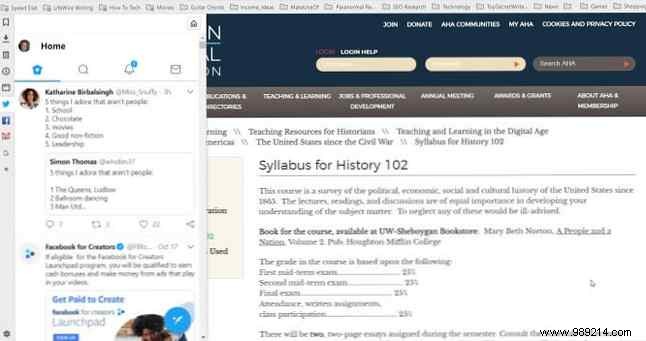
Check feeds without new tabs, then close to refocus—less intrusive than full-page switches.
Multitasking defines student success. Vivaldi's panels let you research (e.g., Google) alongside note-taking without tab-switching.

Pair with web-based tools like Evernote: main window for notes, sidebar for searches—maximizing efficiency.
Tab overload? Vivaldi's tab stacking drags tabs together, collapsing related ones into stacks.
Click to expand—group research, group projects, or spring break plans into minimal space.

Store dozens in the footprint of three tabs for ultimate organization.
Study anywhere—from dim dorms to outdoor nights. Swap to dark themes via Settings > Themes to ease eye strain.
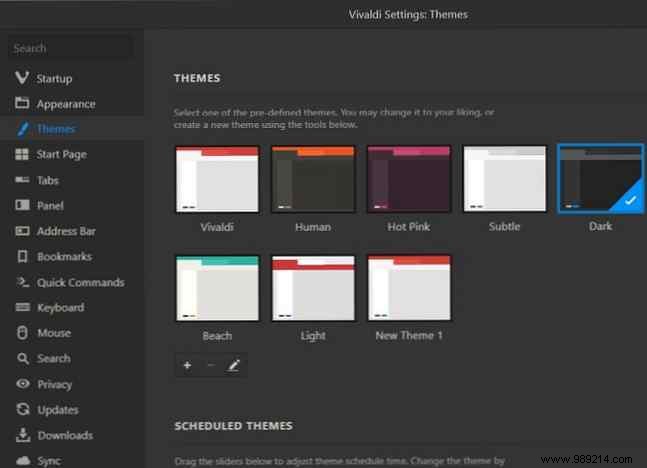
Multiple options reduce glare in low light, protecting your eyes during late sessions.
Students switch devices constantly. Vivaldi's free account syncs bookmarks, tabs, settings, passwords, and notes seamlessly.
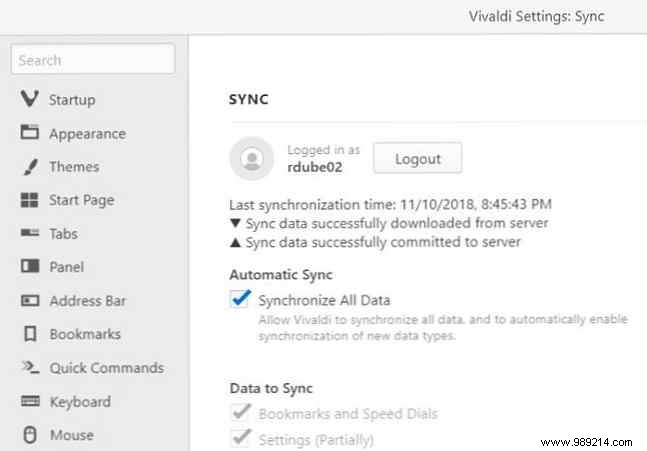
Access class notes or research anywhere—no more device-locked materials.
With everything online—from syllabi to grades—Vivaldi supercharges your workflow. Pair it with affordable student PCs for unrestricted success.
