If the overwhelming array of note-taking apps has you paralyzed in indecision, you're far from alone. I've been there—when my reliable favorite, Letterspace, vanished, I turned to a targeted checklist of must-haves and nice-to-haves to find its worthy replacement.
Having tested dozens of apps over years of professional writing and productivity workflows, this approach cut through the noise. Here's the exact checklist framework, built from real-world experience.
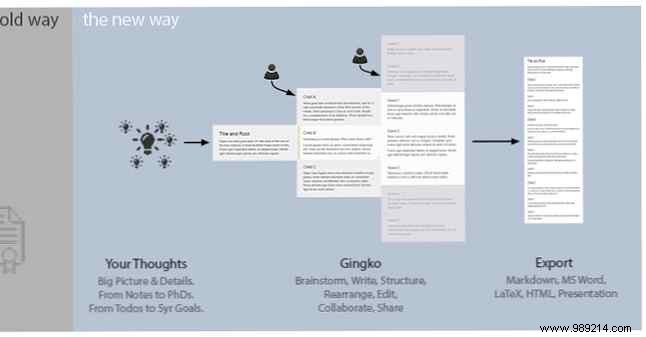
Do you visualize ideas as interconnected maps bursting with color, or do you prefer neatly categorized lists in linear order? Match your cognitive style to the app's structure—mind mapping like MindMeister, hierarchical like Gingko, simple lists like Simplenote, or card-based like Google Keep.
The key? Select an app that mirrors how your mind organizes information for effortless capture and recall.
For me, that ruled out MindMeister, Gingko, and Google Keep. I thrive on straightforward, sequential notes, elevating Simplenote, Writer, LiteWrite, Evernote, and OneNote. On Mac, I also considered Ulysses, Agenda, Bear, Apple Notes, and nvAlt.
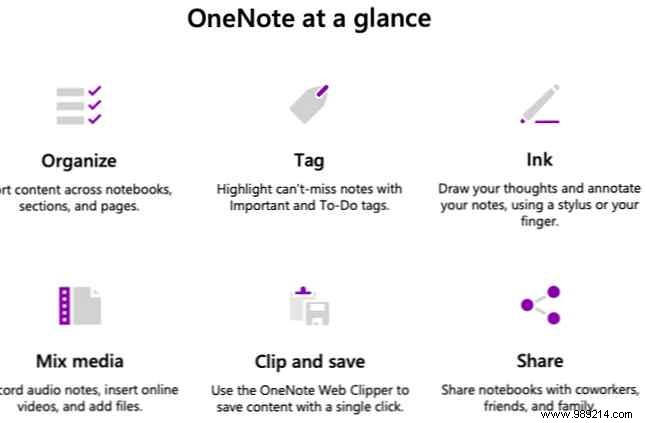
Modern apps offer tags, labels, color-coding, charts, checklists, and emojis for organization. Prioritize your essentials and add them to your list.
I skipped color codes but valued labels—though folders could substitute.
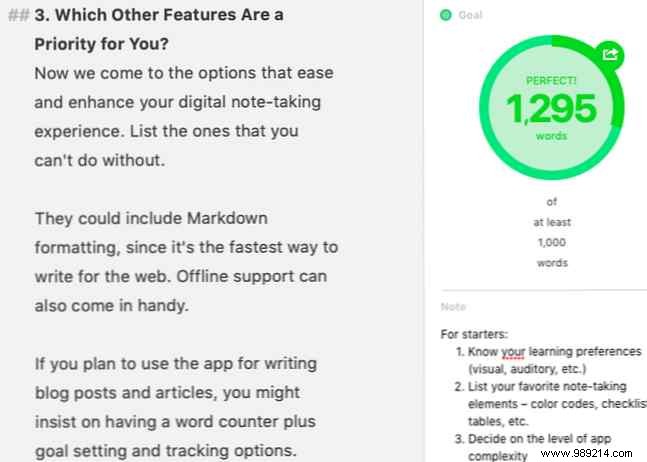
List priorities like Markdown support for quick web writing, offline access, word counts for blogging, cloud sync to safeguard data, customizable text/background, and robust search.
Must-haves for me: Markdown with syntax highlighting, font tweaks (color, style, size), line spacing, toolbar hiding, and subtle gray backgrounds. This eliminated Agenda (no font changes), LiteWrite and Apple Notes (no Markdown/themes).
Avoid mismatch: feature-heavy apps overwhelm minimalists, while bare-bones ones frustrate power users. Define your complexity tolerance upfront.
I sought distraction-free simplicity—hideable toolbars/icons, text-focus, optional sidebar. This axed OneNote, Evernote (overly busy), Agenda, and Simplenote (no sidebar). Ulysses stayed for its adaptable minimalism.
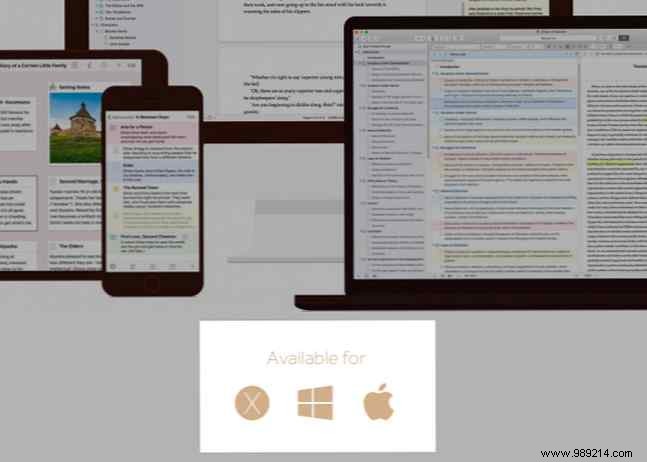
Evaluate web, desktop (Mac/iOS/Windows/Linux), or cross-platform. Compromise only if features align perfectly.
I favored web apps but accepted Mac desktop with optional iOS companion.
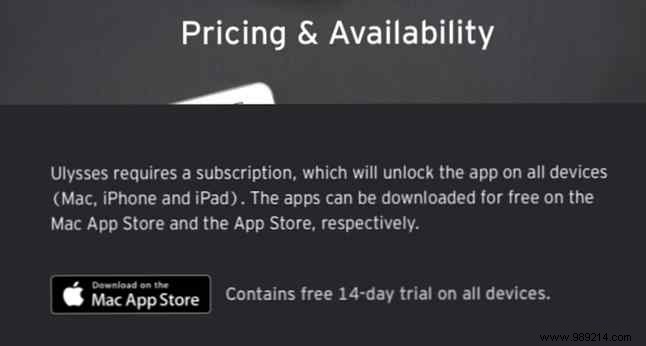
Free? One-time fee? Subscriptions? Open-source? Clarify to refine options.
Free preferred; one-time payments okay, no subs. Bear out; Ulysses (pre-sub) in. Finalists: Ulysses, Writer, nvAlt. After trials, Ulysses' polish prevailed.
The ideal app exists if you define needs precisely—even repurposing Trello or Gmail. Master selection, then accelerate capture with quick note-taking tips for lectures, meetings, and to-dos.
