As a long-time Google Workspace user and productivity expert, I've seen how Google Docs' simplicity rivals Microsoft Word. Yet, for advanced features, add-ons are game-changers. Here are 11 vetted extensions to elevate your experience.
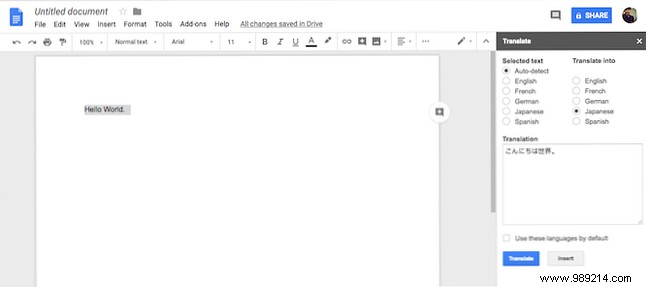
No more switching tabs for translations during collaboration. The Translate add-on handles English, French, German, Japanese, and Spanish seamlessly. Select text, choose languages, and translate instantly. For deeper needs, explore top online translators like Top 10 Online Translators You Can Use in the Real World.
Download: Translate (Free)
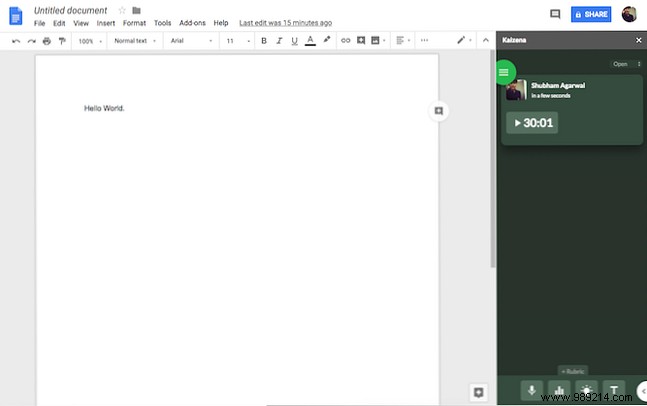
Ideal for educators with Google Classroom integration, Kaizena lets teachers provide voice feedback, attach lessons, and track comments via a timeline. Versatile for any feedback workflow.
Download: Kaizena (Free)
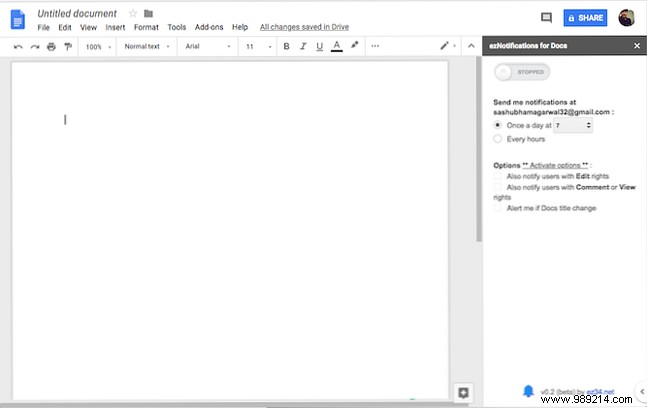
Stay updated on every document edit with ezNotifications. Set daily or hourly alerts listing changes and editors. Essential for team collaboration.
Download: ezNotifications (Free, premium available)
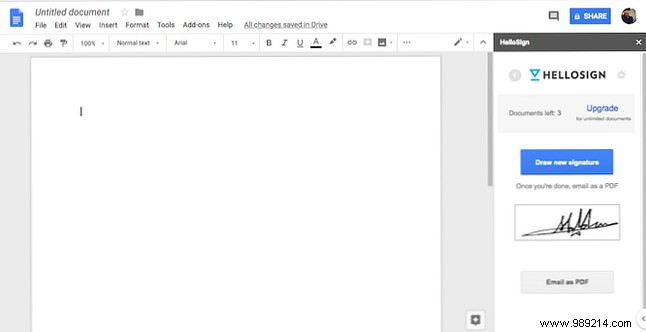
Streamline signing with HelloSign: add resizable signatures effortlessly. Free for 3 documents; premium for more. Alternatives: How to Sign a PDF: Best Electronic Signature Tools.
Download: HelloSign (Free, premium available)
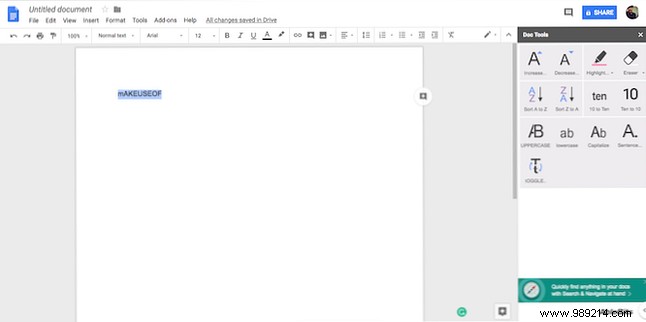
Doc Tools provides 13 shortcuts like case changes, font adjustments, highlighting, and words-to-digits conversion—all free and accessible.
Download: Doc Tools (Free)
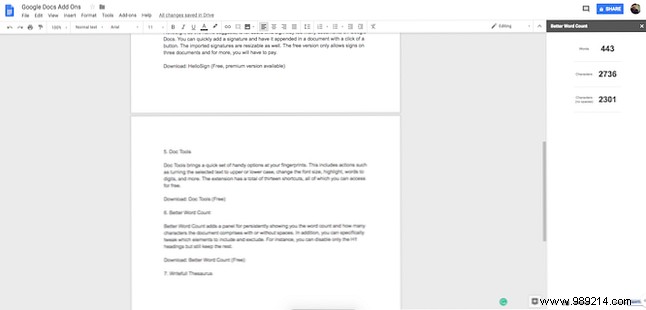
Track word and character counts persistently with customizable exclusions, like skipping H1 headers.
Download: Better Word Count (Free)
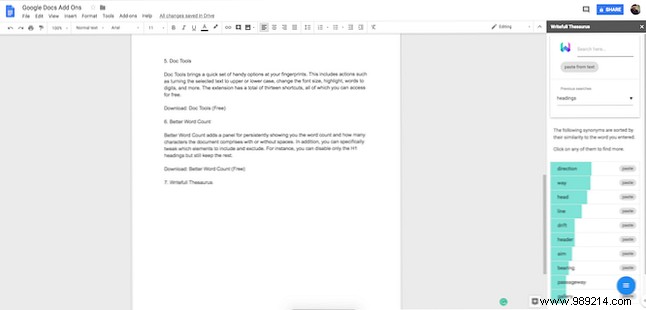
Context-aware synonyms: select a word, get relevant suggestions, and paste replacements instantly.
Download: Writefull Thesaurus (Free)
Bloggers, publish drafts directly from Google Docs. Add tags, categories, post types, and connect multiple blogs.
Download: WordPress (Free)
Designers, import diagrams, mockups, and wireframes from Lucidchart, or edit directly from Docs.
Download: Lucidchart (Free)
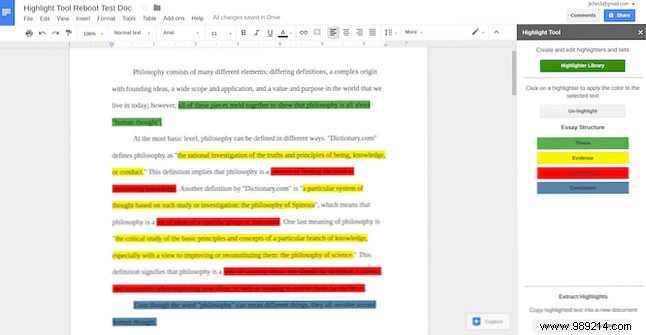
Perfect for research: highlight in colors, export to new docs, and create unlimited classes.
Download: Highlight Tool (Free)
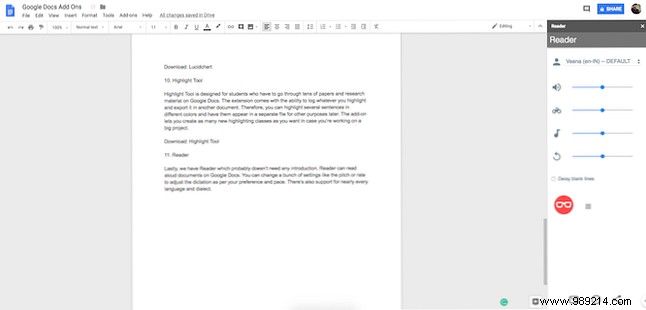
Listen to your docs with adjustable speed, pitch, and support for numerous languages and dialects.
Download: Reader (Free)
Google Docs excels in collaboration but has limits. Check these 5 Great Google Docs Alternatives for more options.
