Our world is increasingly reliant on internet-connected tools, from task managers to cloud storage. While this connectivity enables work from anywhere, it also poses risks when you're offline—whether due to travel, spotty service, or outages.
Unexpected disconnections can derail your day, costing precious hours. Fortunately, many leading productivity apps now offer robust offline capabilities, ensuring you remain efficient. Drawing from years of testing and reviewing these tools, here are 10 standout options that keep you productive no matter your connection status.
Any.do is a comprehensive task management app ideal for organizing to-do lists and calendars. It includes a virtual assistant to help you stay on track daily.
The Premium version, at $2.09/month, unlocks real-time collaboration, location-based reminders, and customizable recurring tasks.
Offline, Any.do shines: synced tasks are fully accessible on your device, and changes sync automatically once you're back online.
Salesforce, the leading web-based CRM, provides strong offline support when caching is enabled by your admin.
Limitations apply offline—no new contacts or tasks, no search filters, no note images, or community access—but core functions remain available.
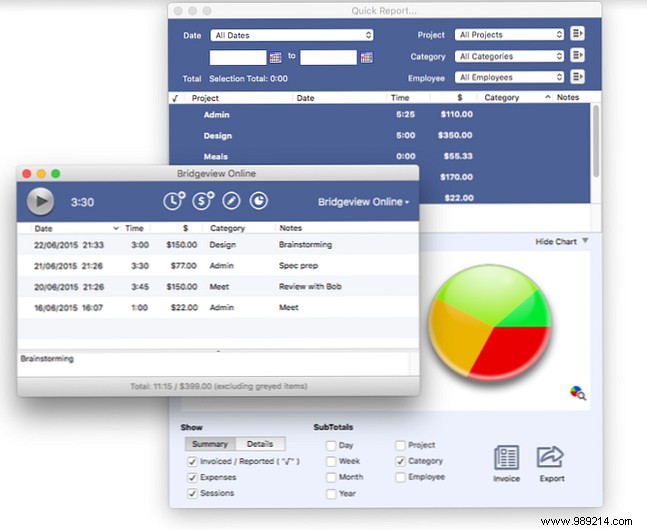
OfficeTime excels for freelancers and small business owners tracking billable hours and expenses. It auto-generates invoices and offers insightful charts to analyze time usage.
Fully functional offline, it records time and manages projects seamlessly, syncing changes upon reconnection. Costs a one-time $50 fee, with a 21-day free trial.
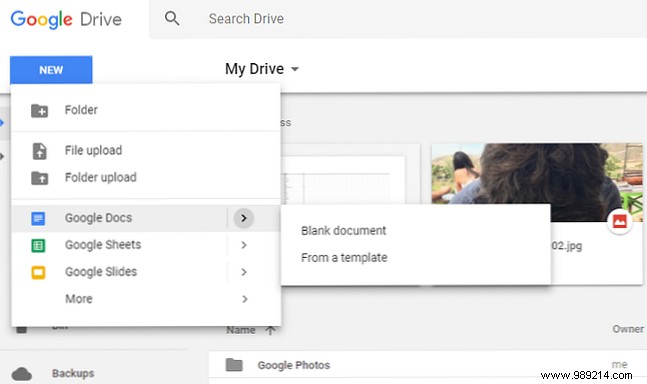
An essential for consumers, educators, and businesses, Google Drive integrates Docs, Sheets, and Slides. Mark files for offline access to edit and view without internet.
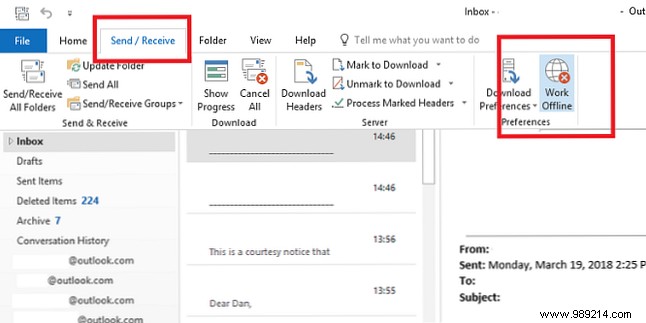
Though webmail dominates, Outlook's desktop app stores a local email copy, granting full access offline. Queue sends and receives for automatic processing upon reconnection.
Note: Outlook Web App also supports offline mode.

Trello's Kanban boards streamline project management and task organization, as used by teams worldwide.
Since 2017, mobile apps support offline board access: create/edit cards, assign members, add details—all syncing later.
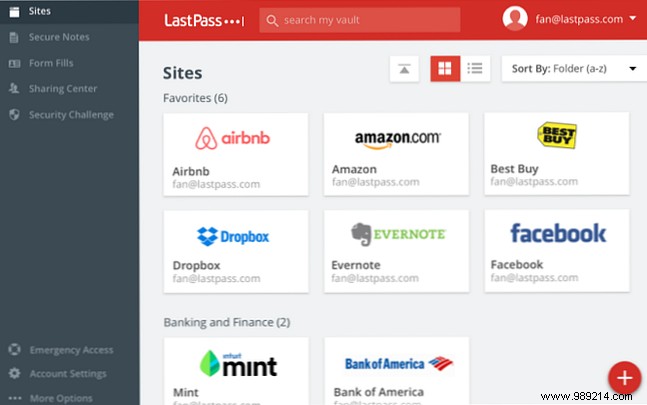
Password managers like LastPass are security staples, generating complex credentials without memorization needs.
Offline access to your encrypted Vault is available after initial login. LastPass Pocket provides dedicated offline support on Windows/Linux.
Evernote, alongside OneNote, leads note-taking apps with versatile organization.
Offline access varies: desktops offer full local copies; mobiles show titles/snippets by default (full notes require Plus/Premium).
Pocket surpasses browser bookmarks by saving web content for offline reading—perfect for flights or commutes. Preload articles to consume anytime.
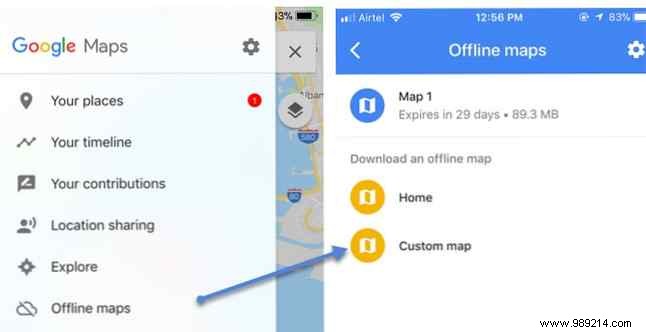
Google Maps' offline mode requires prep: On Android/iOS, go to Settings > Offline maps > Select your own map, adjust the area, and Download. Access via Settings > Offline Maps.
These apps highlight how modern tools prioritize offline access, crucial for frequent travelers or remote workers.
If your go-to app lacks this, explore alternatives on our site for tailored solutions.
