At work, does your mind wander to the endless tasks waiting at home or elsewhere?
When worries about errands, chores, or shopping distract you from the present, overwhelm sets in. This is often a clear sign of poor time management. The good news? Proven tools can help you regain control, stay focused, and boost productivity.
Great organization software lets you work smarter, not harder. For Windows users, explore 6 Simple Time Management and Productivity Apps for Windows that transform how you handle daily demands.
Effective time management is key to productivity. Tools like those in our guide to the 9 Best Time Management Tools to Stay Organized are versatile for business or personal use, helping you maximize every day.
Plan errands like banking, post office visits, or refueling without guesswork. Visualize your day or week to stay ahead.
A calendar is a straightforward way to oversee your schedule. Google Calendar excels with intuitive features. Discover more in 9 Google Calendar Features You Should Be Using.
Access it on web or mobile for day, week, month, or 4-day views. Quickly add tasks and set reminders. Share calendars with family for errands like vet visits or grocery runs. Create appointment slots for others to book your available time.
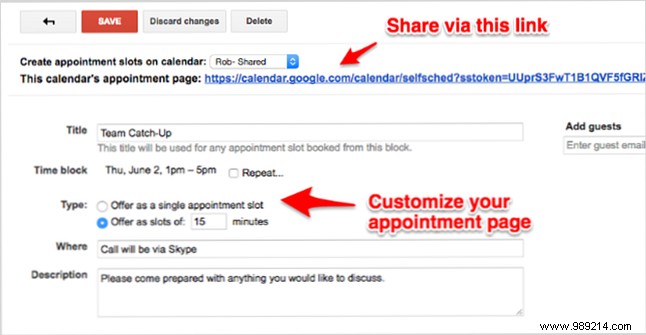
Enhance management with daily email agendas, appointment countdowns, color-coding, and recurring events.
For task lists, Wunderlist shines across web, desktop, and mobile. Add errands swiftly and set reminders.
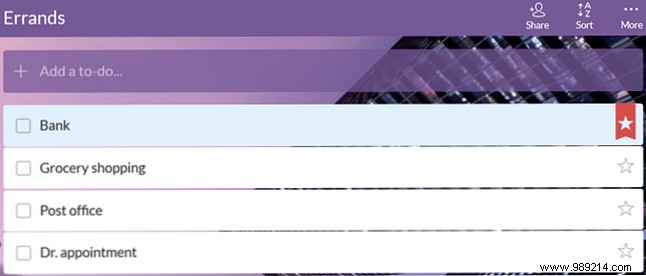
View your day or week at a glance, check off items, and share via print or email. It integrates seamlessly with Cortana—see Your Best Windows 10 To-Do List App Is Cortana + Wunderlist.
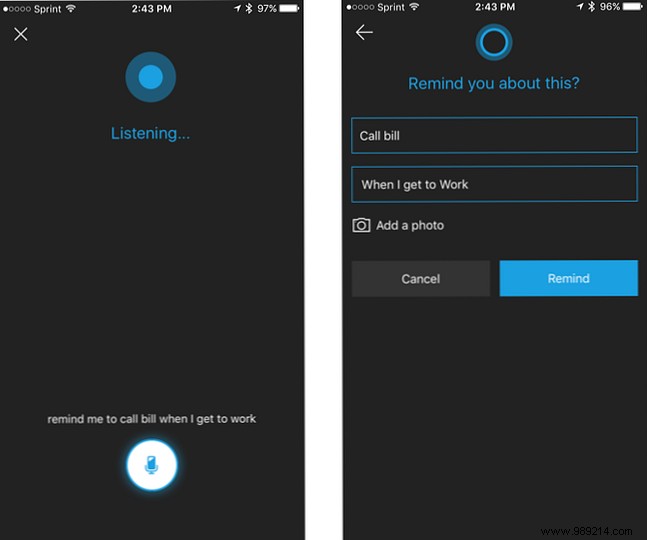
Tech advancements make it easy to remember tasks by location. Set alerts for home arrival (take out trash) or work (schedule meetings). Tools like How to Add Photos as Reminders Using Cortana elevate this further.
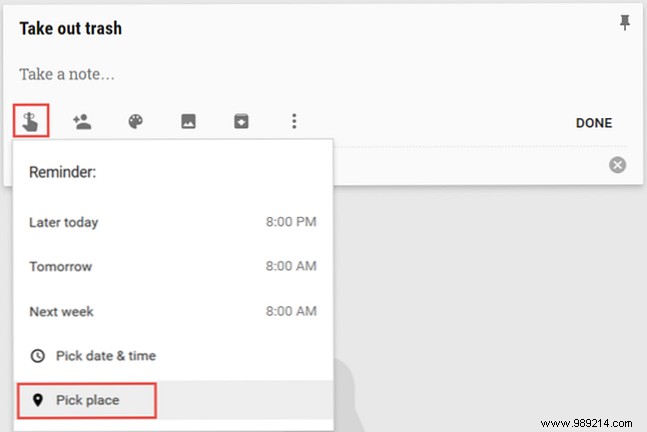
Google Keep supports location, date, and time reminders on Android/iOS. Learn tips in 4 Tips and Tricks for Google Keep for Better Notes, Lists, and To-Dos.
Create a note, tap the reminder icon, add a location, and save. Get notified upon arrival—web access adds flexibility.
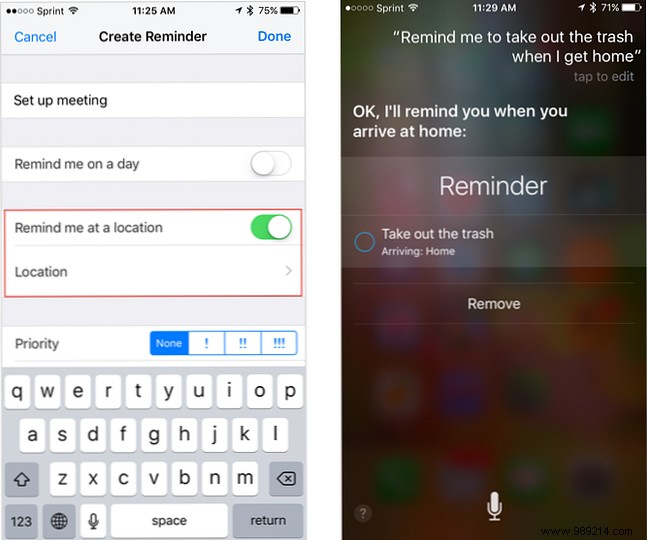
On iPhone, use the Reminders app: tap More, enable 'Remind me at a place,' add address. Or tell Siri directly.
Cortana handles location reminders: state the task and place, choose arrive/leave.
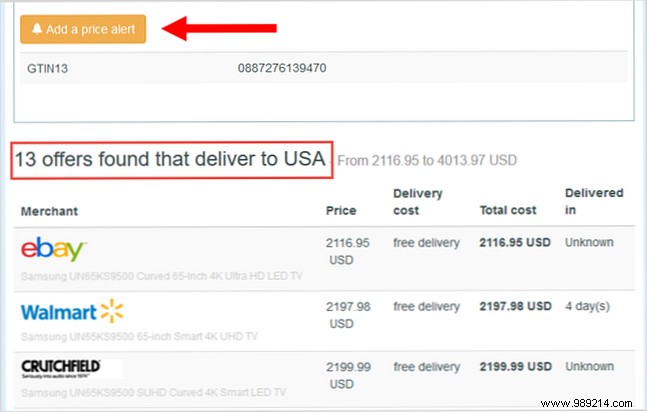
Avoid shopping distractions with alerts for price drops. Browser extensions keep you productive. Tips in 5 Helpful Tips to Save Money on Your Online Shopping.
This extension flags lower prices on product pages, lists alternatives, and sets alerts. Free account required. Supports major browsers, US, and Europe.
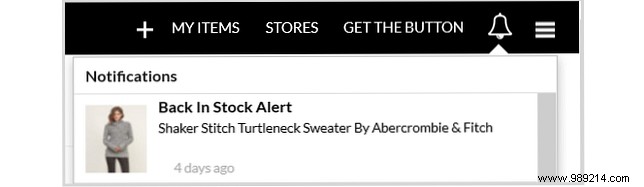
Add items to wishlists for sale or stock alerts. Free account tracks across 500+ stores like Amazon. Quick shop access saves time.
For quick reminders, timers excel. See Need More Time? Try These 7 Remarkable Chrome Timer Extensions.
Chrome extension: toolbar click sets countdown. Custom alerts, badge timer, fullscreen, visual notifications.
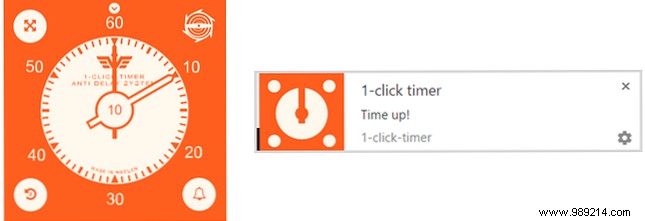
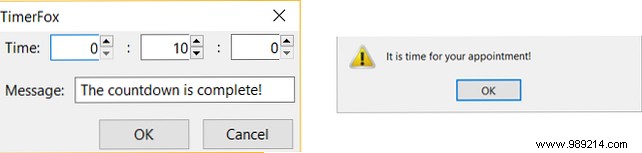
Firefox basic timer: set H/M/S, add message. Popup and sound alert.
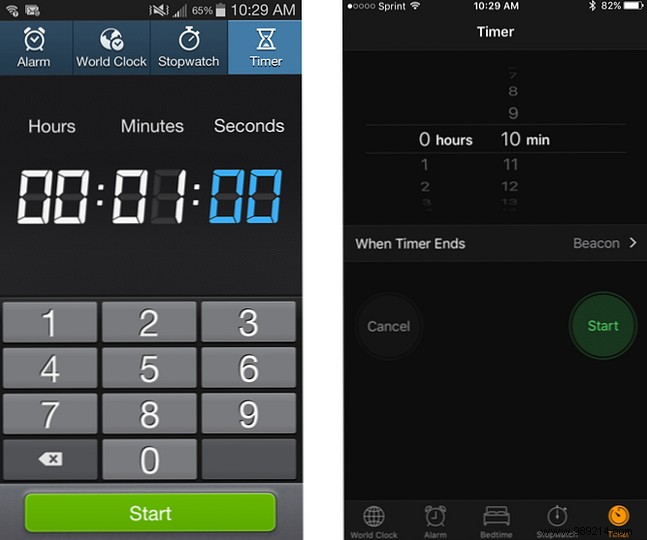
Use built-in clock apps on Android/iOS for timers or alarms.
In our busy world, staying focused amid distractions is challenging. What tools help you avoid overwhelm? Share in the comments below!
