Signing PDFs the old-fashioned way—printing, inking by hand, and scanning—is time-consuming and inefficient. Electronic signatures provide a seamless, paperless solution. Are they legally binding worldwide? Yes, in most jurisdictions, including under the U.S. ESIGN Act, EU eIDAS, and similar global laws, provided they meet basic requirements like intent and consent. For critical documents, consult local regulations to ensure compliance.
Need to sign a contract, form, or agreement? Our expert-tested guide covers the best free and paid tools to add e-signatures to PDFs from your desktop or mobile device.
This browser-based tool lets you sign or edit up to three PDFs monthly for free—perfect for occasional use. No downloads required.
Click the orange Choose PDF to edit button, upload your file, then select Signature from the left menu (create a free account if needed).
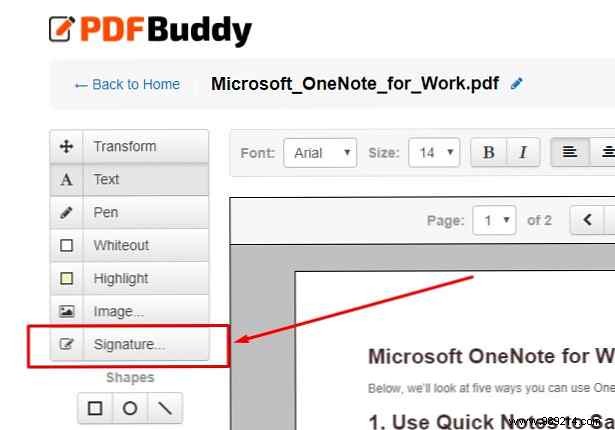
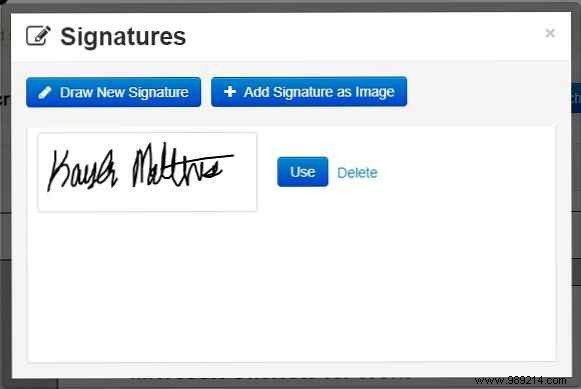
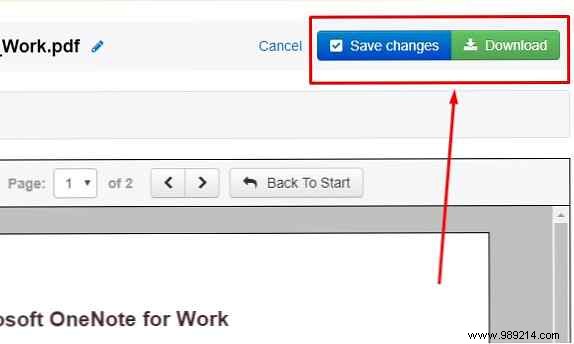
Upload an image, draw your signature, or reuse a previous one. Position it precisely, then hit Save Changes and Download.
Pros: Simple, no install. Cons: No mobile app. Use: PDF Buddy (Free)
Now part of Dropbox, HelloSign delivers bank-grade security and cloud integration with Google Docs, Dropbox, and OneNote. Sign via browser or mobile.
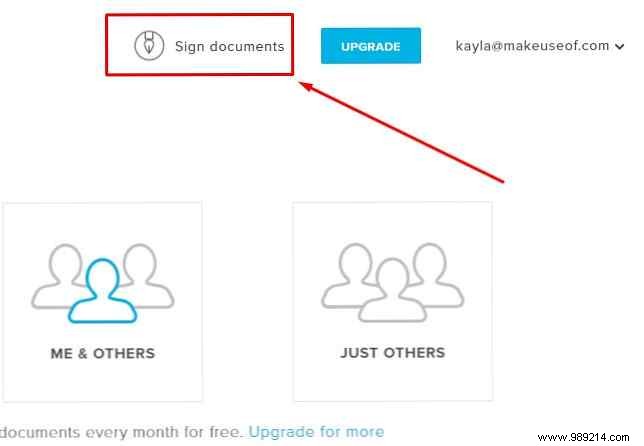
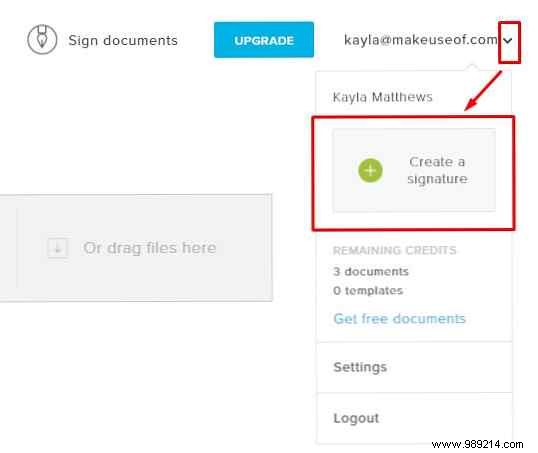
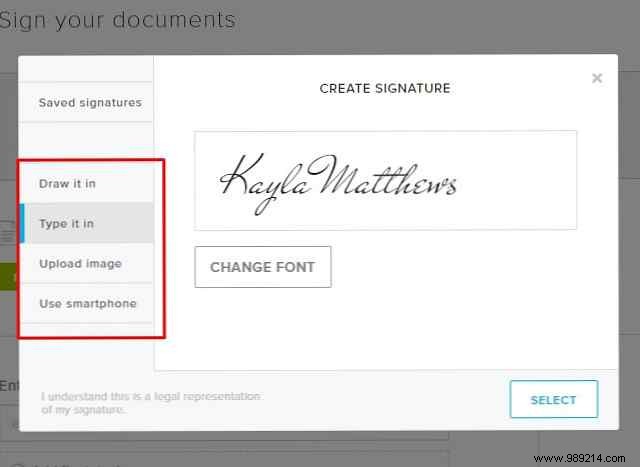
Log in, select Sign documents > Only me. Create a signature via the profile menu.
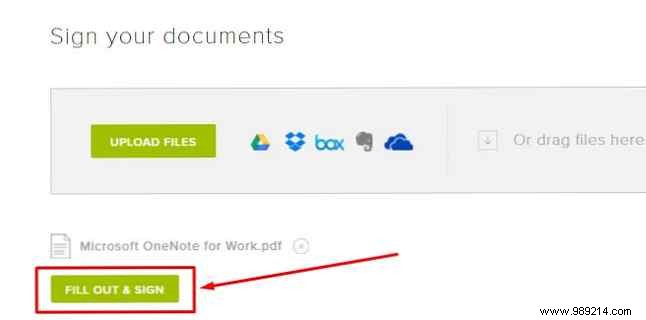
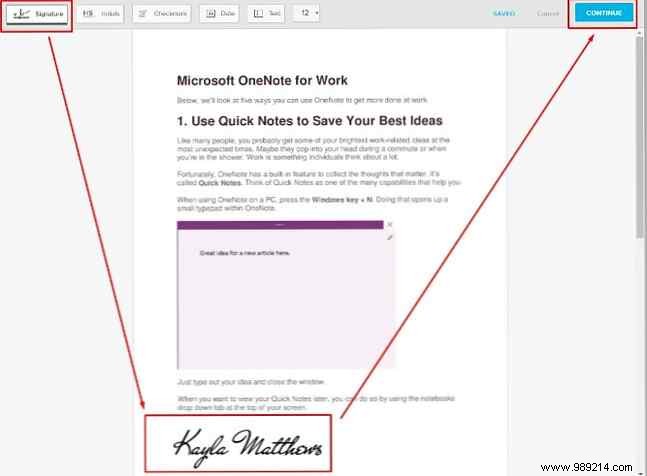
Upload PDF, click Fill & Sign, insert and position your signature, then Continue to save.
Mobile: Open PDFs in the app for intuitive signing. Access signed docs anytime via your account. Download: HelloSign for iOS | Android (Free up to 3 docs/month, Premium from $13/month)
Part of Smallpdf's robust PDF suite, eSign offers secure editing with 256-bit SSL and auto-deletion after one hour.
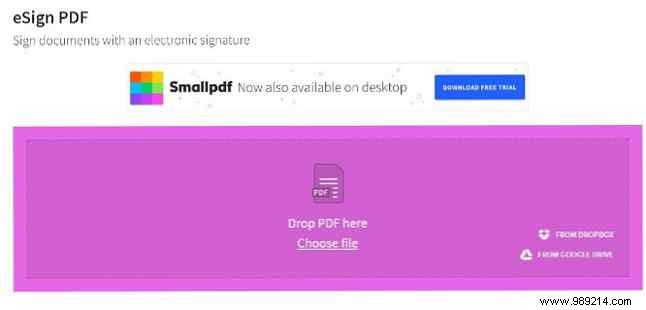
Drag your PDF or click Choose file (integrates with Dropbox/Google Drive).
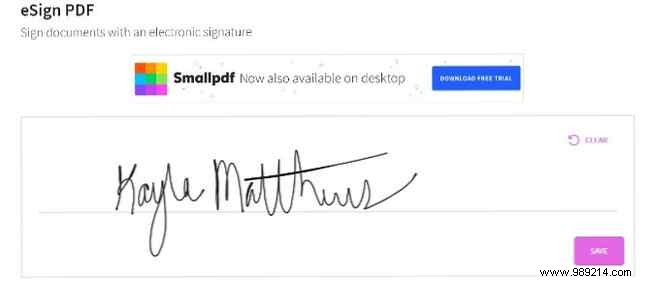
Draw your signature—it auto-smooths for polish—then save and apply to the document.
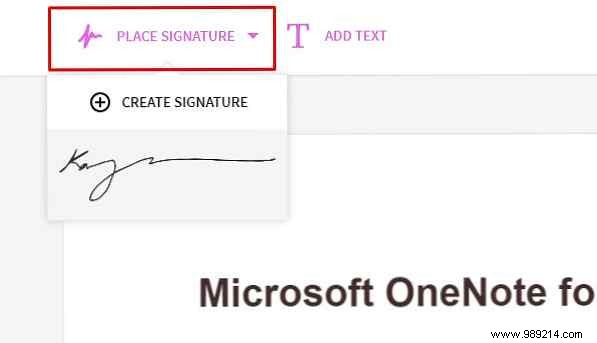
Resize, position, and download in under a minute. Browser-only (desktop app trial available). Use: Smallpdf eSign (Free)
The gold standard for professionals, Acrobat Pro handles signing, editing, page reordering, and password protection across PC, Mac, and mobile.
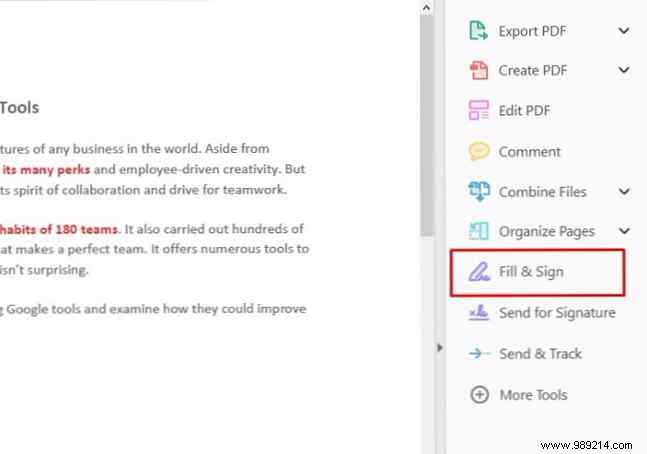
Costs $14.99/month (free trial). Go to Forms and Signatures > Fill & Sign > Sign.
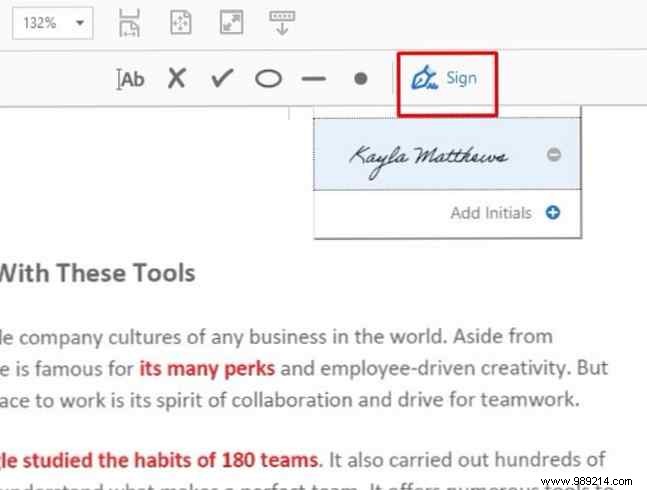
Import or draw signature, position, and save. 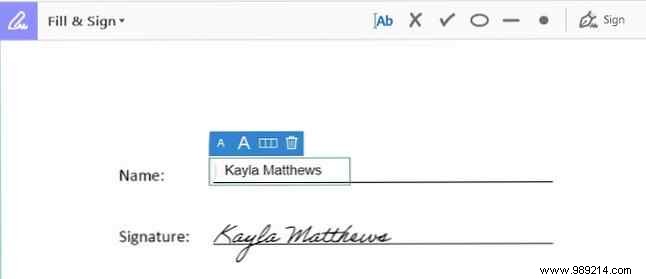
Best for heavy users. Download: Adobe Acrobat Pro DC ($14.99/month)
Download: Adobe Acrobat Reader for iOS | Android (free with Pro access)
iOS app for signing PDFs with annotations and password protection for files/app.
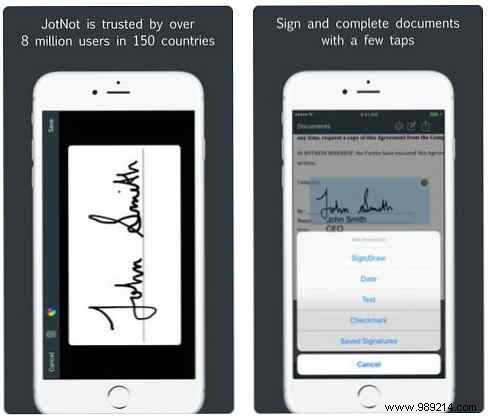
Access saved signatures, add new ones, share via email/iCloud. Ideal for quick mobile tasks. Download: JotNot Signature for iOS ($4.99)
Browser/mobile tool with legally valid signatures. Tap signature field, choose type/text/draw/upload.
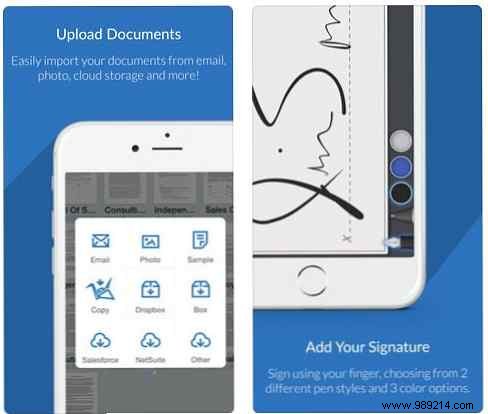
Save as default. Annual billing post-trial ($5/month). Versatile for personal use. Download: SignNow for iOS | Android ($5/month)
From browser-based freebies to pro suites, options abound. Choose based on frequency: free for occasional, paid for volume/features. We've tested them all—start with your needs.
