Following Evernote's recent price increases, many paid subscribers—and even free users limited to two-device syncing—are switching to Microsoft OneNote.
If you're an experienced Evernote user ready to migrate your notes to OneNote, this guide has you covered. Drawing from years of testing both apps, we'll explore key differences, provide step-by-step migration instructions for Windows and Mac, and address common concerns.
While Evernote isn't currently in dire straits, recent events raise eyebrows: the CEO's resignation last year, 13% staff layoffs, and the shutdown of Evernote Food. Long-time users are understandably concerned.
Evernote has made strides—a redesigned Windows app, enhanced Android camera features, and Mac updates—but it still feels clunky, buggy, and slow to sync. These issues drive users toward smoother alternatives like OneNote.
Evernote and OneNote share core features like cross-platform support and integrations, but nuances matter. For a detailed comparison, check our Evernote vs. OneNote: Which Note-Taking App Is Right For You? guide.
Assuming you're familiar with Evernote, here's how OneNote stands out:
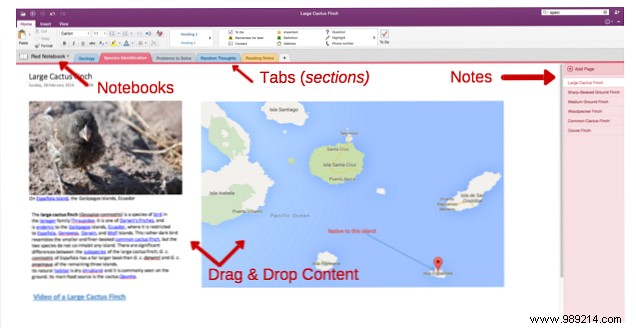
User Experience: OneNote delivers a sleek, intuitive interface familiar to Microsoft Office users—far more polished than Evernote's.
Organization: Ditch flat folders; OneNote emulates physical notebooks with tabbed sections containing individual pages.
Individual notes shine with flexible layouts: drag text, images, tables, and videos freely for custom designs. See 12 Tips for Taking Better Notes with Microsoft OneNote or How Darwin Would Use OneNote for inspiration. OneNote also packs under-the-radar gems—explore 7 Little-Known OneNote Features You'll Love.
I've switched users who initially resisted; most adapt within a week and prefer OneNote's power.
After evaluating options like Simplenote, Google Keep, DEVONthink, and Quip, OneNote reigns supreme—especially for Windows users. It's feature-rich and free. Dive deeper in The Best Evernote Alternative Is OneNote (And It's Free).
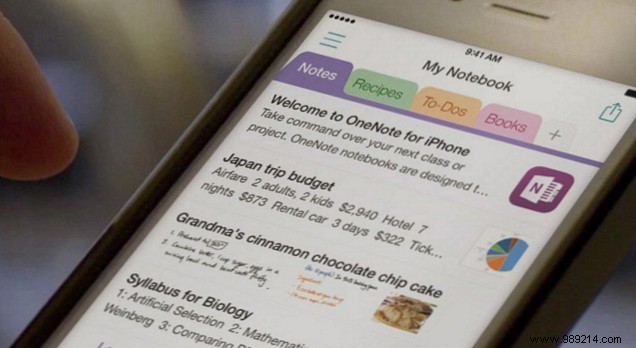
Others fall short: Google Keep feels temporary, DEVONthink organizes files more than notes, Quip suits teams. For robust, free note-taking on Windows, OneNote excels.
OneNote's Windows version is feature-packed, but Mac misses some: custom tags, templates, direct printing, and Spotlight search (iOS supports it). Details in The Essential Guide to OneNote for Mac.
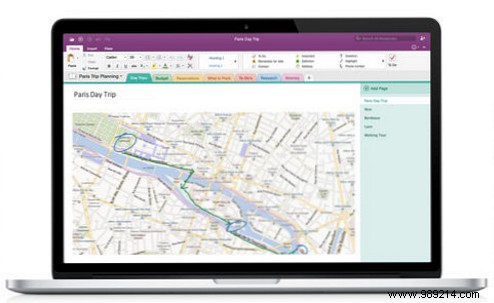
If these aren't deal-breakers, OneNote works well on Mac—see Is OneNote for Mac a Viable Evernote Alternative?.
Ready? Here's how.
Microsoft's free OneNote Importer simplifies it—no third-party tools needed. Full tutorial: Export Your Notes from Evernote to OneNote for Free Premium Features.
Notebooks become notebooks, notes become pages, and tags transfer optionally. Formatting like links preserves, but spacing may need tweaks.
Update: OneNote Importer now supports Mac—covered in How to Migrate Evernote to OneNote on Mac Easily.
Previously, use a Windows PC or virtual machine (guides: 4 Ways to Get Windows on Your Mac). Sync afterward.
Long-time Evernote users, here's how to handle workflows.
Keep your account; back up first. You might return.
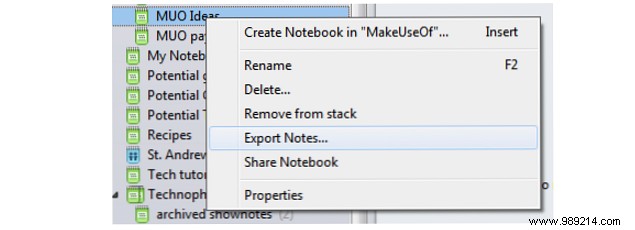
OneNote's clipper handles full pages/articles but lacks deep annotation. Still powerful.

Many transfer; browse OneNote options.
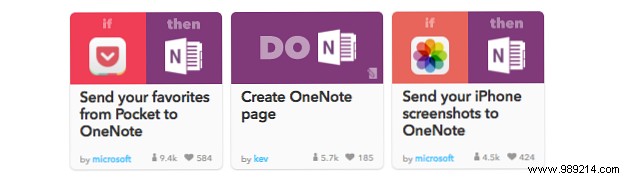
Use IFTTT or Feedly Pro.
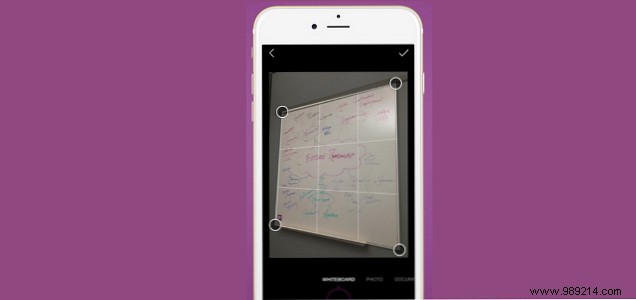
Built-in, plus Office Lens for enhancements.
This covers the essentials for a smooth switch. Evernote and OneNote overlap but differ—OneNote's canvas grows on you. Most users end up loving it.
Try OneNote and share: Do you prefer it over Evernote?
