With countless writing apps available online, selecting the right one boils down to your specific needs and preferences—from simple text editing to full-featured novel writing or classic word processing.
We've tested and compared the best free web-based word processors to help you choose. These tools excel in accessibility, collaboration, and core functionality, drawing from years of hands-on experience with productivity software.
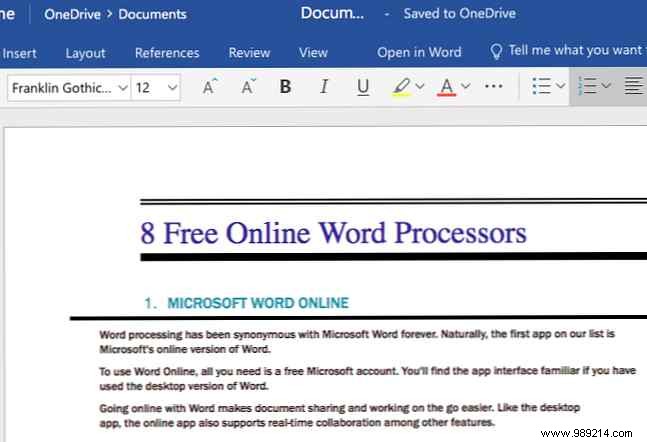
Microsoft Word has long defined word processing, and its free online version upholds that legacy. Sign in with a free Microsoft account for a familiar interface mirroring the desktop app.
Perfect for sharing and mobile editing, it supports real-time collaboration. While lighter than the desktop edition—lacking split views or custom styles—it handles DOCX natively and views/edits other Office formats.
Visit: Microsoft Word Online
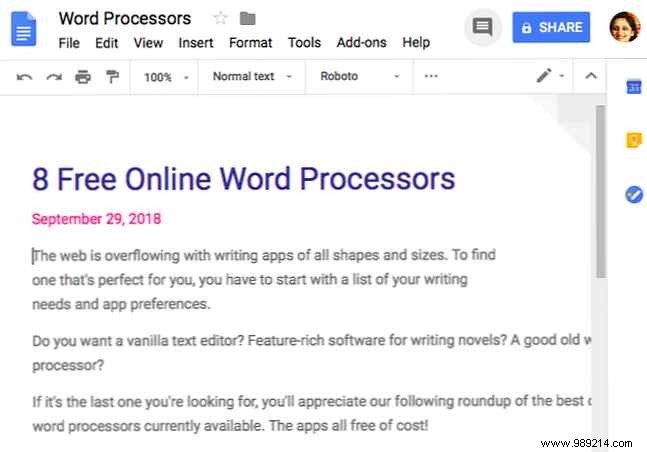
Google Docs delivers versatile document creation anywhere, with essential tools plus templates, version history, and effortless sharing. Real-time comments, editing, and auto-save keep you productive without manual intervention.
Add-ons enable e-signatures, charts, mind maps, and more. It outshines Word Online with a sleeker interface, superior collaboration, and free voice typing.
Visit: Google Docs
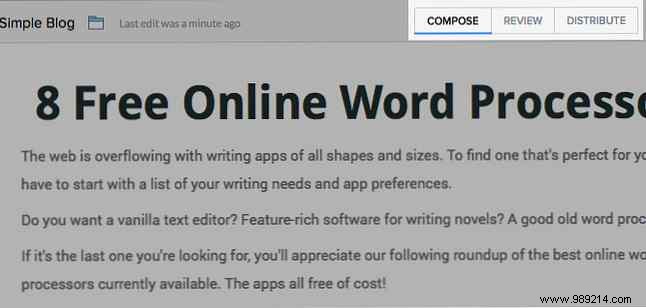
Zoho Writer rivals top competitors with robust editing, collaboration, and stage-specific views for a distraction-free experience—showing only relevant tools.
Save to Zoho Docs by default or integrate with Google Drive, Dropbox, and OneDrive. In our comparisons, it consistently performs at the highest level.
Visit: Zoho Writer
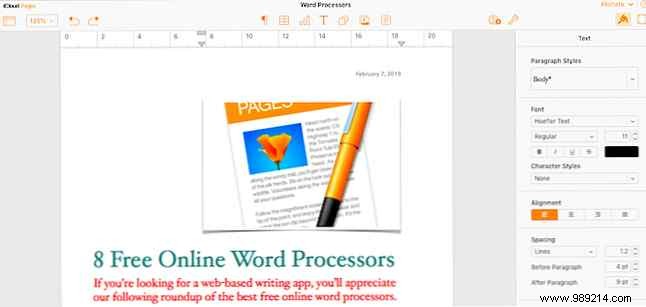
Ideal for Apple users, Pages for iCloud syncs seamlessly as part of iWork. No Mac required—just a free iCloud account works anywhere.
Its clean, intuitive design supports real-time collaboration, though collaborators need iCloud accounts. A strong choice if that fits your workflow.
Visit: Pages for iCloud
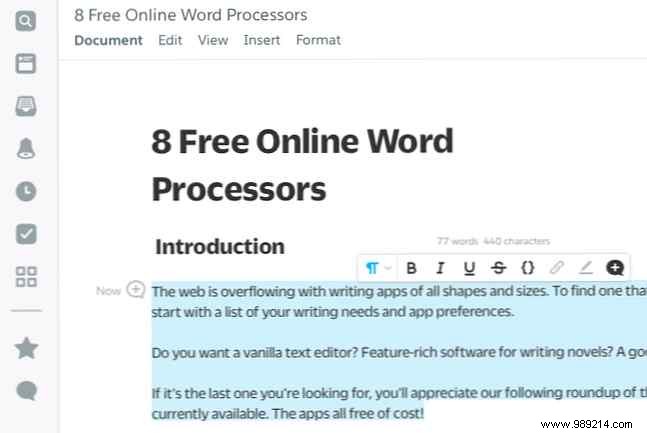
Quip's unique structure may feel fresh, but its minimalist interface eases the transition. Start with built-in templates or insert checklists, calendars, Kanban boards, and project trackers into blank docs.
Contextual formatting appears on text selection. Free for personal use with unlimited docs; team collaboration requires a paid plan.
Visit: Quip
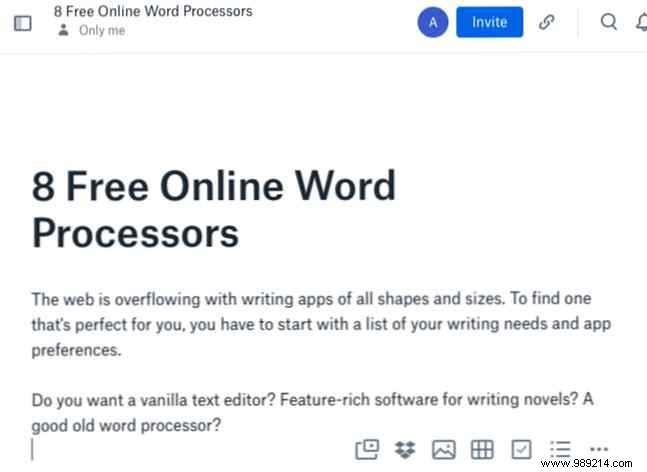
Dropbox Paper shines with tight Dropbox integration—documents don't consume storage quotas. Markdown support speeds web writing, alongside unlimited docs/versions, rich media embeds, and collaboration tools.
Visit: Dropbox Paper
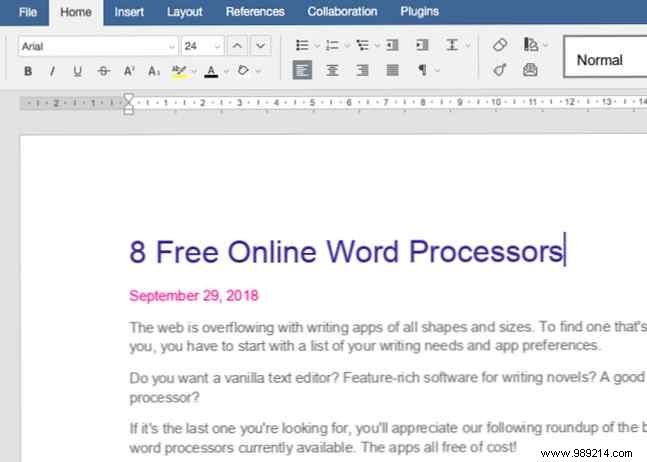
This open-source editor punches above its lesser-known status, mimicking Microsoft Word's design and features. Upload from your device or clouds like Google Drive/Dropbox.
Real-time collaboration works with anyone, not just ONLYOFFICE users—a key advantage.
Visit: ONLYOFFICE Document Editor
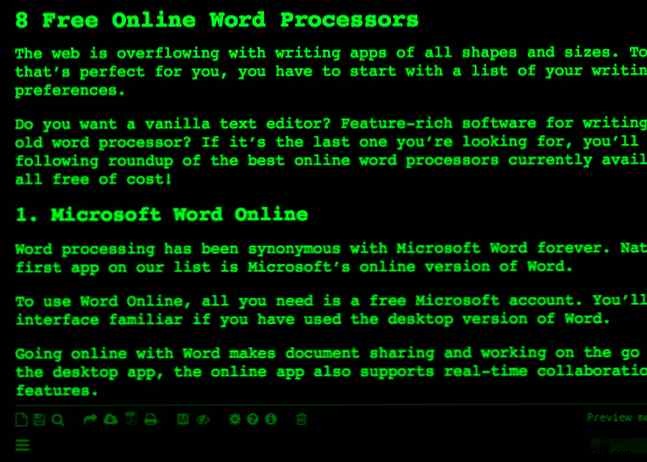
Unlike rich-text peers, Writer focuses on distraction-free plain text editing—toolbar-free until summoned. Enjoy auto-save, offline support, unlimited docs, word counts, and Markdown formatting/previews.
Export to TXT, PDF, HTML, or publish directly to WordPress/Tumblr. Customize themes for comfort.
Visit: Writer
Free online word processors may lack some desktop advanced features, but they handle most tasks reliably. The right fit depends on your feature needs—these options deliver.
While exploring, check out browser-based writing tools like the 13 essential ones for organization and creativity. Don't miss them!
