Microsoft PowerPoint is the gold standard for crafting professional presentations. Whether you're preparing a business pitch, educational lecture, or team update, polished slides can make all the difference. This in-depth comparison draws from extensive hands-on experience with both tools to help you weigh PowerPoint Online (free web version) against PowerPoint 2016 (desktop app). We'll cover access, features, and costs so you can choose confidently.
Here's a detailed breakdown to determine the best fit for your workflow.
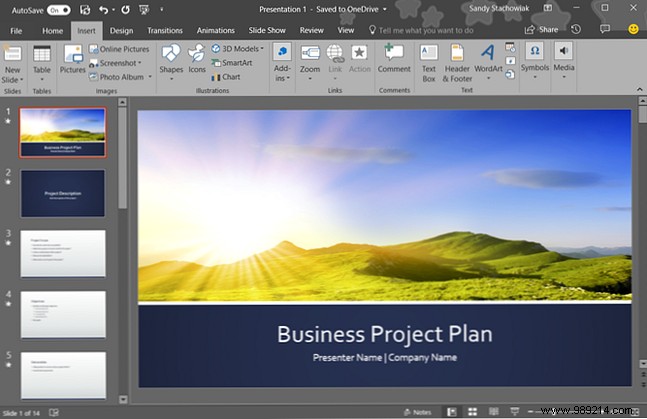
For PowerPoint 2016, simply install the app on your Windows or Mac device and launch it. It's available for a one-time purchase of $100, or consider bundling with Microsoft Office or the subscription-based Office 365 for more apps and cloud features.
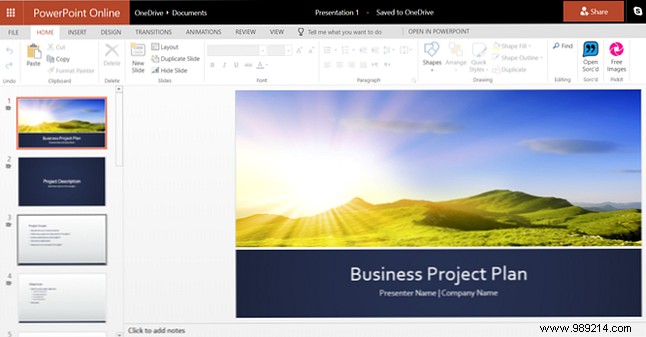
PowerPoint Online is free and browser-based: just sign in with a Microsoft account at office.com. No installation needed, and you can also access Word and Excel Online with the same account.
Beyond access and pricing, feature sets vary significantly—crucial for deciding based on your presentation complexity.
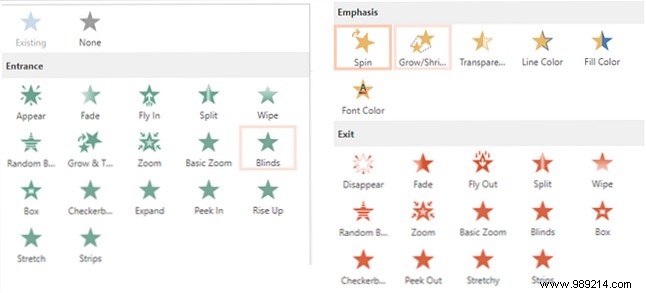
PowerPoint Online offers basic transitions and animations, suitable for straightforward decks.
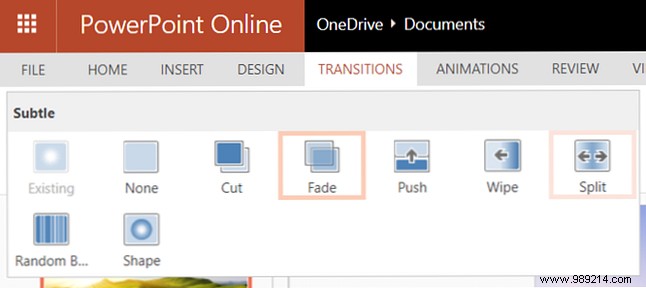
Online: Seven subtle options like fade, push, and wipe.
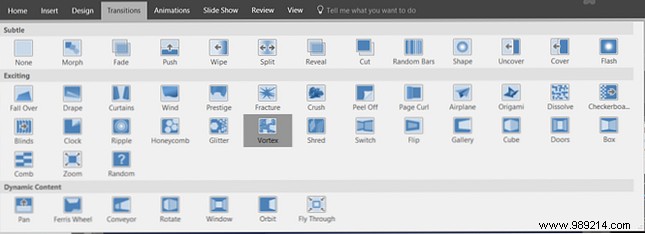
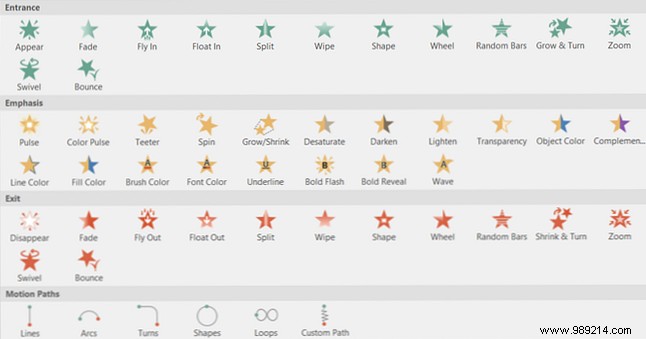
PowerPoint 2016: Dozens across subtle, exciting, and dynamic categories, including blinds, fly through, and vortex for dynamic effects.
Online: Lead-in, emphasis, and lead-out effects like stretch, rotate, and split.
PowerPoint 2016: Similar categories with extras like more emphasis options, motion paths, and triggers—ideal for advanced timing.
PowerPoint Online lacks advanced editing: no image compression/cropping, video bookmarking/fading, or audio trimming/fading.
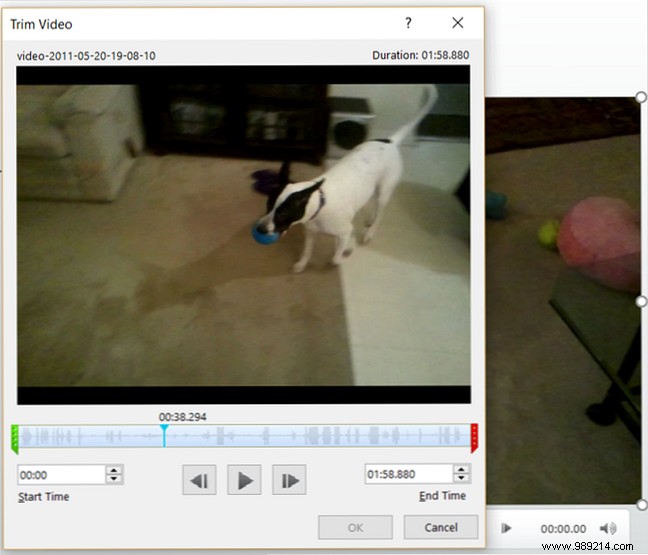
PowerPoint 2016 includes all these tools, plus seamless YouTube embedding for richer multimedia presentations.
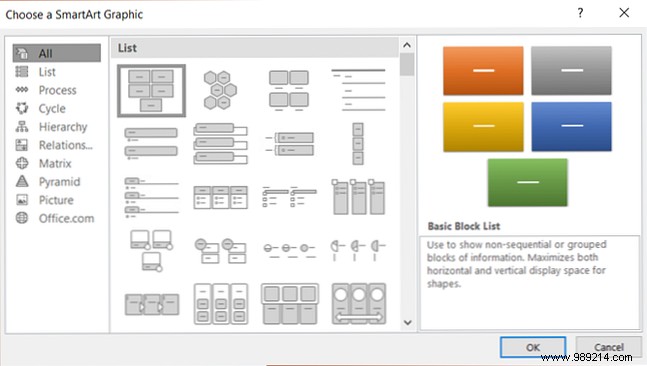
SmartArt and charts elevate data visualization.
Online: 50 basic options.
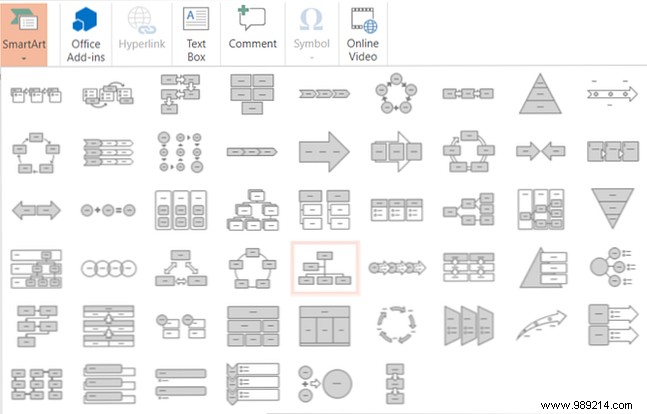
PowerPoint 2016: Hundreds categorized (e.g., 40+ relationship types like radial clusters).
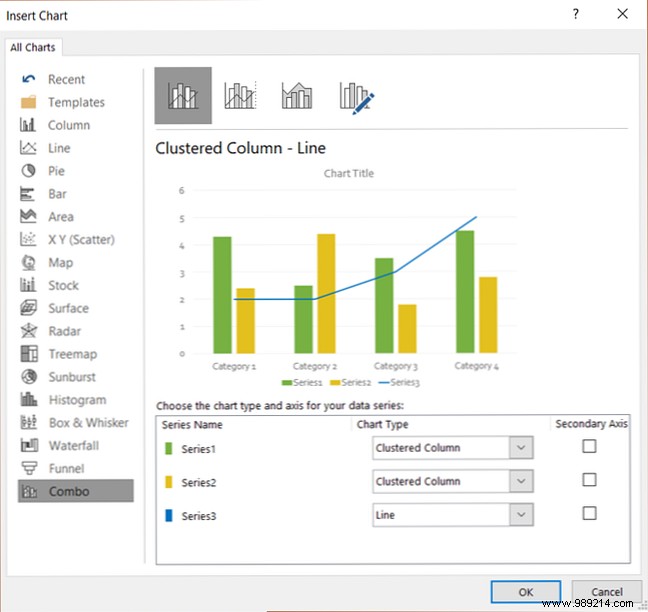
Online: No chart support.
PowerPoint 2016: 20+ types (pie, column, etc.) with styles like 3D or stacked.
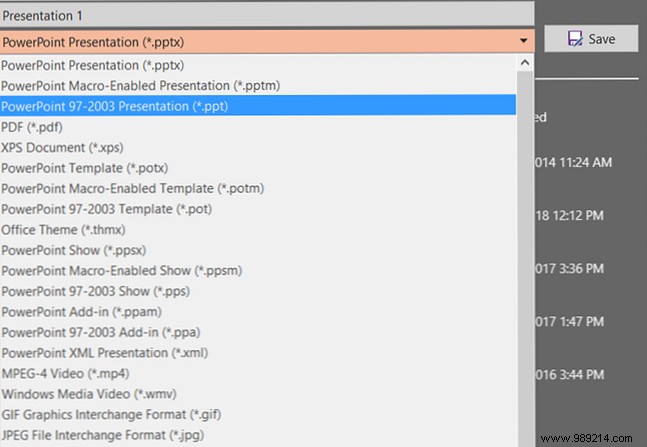
Online: Auto-saves to cloud; export as PPTX, PDF, or ODP.
PowerPoint 2016: Auto-save option; supports PPTX, images, video, PDF, ODP, and more.
PowerPoint 2016 adds RTL language support, customizable shortcuts, and export options—absent in Online.
Assess your usage: occasional simple slides? Go Online. Frequent, feature-rich presentations? Invest in 2016. Balance needs against cost for the right pick.
Ready to decide? Test PowerPoint Online today and elevate your skills with proven tips.
