Google Docs has revolutionized how we create and collaborate on documents. As a productivity specialist with years of experience optimizing workflows for teams and individuals, I've relied on these quick tips to streamline my daily tasks. Here are 10 proven shortcuts and features that deliver massive time savings—most take just seconds to implement.
Start fast: Access Google Docs directly from the app launcher when signed into other Google products. Click the Application Launcher and find Docs in the More section.
Search for specific files or folders in Google Drive or the home screens of Docs, Sheets, and Slides by typing a word or phrase in the top search box. Use the dropdown arrow for refined options:
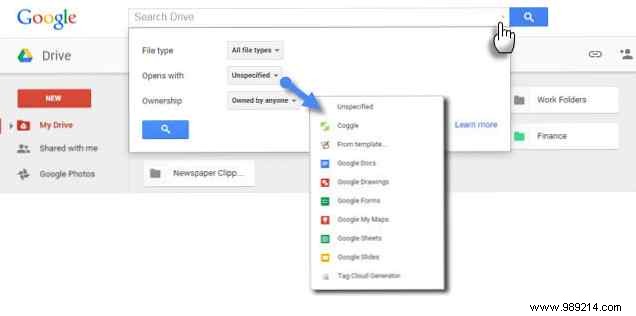
Refine further with exact phrases or Boolean operators (like "OR"). Speed tip: Press / (slash) to jump to the search box. Check Google's support pages for full search operators, including the trash folder.
Google Docs menus are packed with options. Press Alt + / to open the menu search, type what you need, and it launches instantly.
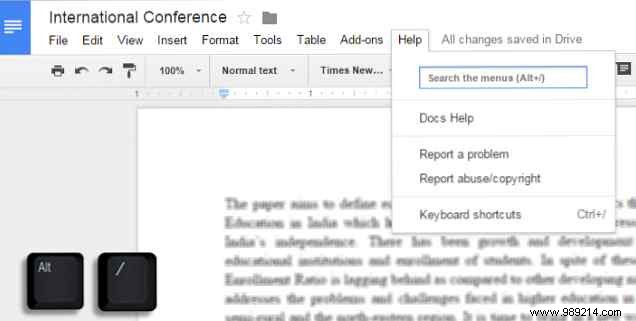
This also uncovers lesser-known editing tools.
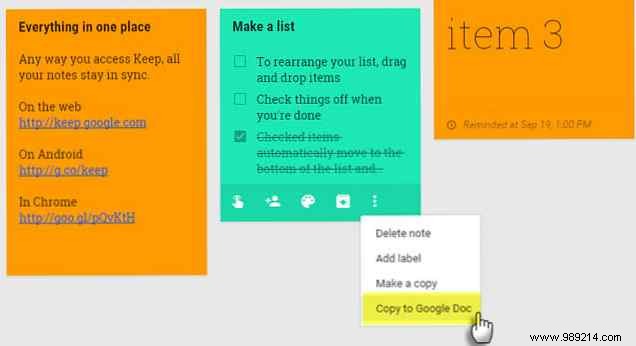
Capture quick notes in Google Keep, then create a Google Doc with one click for expansion and polishing—perfect for students and writers.
Install the free Tag Cloud Generator add-on via Add-ons > Get add-ons for documents over 50 words. It generates a word cloud in a sidebar panel—refresh as you edit.
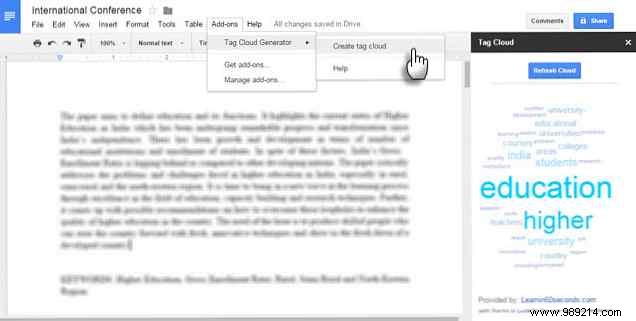
Works with Sheets too; great for spotting overuse or themes.
Use the built-in Explore tool (Tools > Explore) to research without leaving your Doc. Cite in MLA, APA, or Chicago; insert quotes, images, or tables.
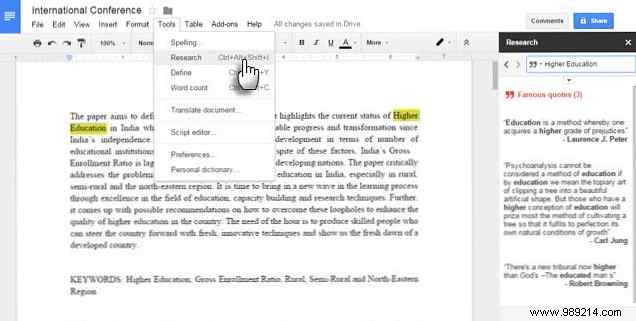
Filter by Drive files for personal data.
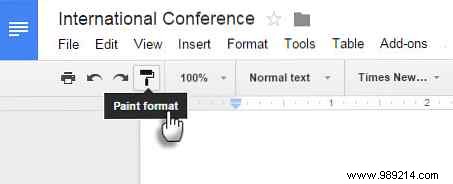
Format text, then double-click the Paint format roller icon to apply it across non-contiguous selections.
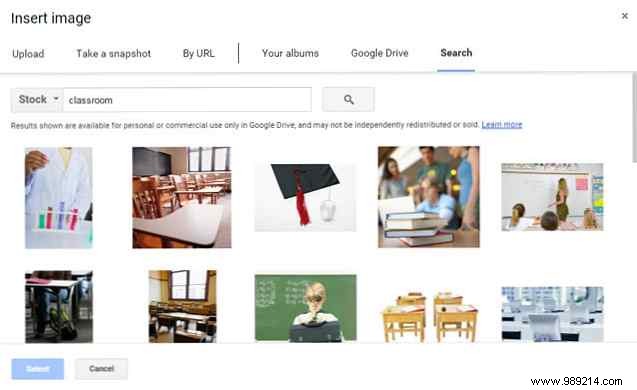
Search Google Images, LIFE archives, or Getty stock directly in Docs. LIFE photos allow commercial reuse with mods; insert by URL for reliability.
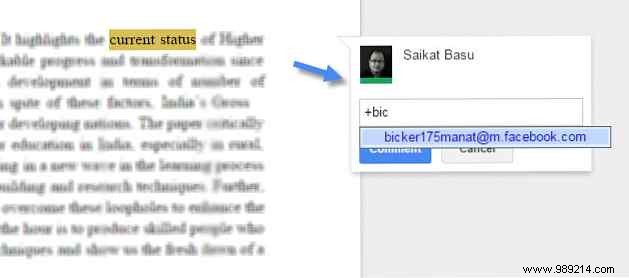
In a comment (Insert > Comment), type @ or + followed by a name from your Gmail contacts to notify them via email.
Insert equations (Insert > Equation) and use shortcuts like \alpha (then space), ^ for superscripts, _ for subscripts, or \frac for fractions. See Google's full list.
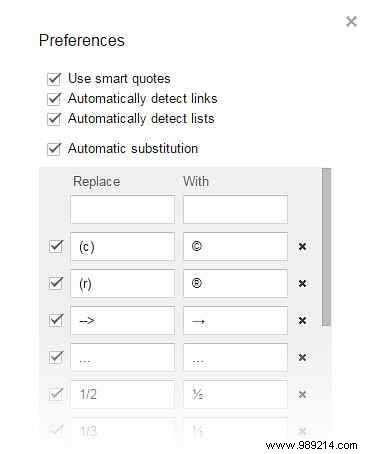
View the full list with Ctrl + /. Customize via Tools > Preferences > Automatic substitution for emails, abbreviations, and auto-links/lists.
How do you use Google Docs daily? Share your favorite time-savers in the comments.
