As someone who spends 6-8 hours daily researching and browsing online from my home office, I've tested countless tools to streamline my workflow. Even if your web time is just 2-3 hours a day, small inefficiencies—like copying text to notes or hunting for coupons—add up to weeks lost each year. These 13 Chrome extensions, vetted through years of personal use, eliminate those wasted clicks and boost efficiency.
Hide all tabs with one click

Picture this: You've got dozens of tabs open during a quick work break, and your boss walks in. Instead of frantically closing them with Ctrl+W, hit the Panic Button icon (or F4). It hides all tabs as bookmarks instantly. Restore them seamlessly when safe. Invaluable for discreet browsing.
Download - Panic Button (free)
Honey effortlessly saves money on online shopping—clothes, gadgets, or pizza. At checkout, click the icon: it scans for codes, tests them, applies the best one. I've saved hundreds annually without manual searches.
Download - Honey (Free)
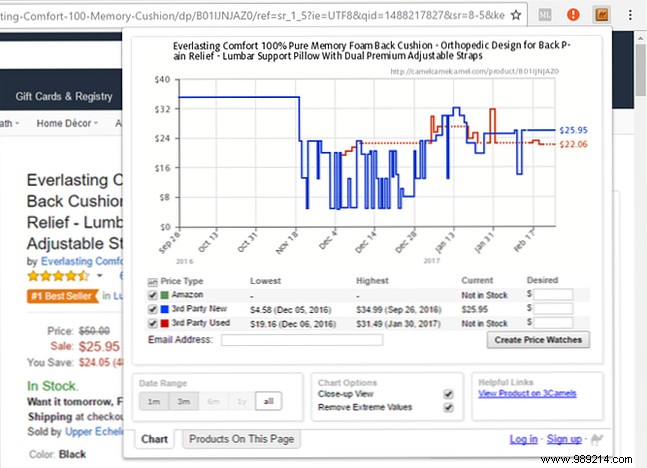
Amazon's "Was" prices often mislead. Check true history with The Camelizer, which overlays CamelCamelCamel charts on product pages. Spot real deals below average prices instantly—no extra tabs needed.
Download - The Camelizer (free)
Fake reviews plague shopping. ReviewMeta analyzes Amazon reviews, strips fakes, and shows adjusted ratings with one click. Trustworthy insights from genuine feedback only.
Download - ReviewMeta (Free)
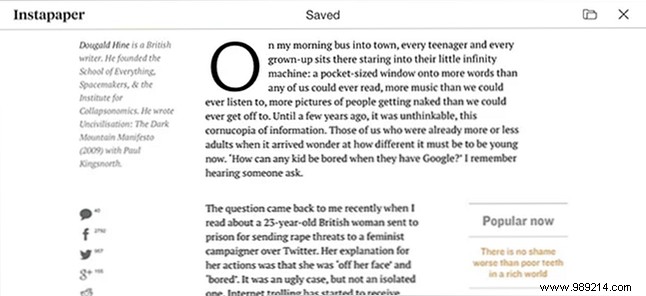
Prep for offline time (commutes, waits) by saving articles with Instapaper. Advanced features include Kindle sync—perfect for eye-friendly e-ink reading. Maximizes downtime productively.
Download - Instapaper (Free)
Clip any web content to Evernote notebooks instantly with Evernote Web Clipper. No juggling apps or tabs—just browse, clip, continue. Ideal for rapid research compilation.
Download - Evernote Web Clipper (Free)

Ditch annoying image clicks. Imagus previews full-size images or links on hover. Customizable for size and delay; works across thousands of sites for seamless browsing.
Download - Imagus (Free)
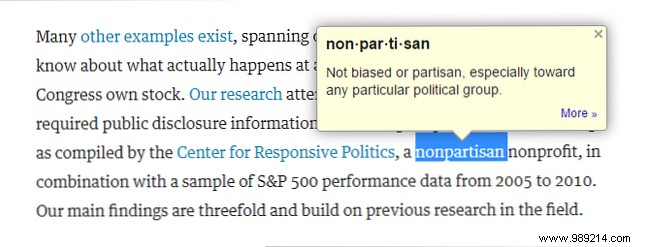
Expand vocabulary effortlessly with Google Dictionary. Hover any word for instant definitions—great for language learners, academics, or daily news from Fortune, Time, or law journals.
Download - Google Dictionary (Free)
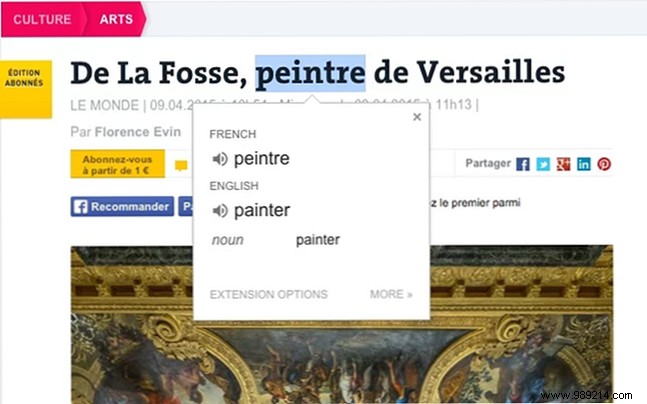
Break language barriers with Google Translate. Highlight text for popup translations or translate full pages via icon. Access the global web without switching tabs.
Download - Google Translate (Free)
Password managers are essential for security and speed. LastPass generates unique, complex passwords per site, autofills logins everywhere. Available across devices—my go-to for hassle-free access.
Download - LastPass (Free)
Go beyond spellcheck with Grammarly. It flags grammar, clarity issues across sites like Gmail or Reddit, suggesting improvements. Elevates writing for everyone, native or not.
Download - Grammarly (Free)

Emoji mastery on desktop: Emoji Keyboard offers search, copy-paste, and auto-insert. Stay current in chats and social media without mobile switching.
Download - Emoji Keyboard (Free)
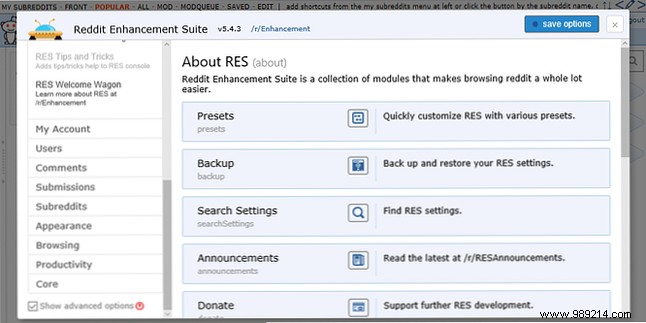
Reddit's clunky UI? Reddit Enhancement Suite adds hundreds of time-saving tweaks like better navigation and filters. Transforms browsing without paying for Gold.
Download - Reddit Enhancement Suite (Free)
Pair these with our top productivity extensions, offline tools, and favorites. Avoid risky ones like Hover Zoom (Imagus is superior). Share your time-savers in the comments!
