Installing language packs can be a real hassle, especially for occasional use. Thankfully, reliable online tools let you type non-Latin scripts like a pro without downloading anything.
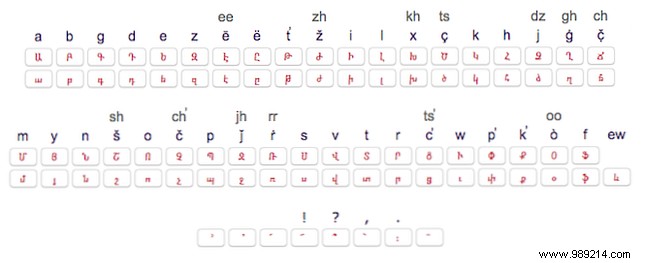
One standout platform offers keyboards for a vast array of non-Latin languages—from Arabic, Russian, and Chinese to rare North African scripts like Coptic and Berber. Simply click the on-screen keyboard to input characters accurately.
Chinese users can enter syllables via Pinyin, while Japanese typists select from stroke and radical dropdowns for precise input.
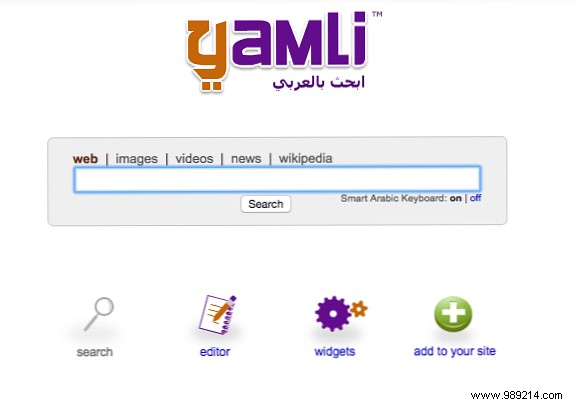
Perfect for Arabic, Yamli converts English transliterations into Arabic script instantly. Search Arabic content directly or embed it on your site. Pro tip: Use familiar number substitutions for missing letters to nail it on the first try.
Google Translate supports transliteration for Arabic, Amharic, Hebrew, Russian, and more—just type in English for automatic conversion. On-screen keyboards cover Armenian, Pashto, Yiddish, and others.
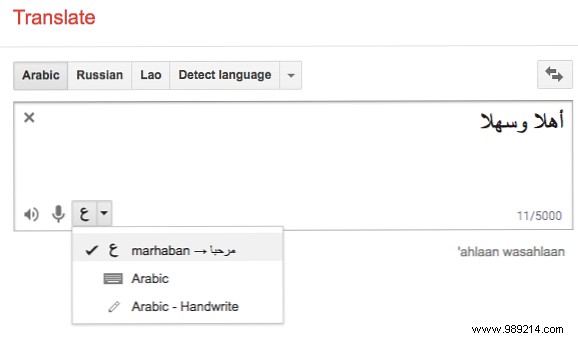
A standout feature: Handwriting recognition. Scribble with your mouse or finger—Google detects and suggests options, even for imperfect script.
Got tips for typing foreign scripts on your device? Share in the comments!
