As a Google Workspace specialist with years of experience helping businesses streamline operations, I've seen Google Forms transform how teams collect data efficiently. This free, intuitive tool offers templates, advanced features, and seamless integration to create professional forms in minutes.
Whether for feedback, registrations, or requests, Google Forms saves time and boosts productivity. Let's explore practical ways to use it.
Google Forms provides versatile templates tailored for business needs. Sign in at forms.google.com, click Template gallery, and customize any to fit your workflow.
The work order template includes essentials like name, email, description, priority, and due date. Use the Type section with a multiple choice question to categorize by department—e.g., software, hardware, or network for IT requests.
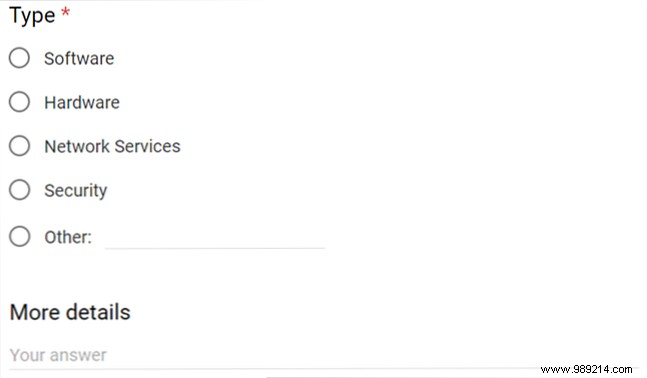
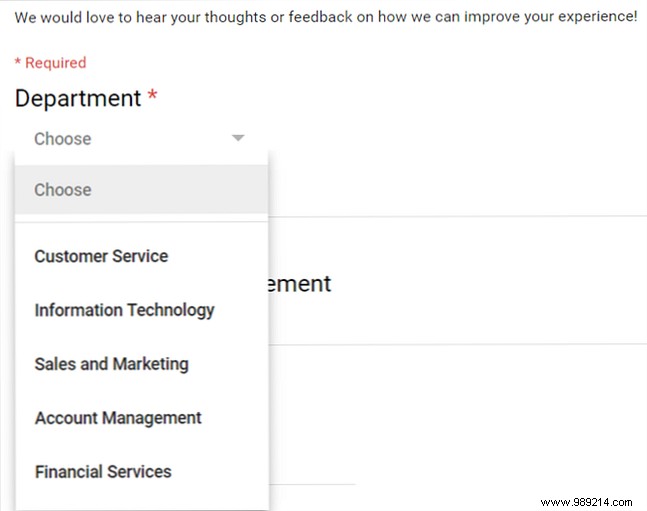
Adapt the customer feedback template for employee reviews or training input. Add a dropdown for departments or a paragraph question for session suggestions.
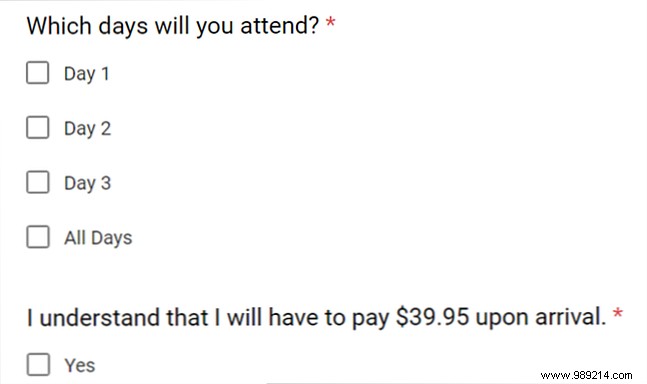
Perfect for conferences, seminars, or trainings. Use checkboxes for multi-day attendance or time slots. The built-in required acknowledgment handles paid events seamlessly.
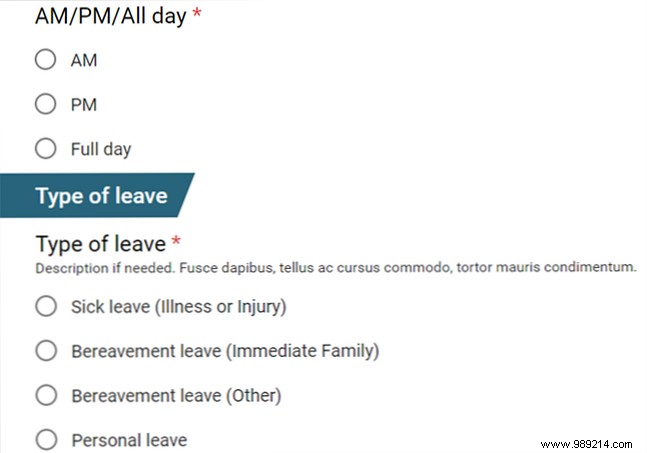
This template covers name, requested date, time of day, leave type, and reason. Easily add a required short answer for email via the + icon.
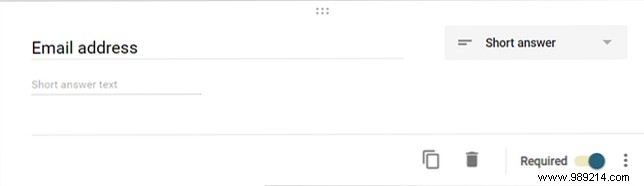
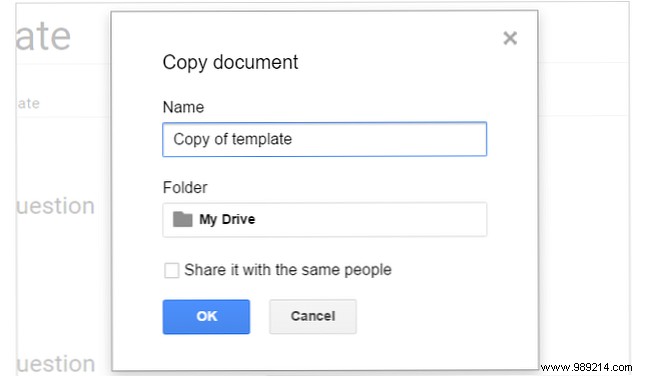
Click Blank in the Template gallery to start fresh. Save as a template later for reuse—select More > Make a copy.
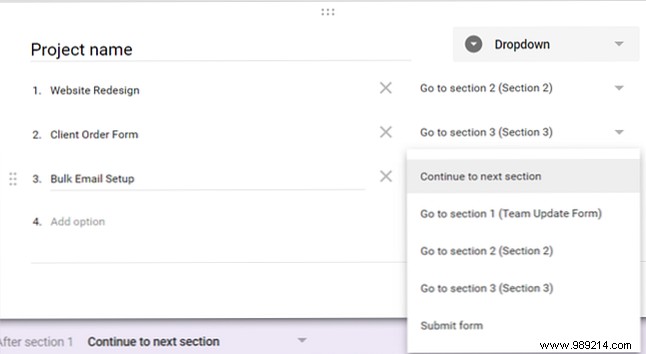
Capture project progress with name/email fields, then a dropdown for projects. Use logic: Go to section based on answer to route users to relevant tasks.
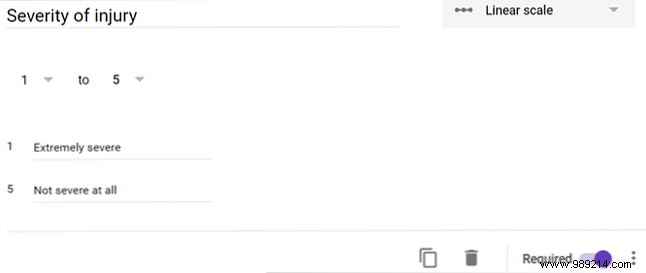
Include date/time, location, and severity using a Linear scale (e.g., 1-5: Minor to Critical).
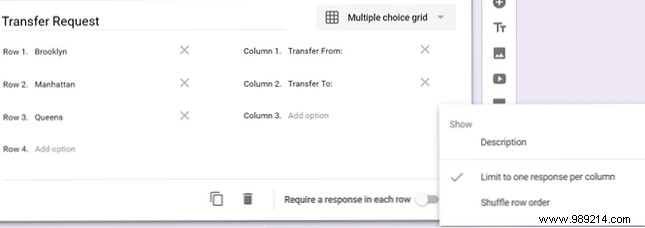
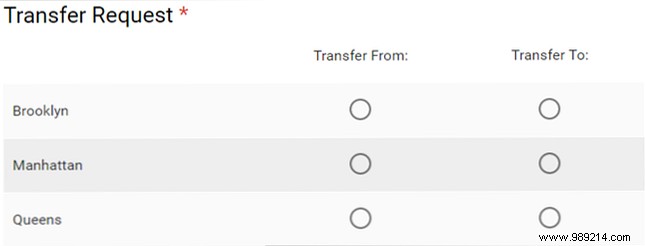
Use a Multiple choice grid for preferences across locations/departments. Enable Limit to one per column for clarity.
Duplicate via More > Make a copy for quick iterations.
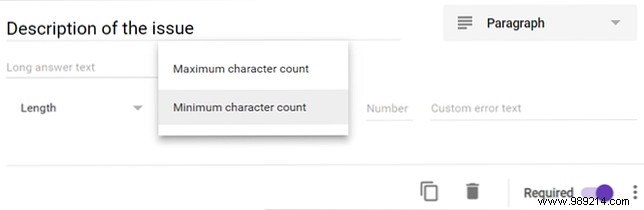
For short answers, paragraphs, or checkboxes: three dots > Data validation. Enforce min selections or character limits with custom errors.
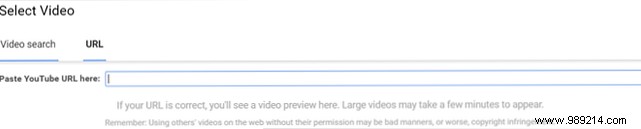
Customize themes via palette icon; add images/videos to questions for branding or tutorials.

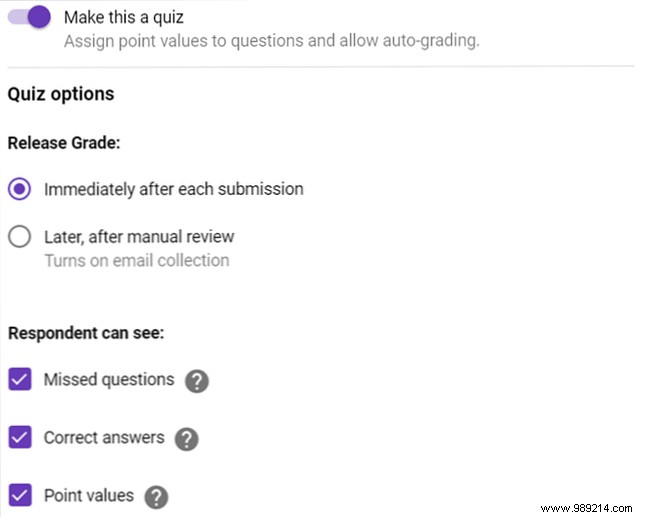
Settings gear > Quizzes > Make this a quiz. Auto-grade and show results.
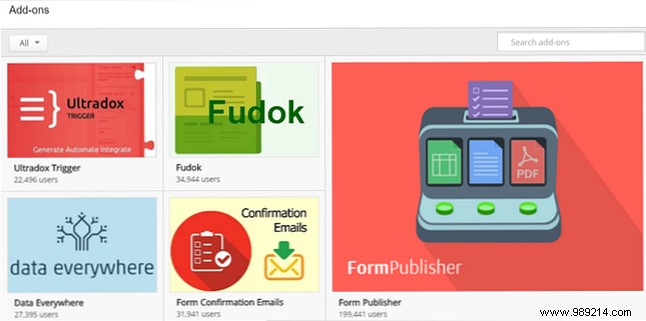
Add-ons like AppSheet (mobile apps) or bkper (accounting). Access via More > Add-ons.
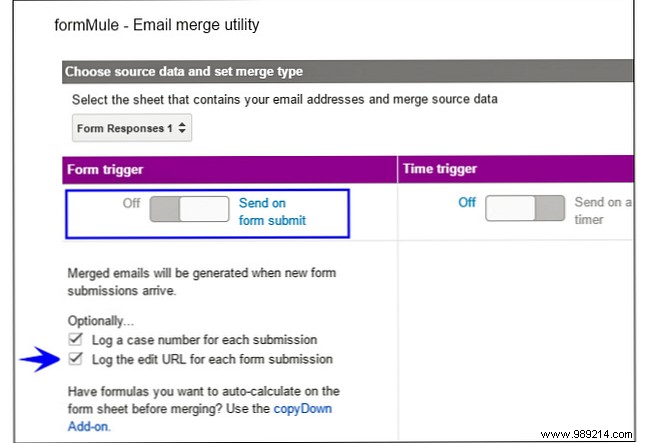
Combine forms with logic, Sheets, and apps for end-to-end processes.
Google Forms is a powerhouse for quick, reliable data collection. What's your go-to feature?
