Google Drive stands out as a premier collaboration platform, packed with intelligent features that keep business teams productive and secure. One such under-the-radar tool is the Google Drive Access Checker, which verifies that file recipients have the necessary permissions before sharing.
If you haven't noticed it recently, keep an eye out the next time you share a file—it's a built-in G Suite feature designed for seamless workflows.
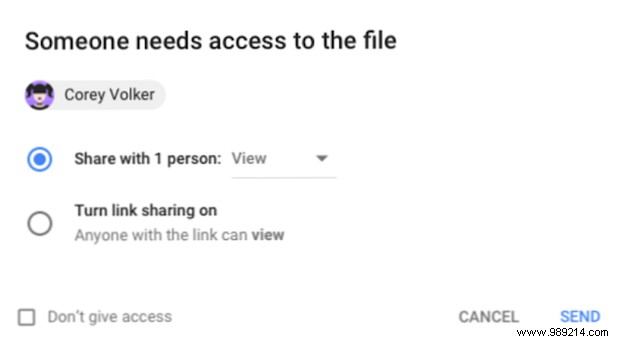
When sharing a Google Drive file via Gmail or Google Calendar, Access Checker automatically scans if recipients can access it. If permissions are lacking, it prompts you to adjust them on the spot.
Here's why it's a game-changer:
In G Suite, admins control permissions via Access Checker, setting levels for specific users, your organization, or anyone with the link.
Access Checker delivers instant permission controls without navigating back to Drive, making file sharing simpler and safer for your team.
