Blank pages can intimidate. Blank slides hit even harder when starting a PowerPoint presentation.
Microsoft harnesses Office 365's intelligent cloud services to help. For research-heavy decks, PowerPoint QuickStarter generates a ready outline to get you going.
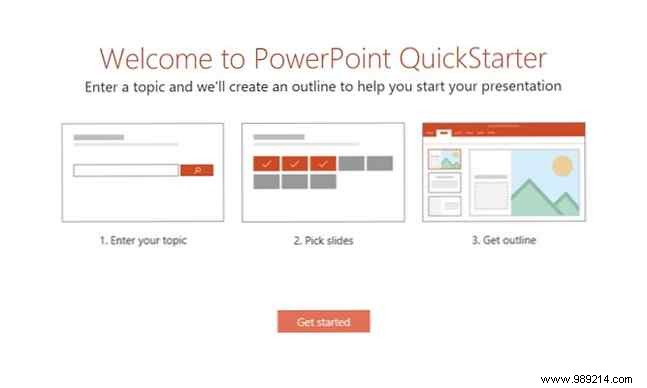
QuickStarter functions like a smart template, delivering both design and outline in three simple steps.
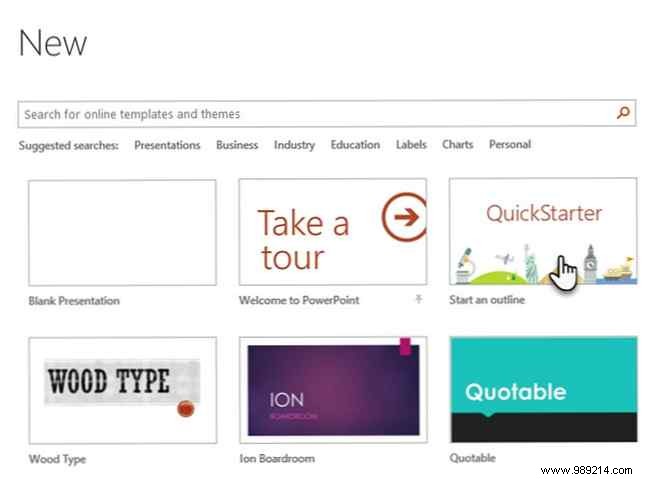
In PowerPoint 2016, select File > New, then choose the QuickStarter template—typically the third option.
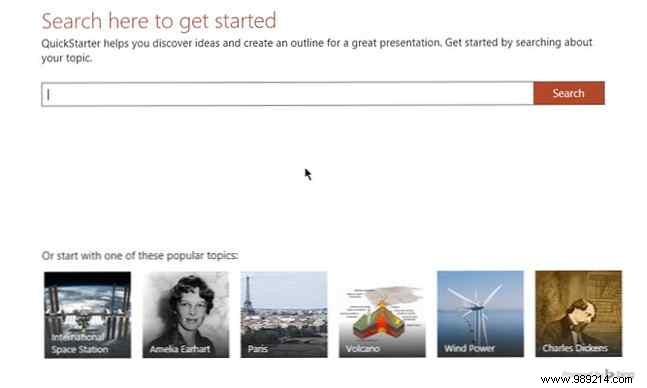
Enter a topic in the search field or pick from popular themes at the bottom.
AI steps in via Office 365 cloud services—enable them if prompted. QuickStarter pulls from Bing and Wikipedia to suggest relevant topics.
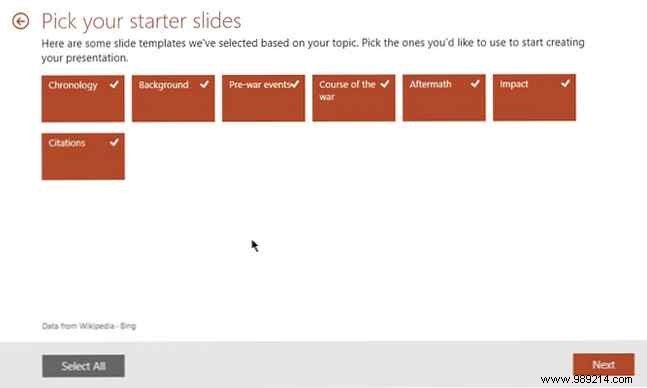
Check boxes for desired topics or use Select All. Each selected topic forms a slide. Click Next to choose a design.
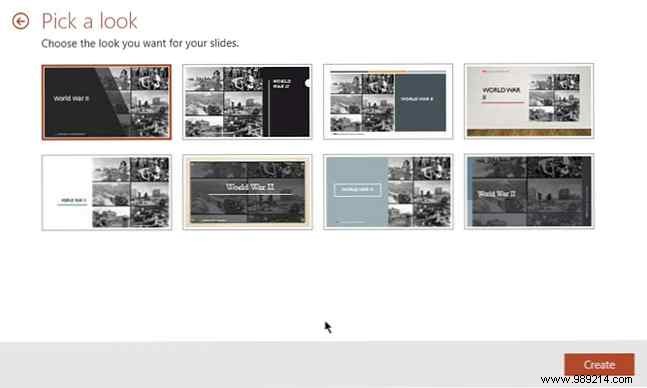
Select a template and hit Create. PowerPoint assembles and opens your outline presentation.
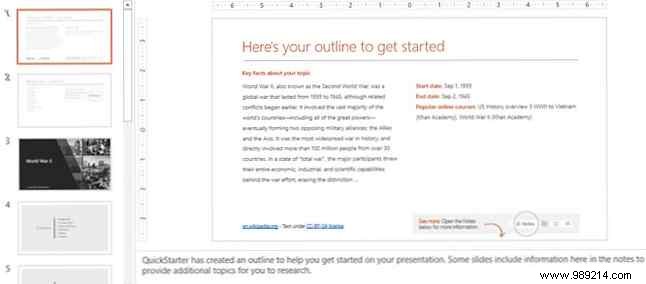
This jumpstarts your work—not a polished final product. Review slides, edit content, and use Notes for deeper research ideas.
For example, the second slide lists related topics—leverage Smart Search to expand.
Not tomorrow's AI, but a solid leap past blank-slide dread. PowerPoint 2016 packs pro tools like those in 10 Tips to Improve PowerPoint Presentations with Office 2016. Tried PowerPoint Designer yet?
What do you think of PowerPoint QuickStarter? Blank slides less scary now?
