As a productivity expert with years of experience optimizing Microsoft Outlook workflows, I've discovered a simple yet powerful feature that shaves minutes off your daily tasks. If you're drafting in Word, Notepad, or any app and need to share text via email or a calendar invite, copy it to your clipboard and paste directly into Outlook—no extra steps required.
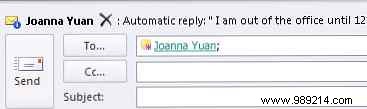
Here's how it works:
1. Copy the desired text (Ctrl+C) from any source, like a Word document or text editor.
2. Open Outlook and navigate to the desired section: Mail for a new email or Calendar for an event.
3. Press Ctrl+V to paste. Outlook instantly generates a new item with your text in the body. For emails, just add the recipient and subject—done!
This clipboard shortcut is a game-changer for Outlook power users, streamlining communication without switching apps. It's reliable across Windows versions and perfect for busy professionals.
Do you use Outlook? Share your favorite tips in the comments below!
