As a seasoned project management expert with years of hands-on experience leading remote teams, I've tested countless tools to streamline workflows. The internet has transformed collaboration, allowing dispersed teams to work efficiently without confusion or delays. Below, I share my top free (or freemium) recommendations, proven to boost productivity.
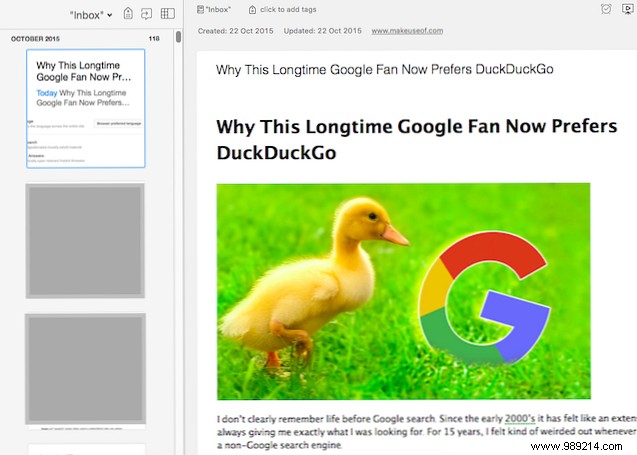
Evernote is my go-to for note-taking—I've relied on it for years without hesitation. It excels at compiling research: store files, images, audio, video, scans, and printed materials, all indexed via OCR for easy search. Tag notes, sort into notebooks, create indexes, and use the Web Clipper for quick captures. Communicate via integrated chat.
Microsoft OneNote offers robust features for power users. Access it via free Office Online or the desktop app (requires Microsoft account for sync). Clip web content and integrate with Outlook for enhanced project tracking.
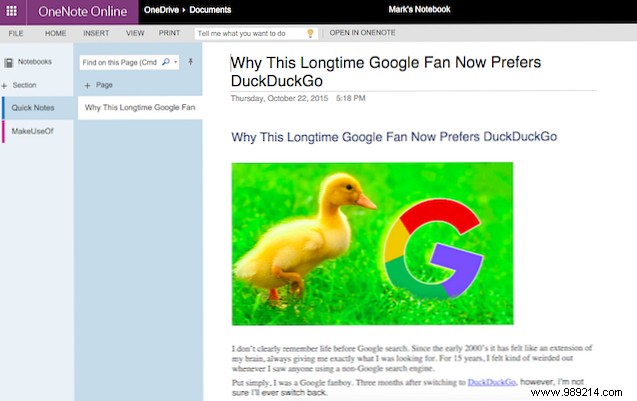
While I prefer Evernote, OneNote is a seamless switch if needed.
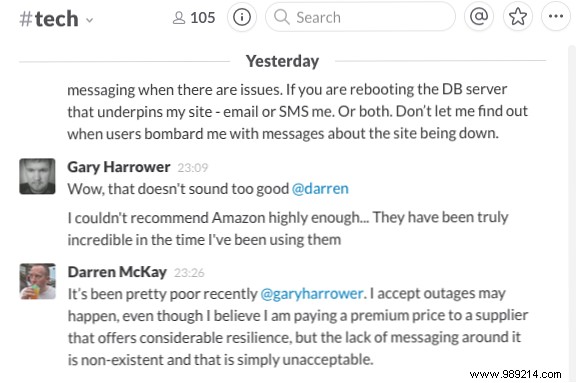
Slack is our team's backbone for discussions, strategies, and daily coordination—like enhanced chat rooms. Ideal for remote or multi-floor teams, it boosts efficiency with keyword audio alerts and useful bots.
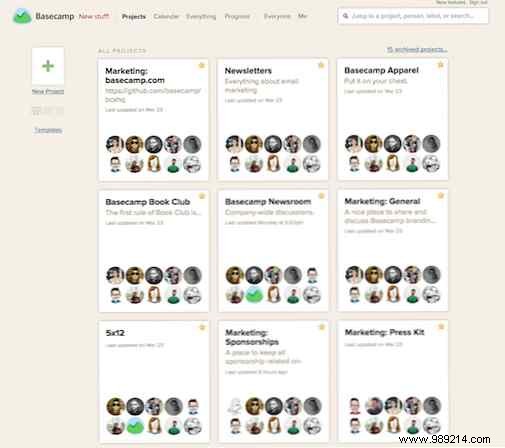
Basecamp, a pioneer since 1999, excels in online collaboration. Plans start at $20/month after trial. View real project demos; supports mobile apps, Chrome extension, and Outlook add-in.
Modern smartphones replace bulky copiers. Scanbot turns your device into a high-quality scanner (200+ DPI), auto-detecting documents, exporting as images or PDFs, with cloud upload and QR scanning.
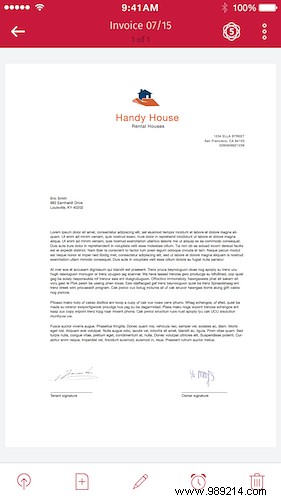
Genius Scan auto-detects and delivers crisp scans as images/PDFs. Pro ($7) adds Box/Expensify integration.
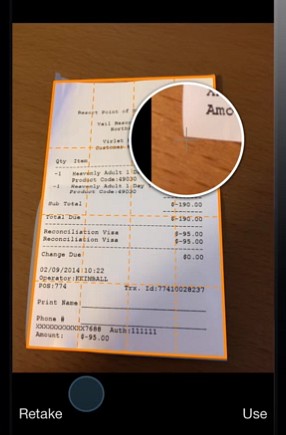
Bonus for iPhone/Evernote users: Try Scannable.
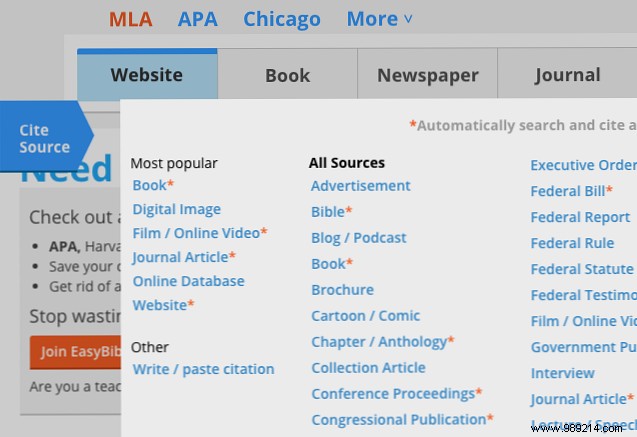
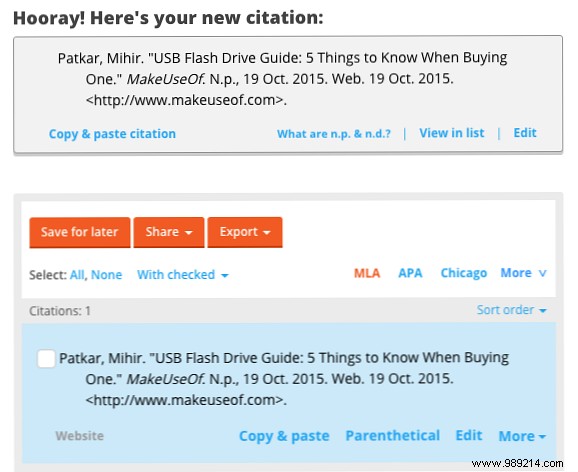
For research-heavy projects, EasyBib formats citations perfectly. Select source type, enter details, preview, and export in your style (50+ categories).
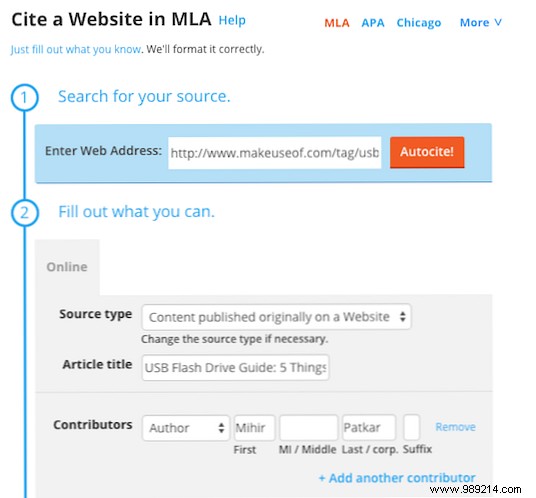
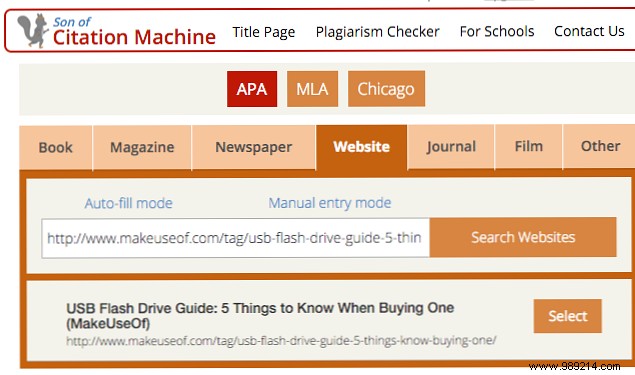
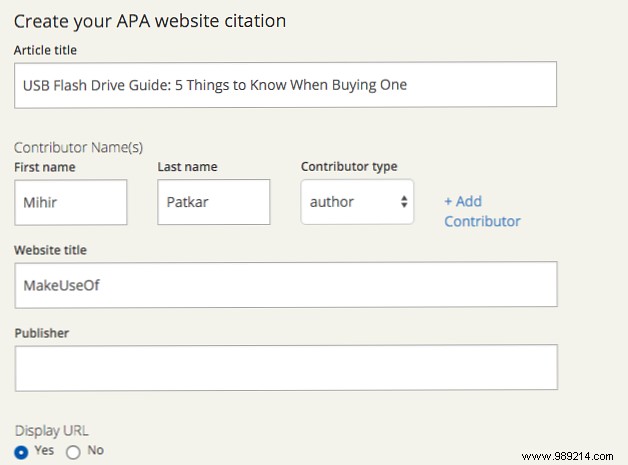
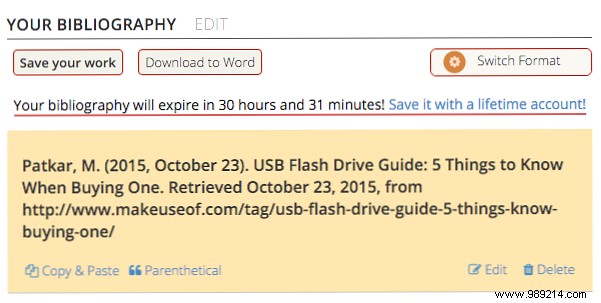
Simpler with 13 categories; select style, input details for instant results.
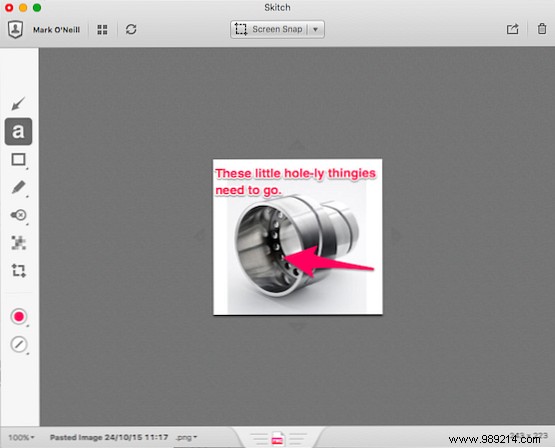
Skitch (Evernote-owned) simplifies feedback: screenshot, add text/arrows/shapes, pixelate, crop in colors.
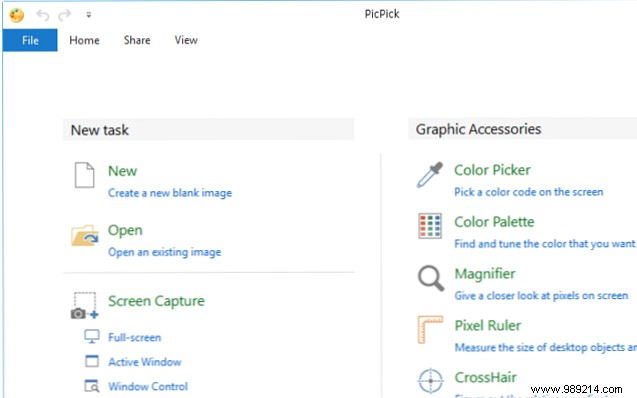
PicPick offers annotation tools plus sharing to social/cloud/email. Paid version adds support/updates.
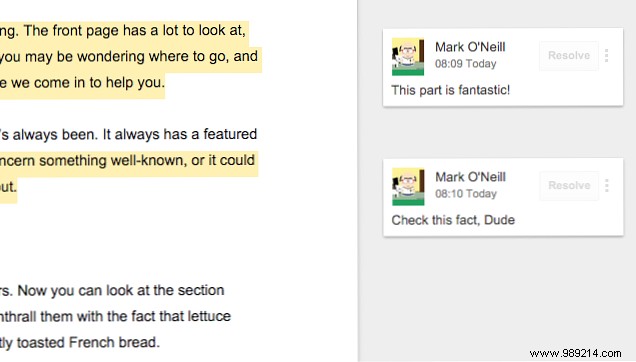
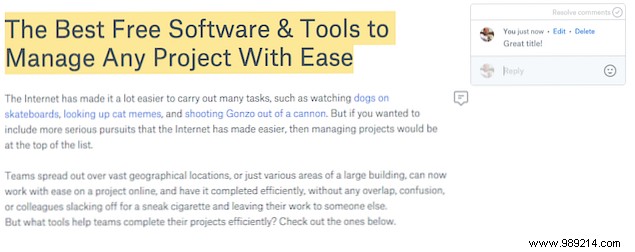
Avoid version chaos—Google Docs enables real-time edits, comments, chat, version history, and share controls.
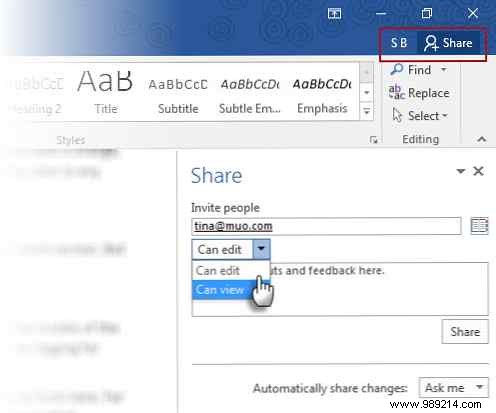
Office 365/Online offers real-time collab (Microsoft account needed). Dropbox Paper provides minimalist editing with seamless Dropbox sync.
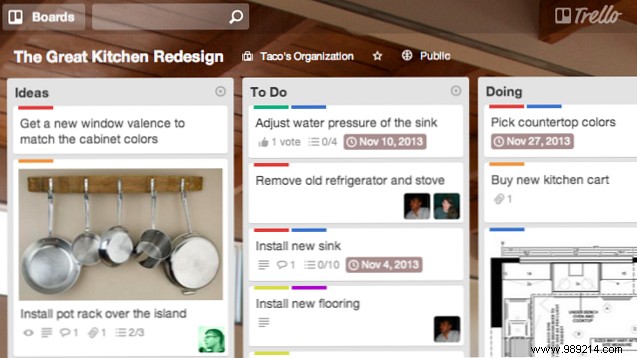
Trello's Kanban boards visualize everything: color-code, comment, attach files, drag-drop cards, real-time updates.
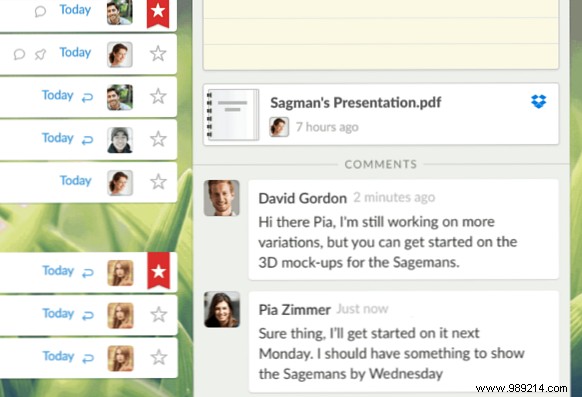
Wunderlist for clean lists: priorities, due dates, notes, hashtags. Pro ($5/month) adds sharing/assignments.
Share your favorites in the comments below.
