As a productivity enthusiast with years of experience optimizing workflows using Microsoft tools, I've relied on apps like to-do lists, note-takers, and web clippers to stay organized. While Microsoft Office staples like Word, Excel, PowerPoint, Outlook, and OneNote are well-known, the company offers many lesser-known free gems that can transform how you work.
In this guide, I'll share 10 free Microsoft productivity tools I've tested and recommend. These apps sync seamlessly across devices, helping you manage tasks, capture ideas, and streamline your day.
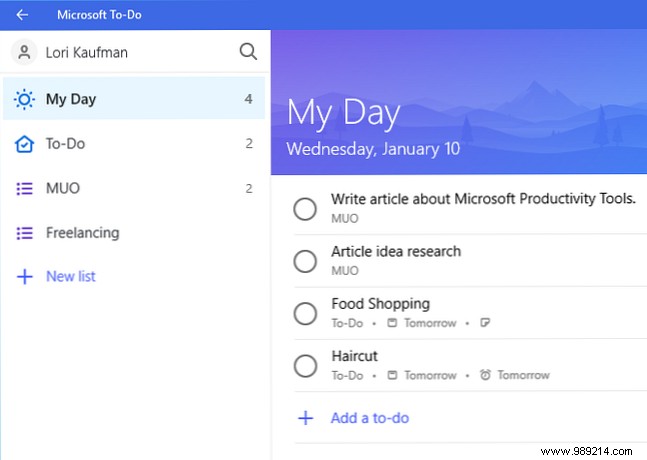
Microsoft To Do creates intelligent to-do lists with reminders, progress tracking, and unlimited lists for projects, shopping, or errands. The My Day feature highlights daily priorities pulled from your lists. Add due dates, notes, URLs, or addresses.
It resembles Wunderlist (acquired by Microsoft in 2015), with easy import options. Lists sync across devices for on-the-go access.
Download: To Do for Windows | iOS | Android (Free)
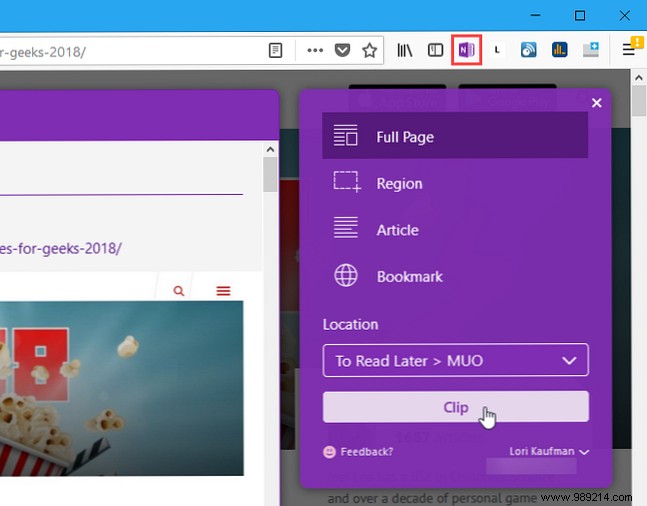
When researching online, save web pages, images, PDFs, or articles directly to OneNote notebooks. Clip full pages, article text, screenshots, or bookmarks—content stays accessible offline across devices.
Perfect for OneNote users, it includes URLs for easy reference and integrates with services like Pocket or Instapaper alternatives.
Download: OneNote Web Clipper for Web (Free)
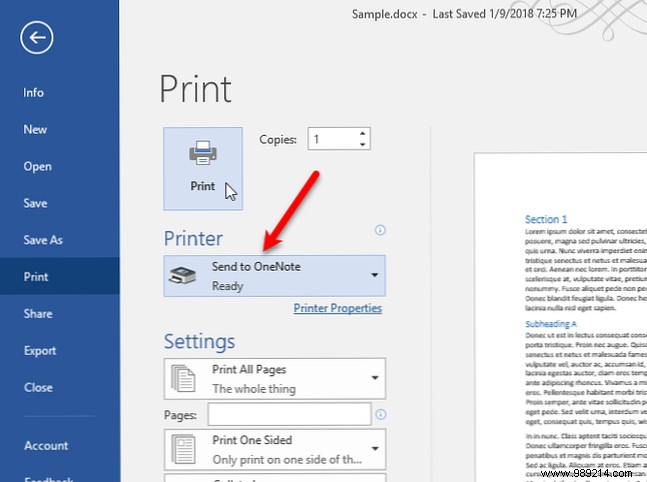
Extend Web Clipper functionality to any app: "print" documents, emails, or files directly to OneNote pages. Ideal for capturing Word docs or reports without physical printing.
Available in OneNote 2016 or as a free Windows Store app. Access captures from any OneNote device.
Download: Send to OneNote for Windows (Free)
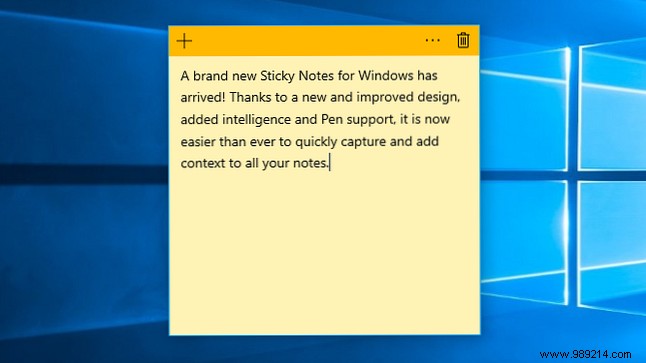
Ditch paper notes for digital ones on your Windows desktop. Evolving from Windows XP Tablet Edition, this UWP app supports pen input, handwriting recognition, Cortana reminders, and Windows Ink integration.
Notes stay synced and visible without cluttering your screen.
Download: Sticky Notes for Windows (Free)
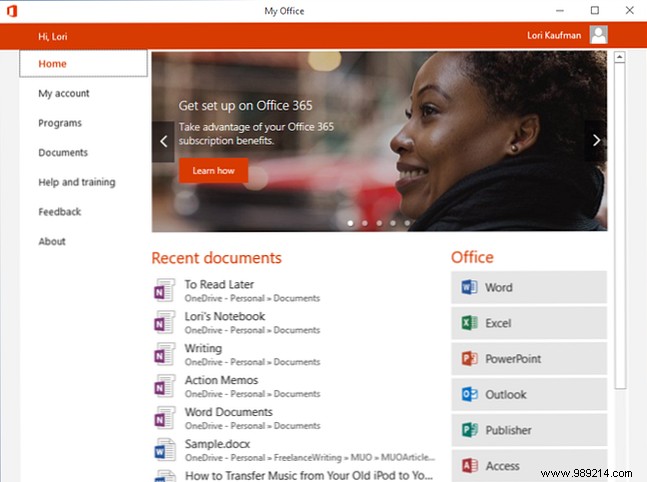
Manage your Office 365 account in one hub: track installations, access recent files, launch apps, get training, or provide feedback.
A quick dashboard for subscribers to stay on top of documents and subscriptions.
Download: My Office for Windows (Free)
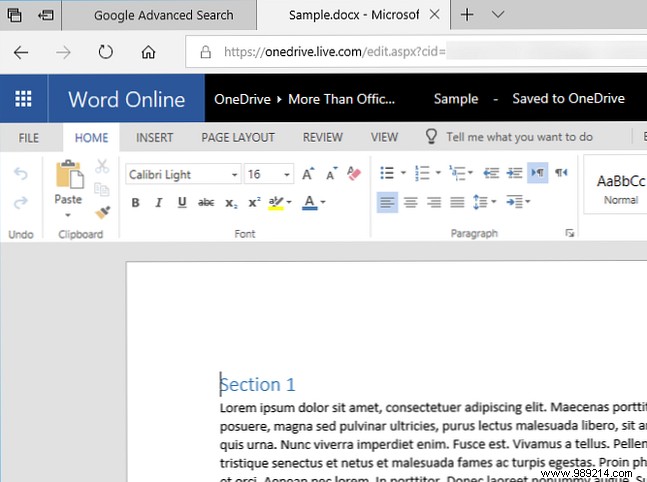
Edit Word, Excel, or PowerPoint files in-browser without a full license or installs. Open from OneDrive or local storage—great for low-space devices or extra PCs.
Basic features suffice for everyday tasks; requires only a Microsoft account.
Download: Office Online for Microsoft Edge (Free)
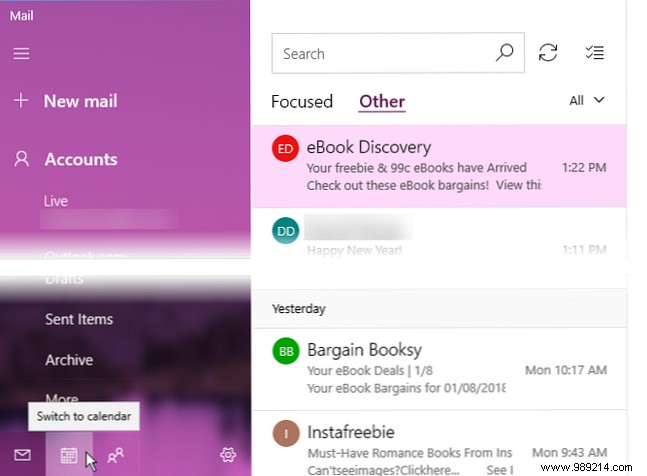
A lightweight Outlook alternative supporting Office 365, Gmail, Yahoo, iCloud, and more. Handles email, calendars, and contacts simply—included with Windows 10.
Download: Mail and Calendar for Windows (Free, included with Windows 10)
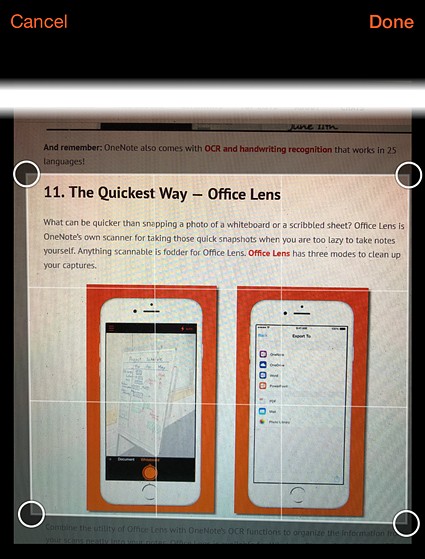
Scan documents, whiteboards, receipts with your phone's camera. OCR extracts editable text into PDF, Word, or PowerPoint—saves to OneDrive for OneNote integration.
Portable scanning at its best.
Download: Office Lens for Windows | iOS | Android (Free)
Link your iPhone or Android to Windows PC without iTunes. Sync photos, access Office files, email, and OneNote seamlessly across devices.
Setup once, stay connected forever.
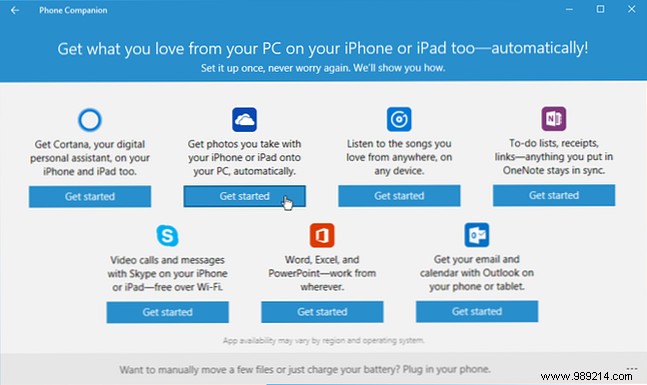
Download: Phone Companion for Windows (Free)
Top Reddit client for Windows 10. Navigate subreddits, post, comment, and search deeply. Check productivity subs like /r/productivity, /r/getdisciplined, /r/ProductivityApps.
Enhance browser Reddit with RES extension if preferred.
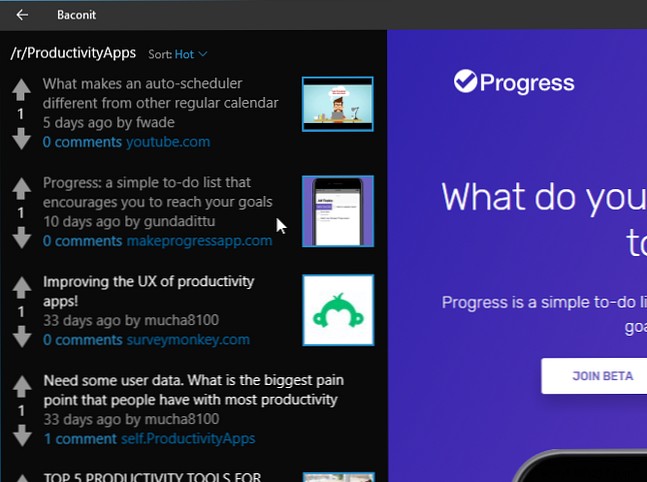
Download: Baconit for Windows (Free)
These tools have helped me reclaim hours weekly. Pair with browser extensions or Google alternatives for a complete setup. Which Microsoft apps do you love? Share in the comments!
