Struggling to maintain productivity in project-based work? Common challenges like task delegation, time estimation, and distractions often lead to stress and unhappy clients. Fortunately, proven project management tools can help—many with robust free tiers and premium upgrades.
Should you start free or invest in paid? As a seasoned productivity expert who's tested dozens of apps, I'll break down the best options to help you choose wisely.
Budget constraints shouldn't hinder your workflow. These free tools offer feature-rich plans to get you started and scale as needed.
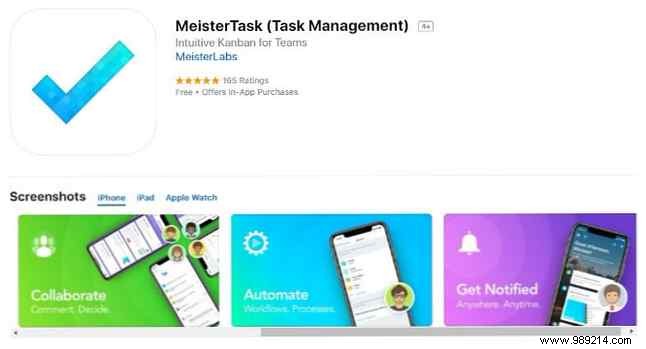
MeisterTask's free version uses color-coding for effortless organization. Track tasks in progress, completed tasks, things to check, and more from a single dashboard.
Customize your view to spot updates instantly and prioritize daily efforts. Tasks include full details, comments for status updates, and file attachments up to 20 MB.
Download: MeisterTask for iOS | Android (paid plans from $8.25/month per user)
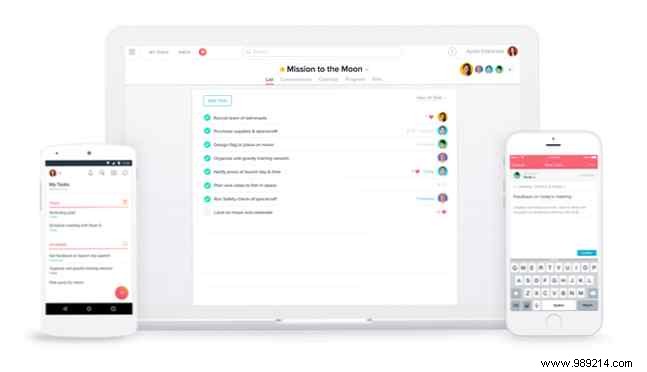
Asana prioritizes simplicity for quick onboarding. View assignments in the dashboard or inbox, with priority levels guiding focus.
The free tier supports up to 15 users, with fast search and a clean overview.
Download: Asana for iOS | Android (free; paid plans from $9.99/month per user)
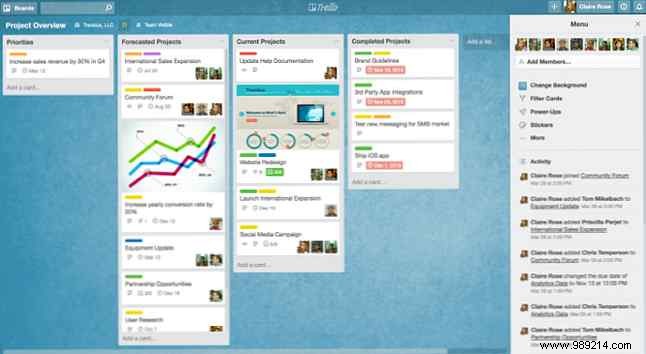
Trello's card-and-board system mimics Kanban for visual workflows. Create cards on boards for personal or team projects, adding due dates, members, and files.
Cloud-based syncing keeps you updated anywhere. Free users get unlimited boards, lists, cards, and 10 MB attachments.
Download: Trello for iOS | Android (free; $9.99/month premium)
Freedcamp offers flexible views like lists or Kanban. Distinguish public and private tasks to balance work and life.
Use the issue tracker, calendar, and discussion wall for oversight. Break large tasks into subtasks.
Download: Freedcamp for iOS | Android (free; paid from $3.99/month)
Free tools suit small teams, but paid options unlock advanced collaboration, scheduling, and integrations for growing businesses.
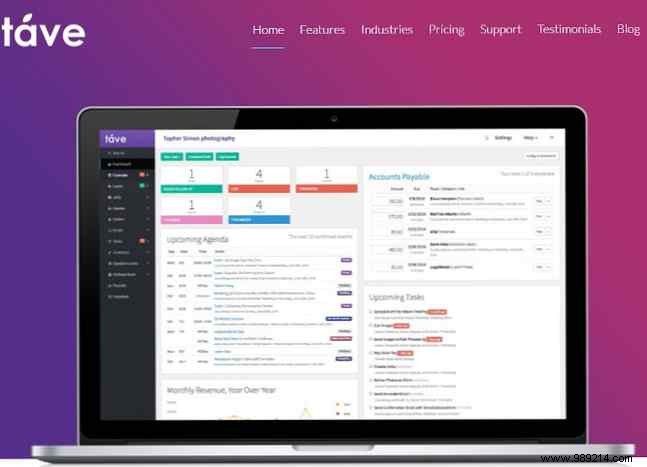
Designed for creatives, Táve streamlines with checklists and colorful project boxes for at-a-glance responsibilities and deadlines.
Track emails, manage leads, and automate reminders, budgets, and invoices. Sync calendars with iOS/Android.
Pricing from $12.49/month; 30-day trial available.
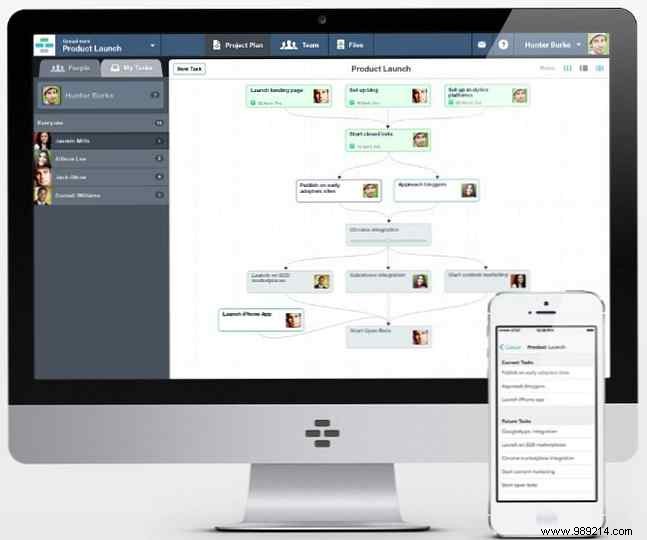
Casual visualizes workflows via flowcharts, linking milestones, tasks, and team dependencies for big-picture clarity.
Auto-generate to-do lists; reorder to fix bottlenecks.
Download: Casual for iOS | Android (from $7/month)
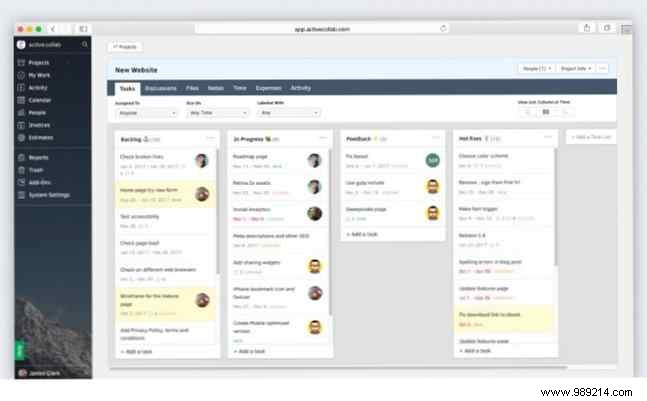
Cloud or self-hosted, ActiveCollab offers personalized dashboards, time tracking, and filtered searches for every user.
Hide client comms or share; supports files and comments.
Download: ActiveCollab for iOS | Android (from $25/month)
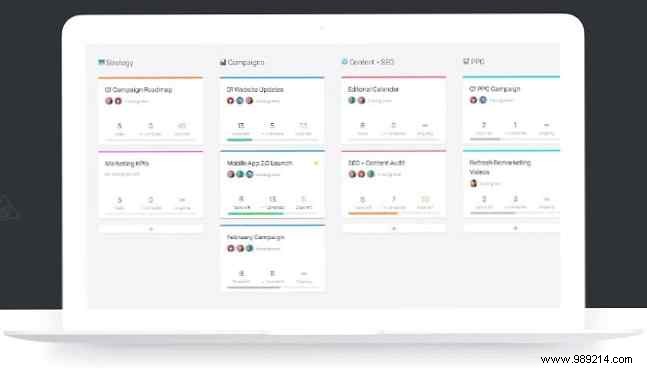
Flow mixes lists, cards, timelines, and drag-and-drop scheduling. Reach dashboard and notifications keep you focused.
Download: Flow for iOS | Android (from $6.40/month per user)
From these eight standout tools, pick based on team size and features. Free tiers have limits like user caps or file sizes—upgrade for more.
Test trials to match your workflow. Combine with proven tips for maximum impact.
