When selecting a free project management tool, teams often debate Trello vs. Asana. As experts who've tested both extensively, we know these platforms deliver robust capabilities even on free plans. We'll compare their core features, team management, integrations, and limitations to help you choose wisely.
Trello excels with its intuitive Kanban boards, inspired by the Japanese technique originally developed for Toyota's production lines. Visualize workflows by creating columns for stages like 'To Do,' 'In Progress,' and 'Done.' Drag cards representing tasks across columns as work advances.
This visual approach shines for linear processes, such as editorial calendars. Here's an example Trello board for content planning:
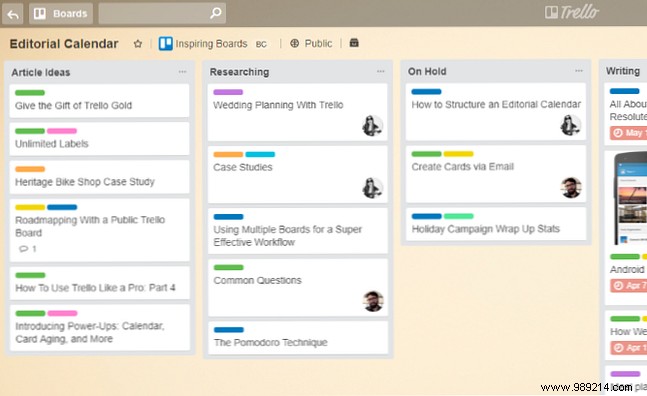
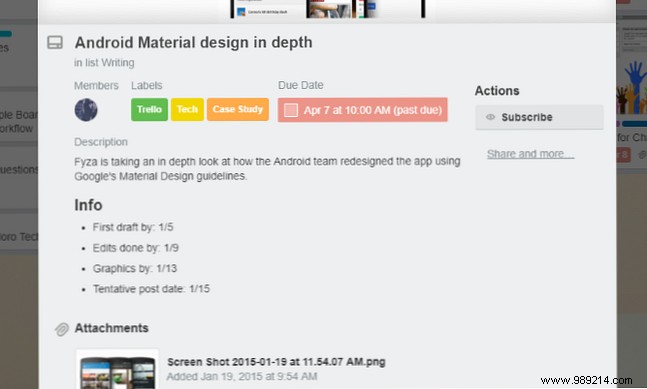
Boards act as workspaces; create unlimited ones for projects, teams, or categories. Cards support rich details:
Comments keep task discussions centralized, reducing email overload. Check the card activity:
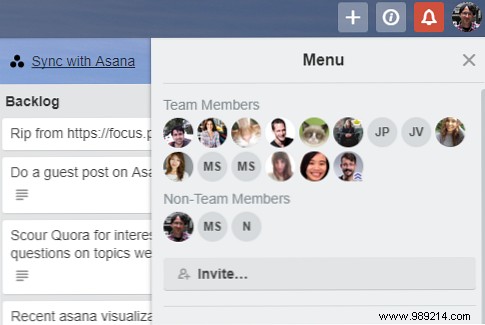
Beyond tasks, Trello streamlines collaboration. Assign members to cards and control board visibility and permissions.
Filters for due dates, assignments, or labels help focus. Comments notify relevant members instantly.
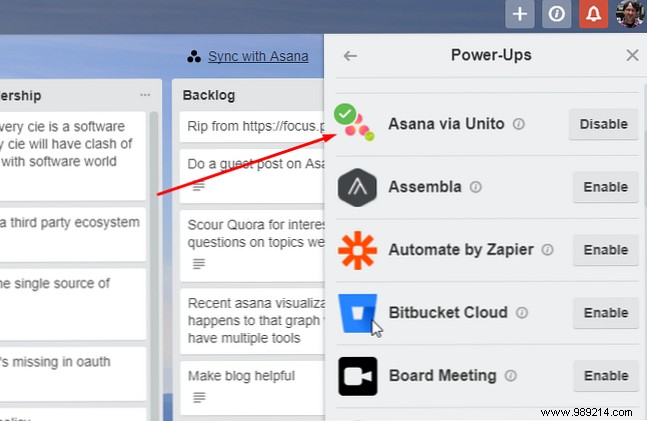
Trello's drag-and-drop shines brighter with integrations called Power-Ups. Attach Dropbox files with previews, Evernote notes, GitHub issues, Slack channels, Gantt views, and more. Dozens of services connect seamlessly.
Free tier includes unlimited boards, lists, cards, members, checklists, and 10MB attachments per file, plus one Power-Up per board. Premium ($9.99/user/month) unlocks unlimited Power-Ups, advanced dashboards, and priority support. See full details on Trello's pricing page.
Trello is quick to start, but Asana rewards investment with flexibility: switch between list views and Kanban boards.
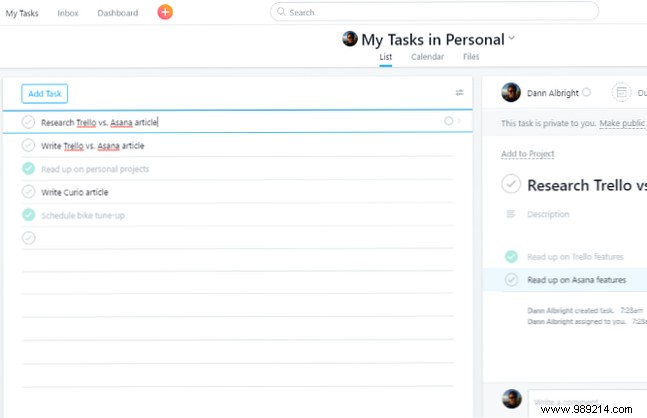
Task lists offer familiar features like subtasks, due dates, assignments, and project grouping. Premium adds dependencies.
Kanban boards mirror Trello:
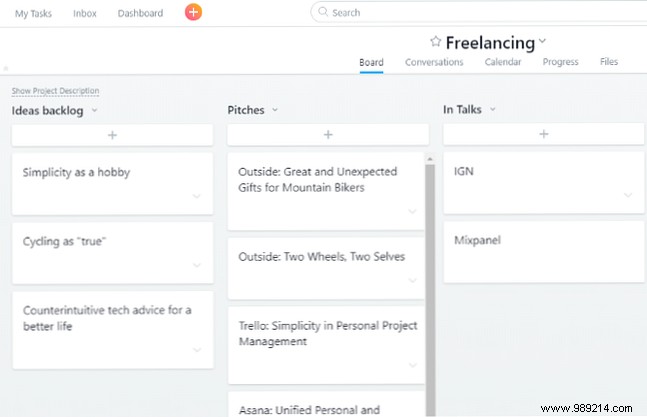
Perfect for diverse teams handling editorial calendars (Kanban) alongside SEO audits (lists). Multiple projects prevent overload, with dashboards for project status.
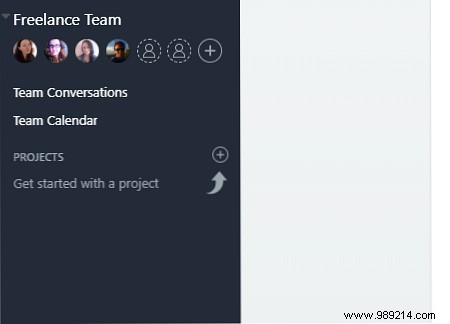
Control project access, conversations, and permissions. 'My Tasks' centralizes assignments; comments foster clear communication.
Connect with cloud storage, email, time trackers, JIRA, GitHub, Slack, and dev tools like BitBucket. Ideal for mixed-tool environments. Check Asana's full integration list.
Free: Unlimited tasks, projects, messages for up to 15 members, basic dashboards, and search. Premium ($9.99/user/month) adds unlimited members, advanced search, dependencies, custom fields, and priority support. Details on Asana's pricing page.
Asana's versatility suits most teams, blending traditional lists with Kanban. Trello thrives for simplicity and unlimited users.
Both are excellent. Prefer Asana's dual views? Trello's simplicity? Large team on free? Quick learners or gentle onboarding?
They integrate, so use both or migrate via tools like Migrator.xyz. Neither locks you in.
Start with one to boost efficiency. Which do you use for projects or personal tasks? Share in the comments.
