Ready to ring in the new year with better organization? As productivity experts who've tested countless tools, we've curated the best free calendar templates for Microsoft Word, Excel, and PowerPoint. Use them digitally or print them out to manage your schedule effortlessly throughout the year.
For weekly planners, Vertex42's Excel template delivers a seamless, scrollable view of continuous weeks. Each day offers ample space for tasks, and you can easily update the year and week start day for reuse year after year.
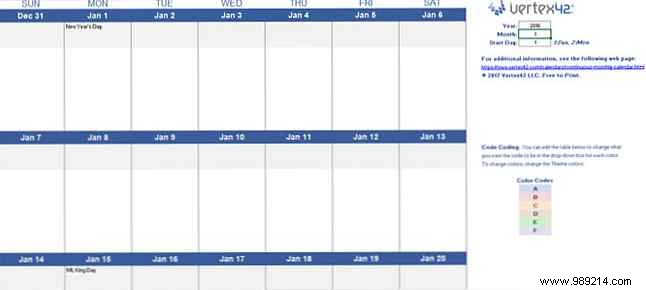
Need time-blocked scheduling? Vertex42's hourly weekly template divides days into 15-minute increments. Set the start date at the top, and dates auto-update across tabs for Week 1 and Week 2.
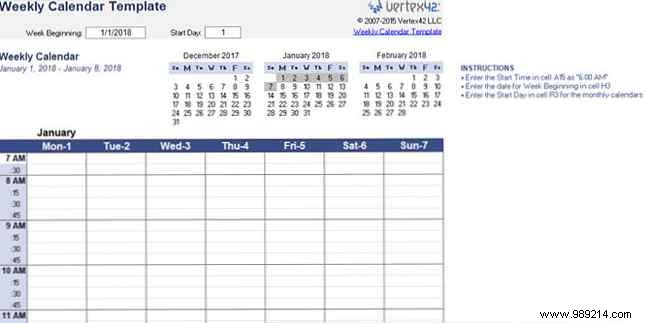
CalendarLabs' simple Word template spans each month on its own page, fully editable with major U.S. holidays pre-loaded—ideal for quick planning.
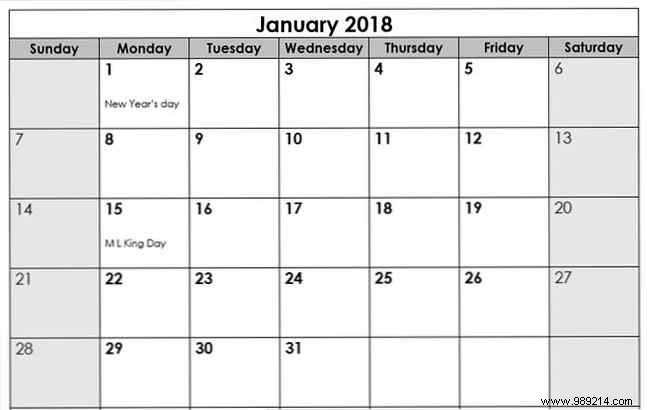
For a notes-focused design, their bright blue Word version lists dates with a dedicated notes area, including U.S. holidays.
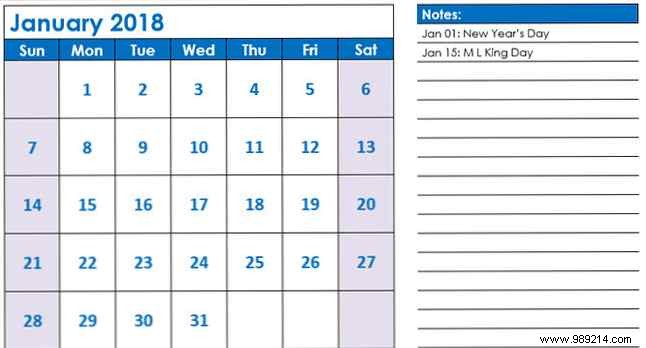
Prefer Excel? Vertex42's vibrant monthly workbook features a tab per month, plus adjacent months for context and a customizable title.
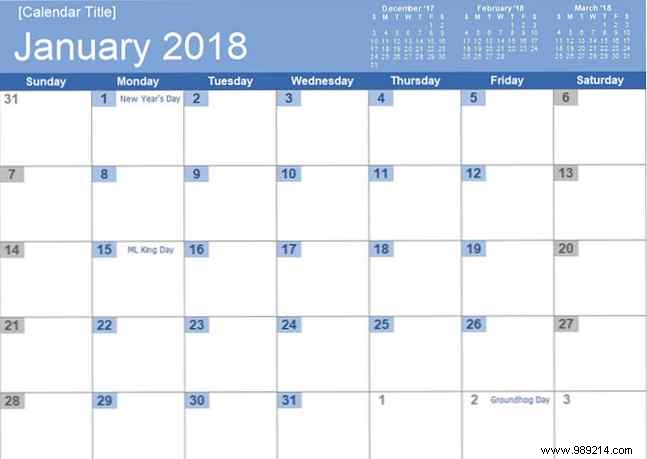
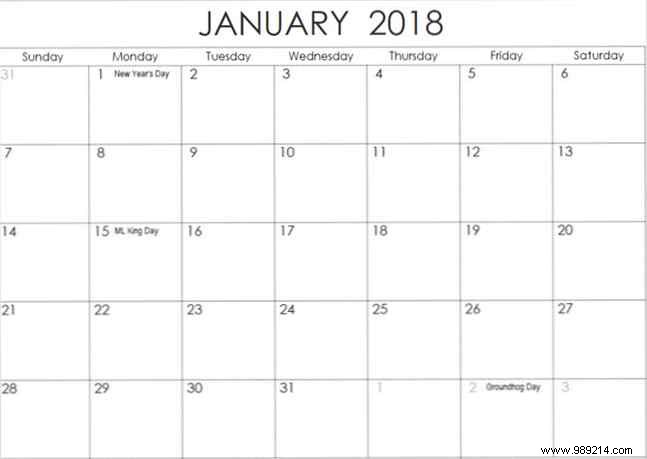
Their black-and-white Excel alternative saves ink while providing generous event space and neighboring months.
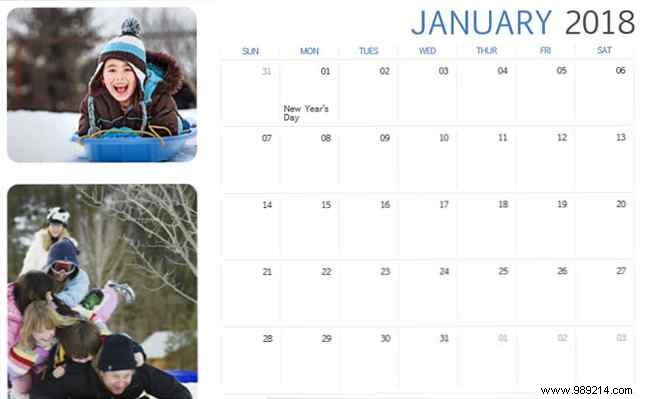
Add flair with this PowerPoint template: one slide per month, plus spots for photos like company logos or family images.
CalendarLabs' Word template condenses three months per page with dates and a sidebar for notes, including U.S. holidays.
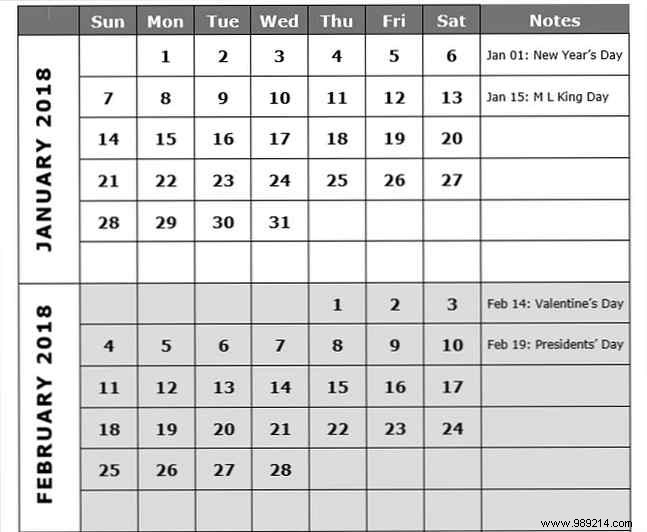
For more writing room, their spacious version evenly distributes months across the page.
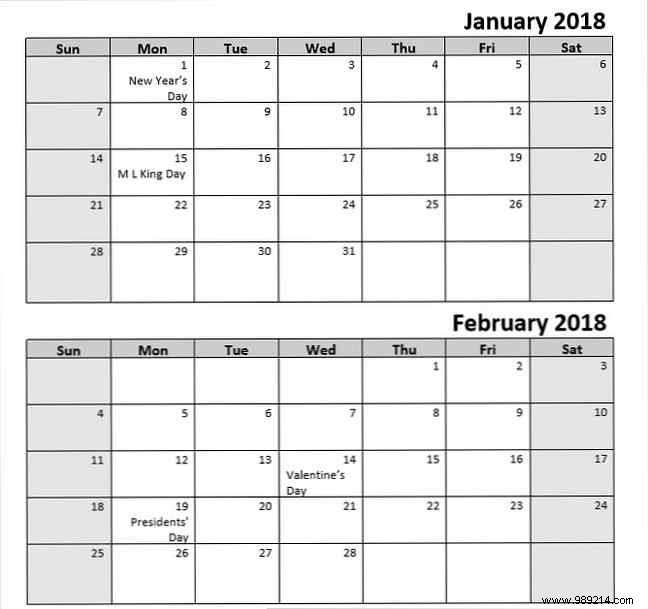
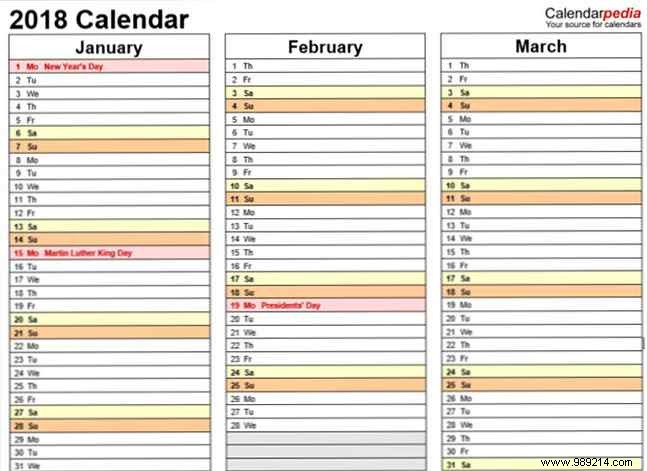
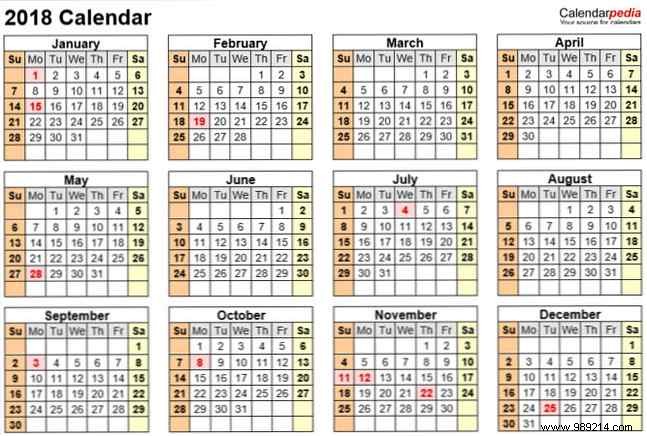
CalendarPedia's horizontal Word template (2018 Calendar Template 7) lists three months in a clean, list-style layout—perfect as a planner companion.
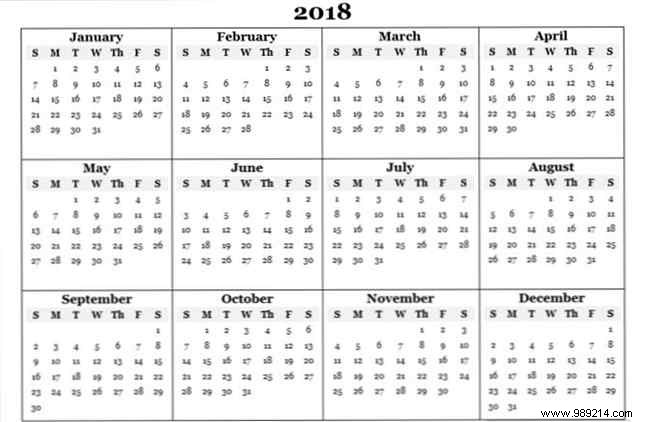
CalendarLabs' basic yearly Word/PDF/image template is great for marking key dates.
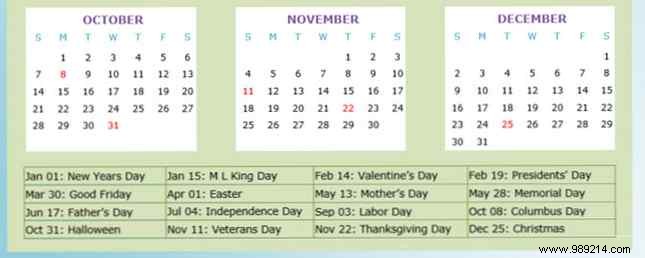
Their portrait Word version adds a colored background with red U.S. holidays for easy spotting.
Vertex42's reusable Excel template auto-adjusts: just enter the year and hit Enter.
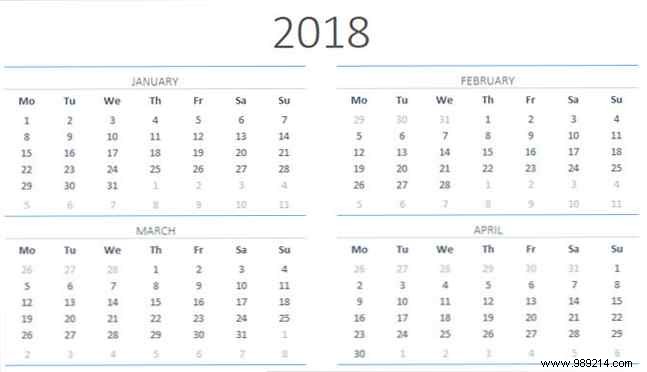
CalendarPedia's landscape Word template (9208) brings subtle color to the full-year view.
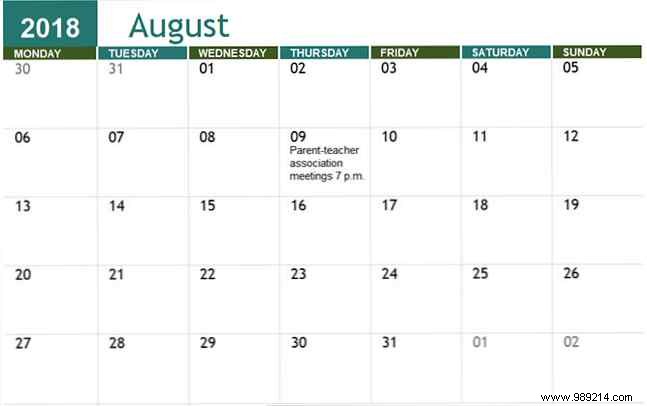
Vertex42's Excel academic template starts in August: enter the year at the top for a full school-year overview.
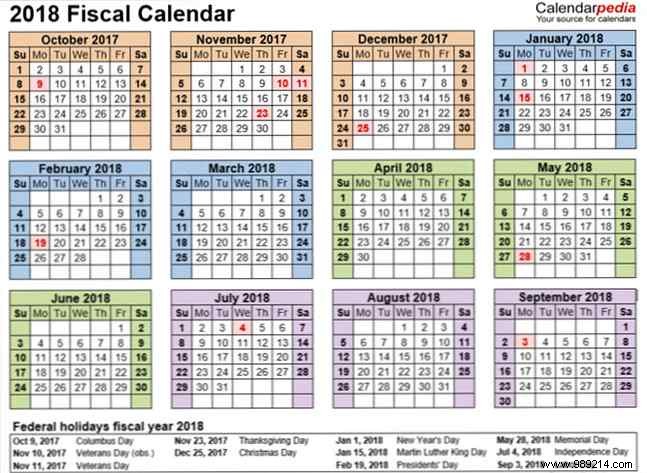
CalendarPedia's Word fiscal template (Fiscal 2018) offers a colorful yearly glance with federal holidays listed below.
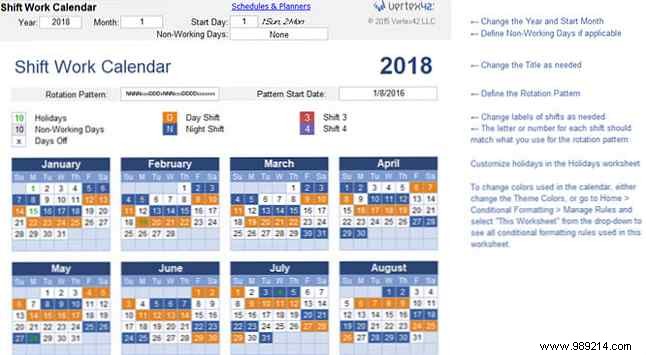
Track rotating shifts with Vertex42's Excel schedule: color-coded for day/night, customizable start date and rotation.
Mix and match these trusted templates—a weekly for meetings, monthly for overviews. Want to create your own? Our guides cover Excel custom calendars and OneNote integrations.
Which calendars do you use? Share your favorites or recommendations in the comments!
