As a Microsoft Word power user with years of experience crafting professional documents, I know a standout cover page can elevate any report or essay. It delivers your title, author, date, and a concise summary, creating that crucial first impression while previewing your content.
Ready to polish your business or academic documents? Below are 15 expertly curated Microsoft Word templates. If you need Word without the full subscription, check out how to get Microsoft Word for free.
This versatile medium-themed template from Microsoft Office offers an eye-catching cover with space for a photo—think company logo, product image, or office shot. Add your date, optional subtitle, and content summary for a polished start.
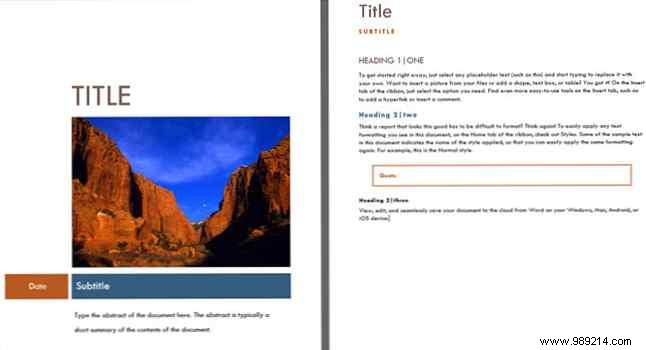
The second page includes headings, subheadings, paragraphs, and citations to streamline your report. For more tips, see How to Create Professional Reports in Microsoft Word.
Another Microsoft Office gem, this template combines a spacious photo area with full report support. Ideal for design, marketing, or graphics firms showcasing visuals. Include title, subtitle, and summary in a sleek black, white, and red scheme.
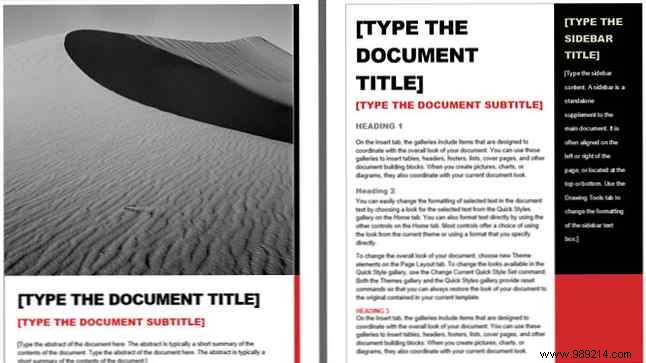
The following page features a sidebar for key points, plus structured headings and paragraphs.
Prefer a photo-free design? This clean Hloom template uses a subtle blue vertical line, with ample space for title, subtitle/abstract, date, and author name.

Hloom's darker navy blue option centers your title in bold font. Add a top subheading, date, or tagline, and bottom space for author or summary.

Flexible for students, this Microsoft Office template supports images, title, your name, course, instructor, and date. Easily remove unneeded elements. If MLA/APA formatting is required, use just the cover.
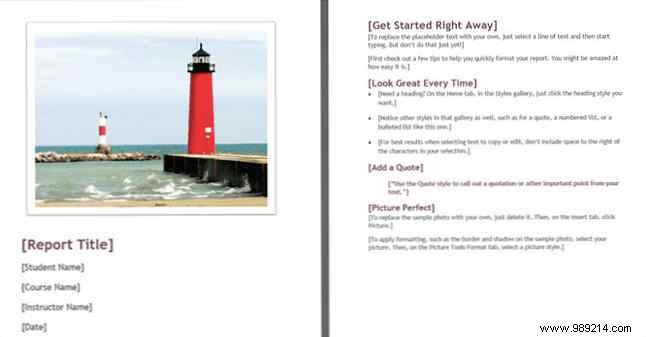
The second page provides headings, subheadings, and bulleted lists.
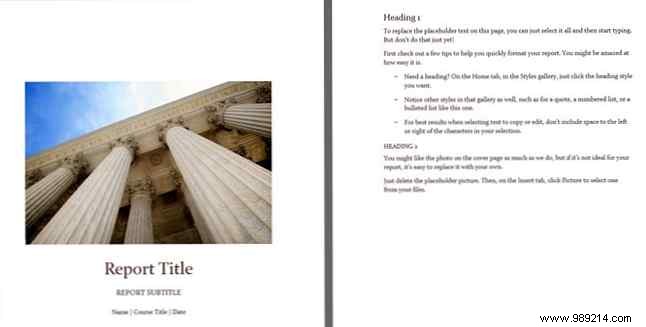
A compact option with image support, title, subtitle, name, course, and date. The second page aids reports, research, or essays with ready-made sections.
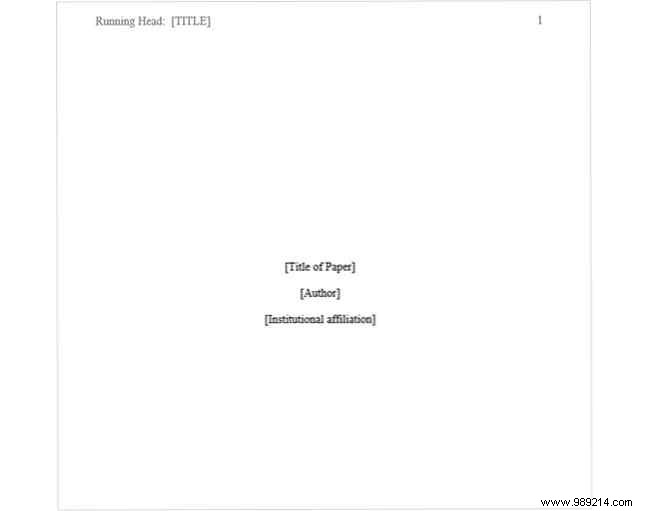
For APA-compliant papers, Hloom offers templates with precise line spacing, font sizes, margins, Times New Roman, and headers.
The first suits single-author papers: title, name, and affiliation/institution.
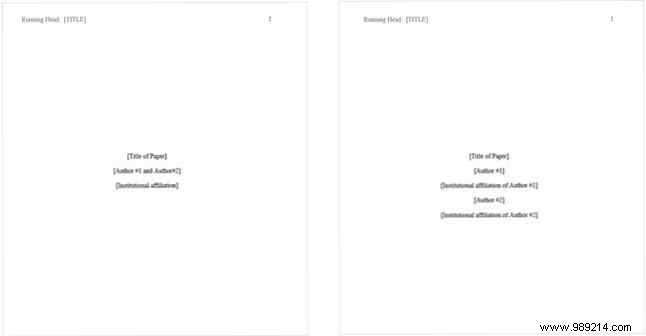
The next two are for dual authors—one for same institution, one for different affiliations.
Perfect for multi-author non-APA papers, this Microsoft template includes image, title, summary, multiple authors, class, semester, instructor, and date.
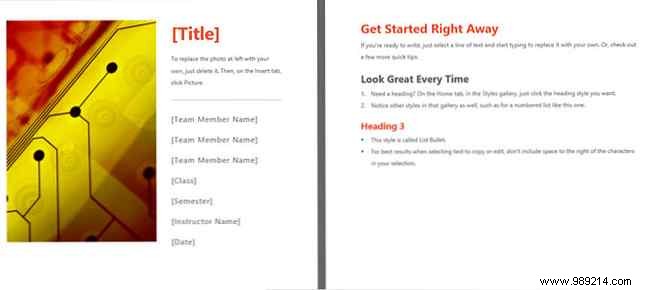
Use the second page for structured content. Explore more with 15 Student Checklist, Schedule, and Planner Templates.
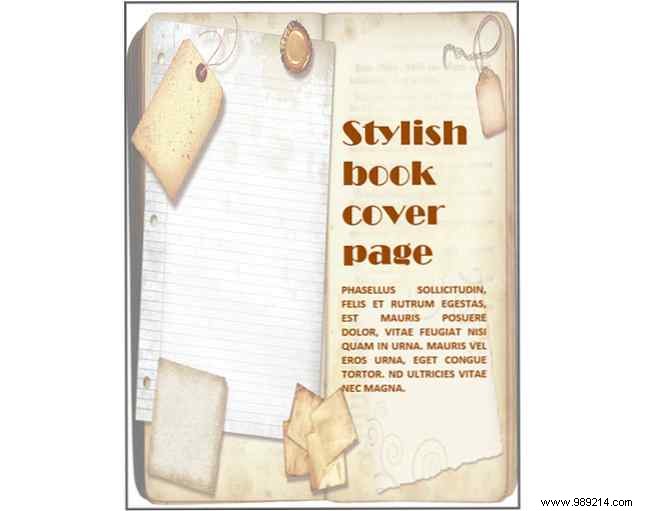
For a vintage bookish vibe, Hloom's aged paper design highlights title and summary beautifully.
Hloom's elegant purple vertical lines offer abstract flair. Ample space for title and summary with vibrant color pops.
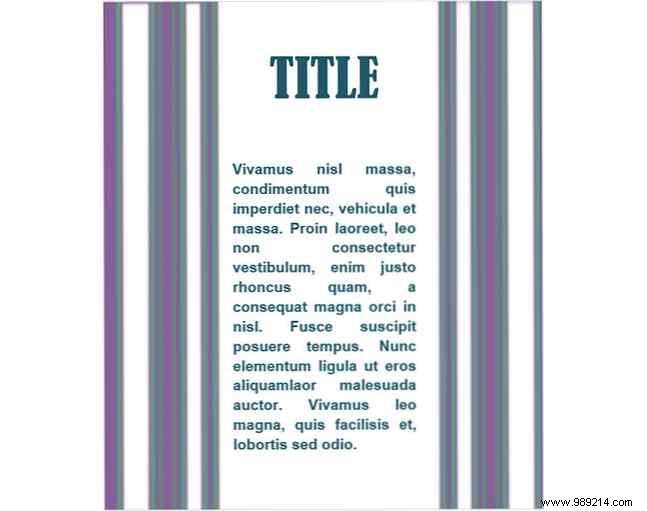
These adaptable options work for business or education—edit or delete text as needed.
Template.net's professional abstract blocks include editable year. Add title, subtitle, author, and company.
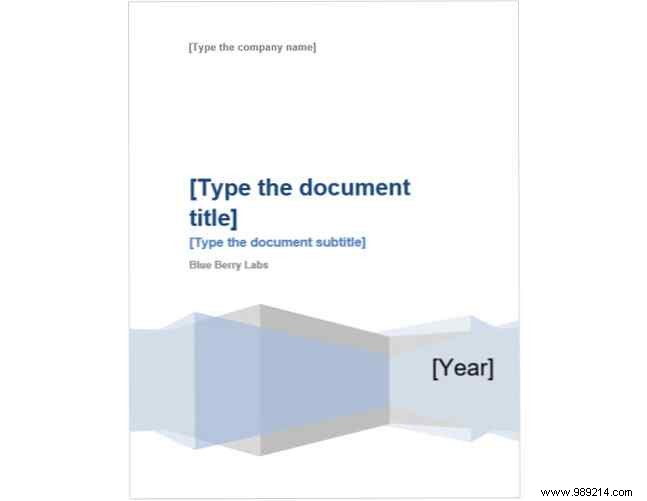
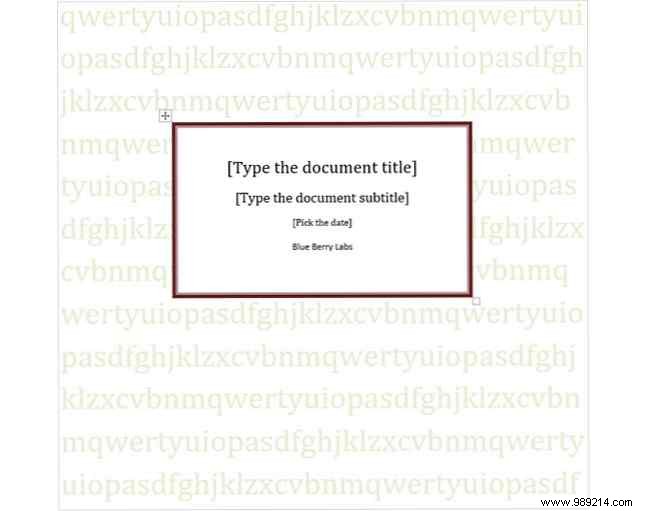
Editable text background from Template.net: title, subtitle, date (with dropdown calendar), and author. Customize or clear the backdrop.
Template.net's minimalist design features clean spacing for company, author, title, subtitle, and summary, with optional color accent.
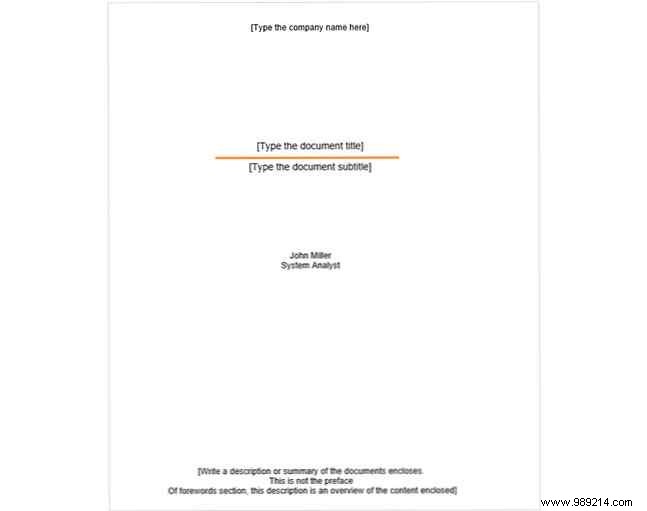
These templates suit business and academic needs alike. For Mac tips or meeting enhancers, we've got you covered. Don't miss 10 Best Table of Contents Templates for Microsoft Word.
