Thunderbird remains a powerhouse open-source email client, far from outdated. As dedicated users with years of experience, we've ditched webmail for its superior speed, privacy, and customization. Discover our expert-curated list of 10 must-have add-ons—proven to streamline workflows—plus 25 more gems to explore.
Note: All recommended add-ons work with Thunderbird 45, unless otherwise stated.
QuickFolders is indispensable for managing inboxes with numerous folders. It transforms them into bookmarkable tabs for lightning-fast access.
After installation, a new toolbar appears below the Mail toolbar. Drag folders here to create tabs, and effortlessly drag-drop folders or emails anywhere.
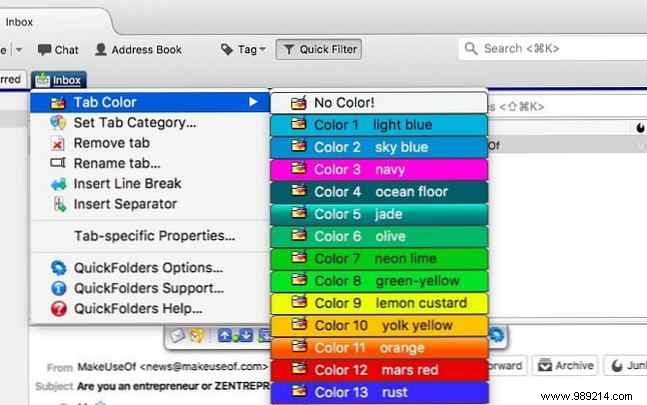
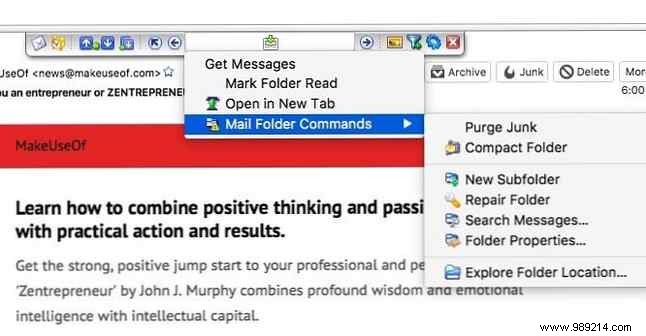
Color-code tabs, categorize, compress folders, search, mark read, or auto-sort emails. The free version suits most; upgrade to premium for $15. Also compatible with SeaMonkey and Postbox.
Quicktext saves hours by letting you create reusable email templates. Insert via keywords, shortcuts, menus, or buttons, with variables for personalization like names or addresses.
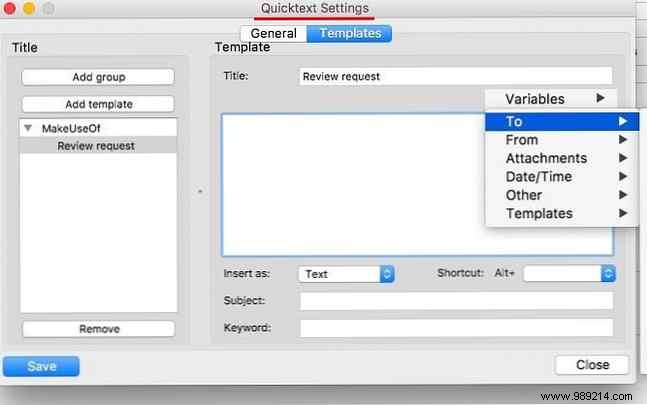
Ideal if you lack advanced text expansion tools. Templates support subjects, signatures, and attachments. Upgrade to Quicktext Pro ($9) for sharing and scripts.
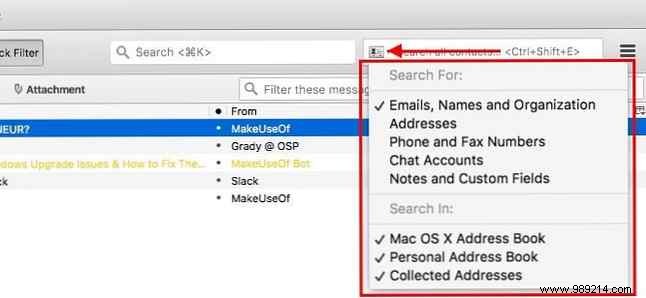
Contact Tabs adds a dedicated search field to Thunderbird's main window for instant contact lookup. Create new contacts right from the box.
Filter by name, email, chat, notes, etc. Customize defaults via the business card icon. Shortcut: CTRL + SHIFT + E.
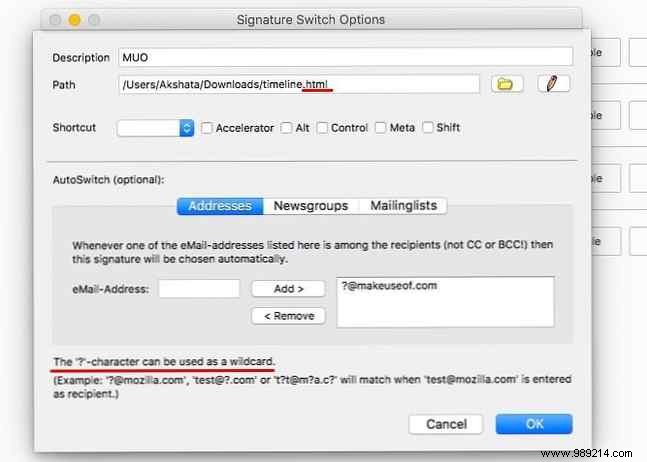
Streamline signatures with multiple predefined options tailored to accounts or recipients. Access via context menu while composing.
First, set up defaults in Tools > Add-ons > Signature Switch > Preferences using HTML files. Assign shortcuts for toggling.
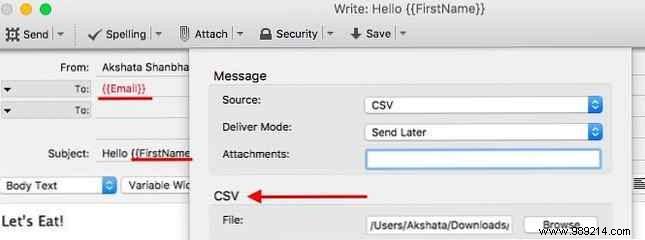
Mail Merge enables personalized bulk emails. Turn a draft into customized messages using CSV variables like <em>First Name</em>.
Follow developer instructions on the add-on page. It queues individualized emails in your outbox. Compatible with TB 45, though conflicts may occur.
Quick Filters simplifies inbox management. Drag emails to folders and use the QuickFilters Wizard to auto-create rules based on criteria.
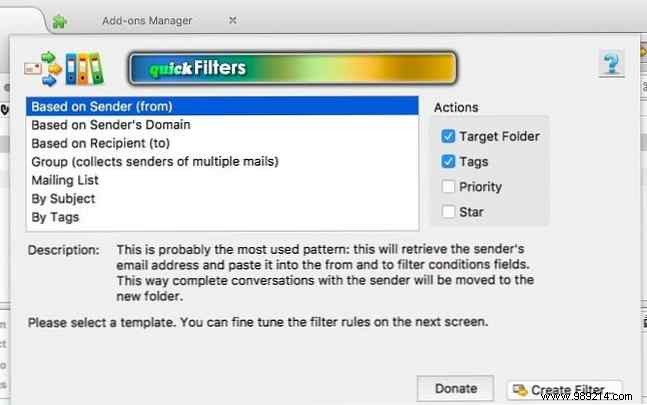
Clone, combine, order filters, or access via Message Filters button.
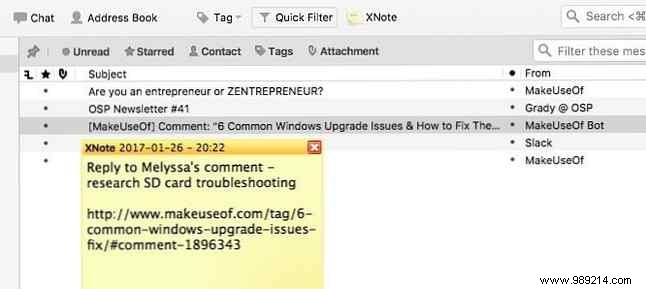
XNote++ adds sticky notes to emails for jotting phone numbers, addresses, links, or reminders. Click the toolbar button on selected emails.
Notes appear on reselection, vanish elsewhere.
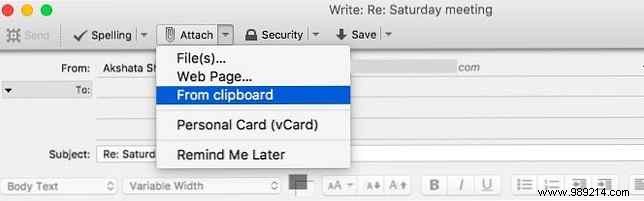
This handy newcomer attaches clipboard content—images, files, URLs—without file hunting. Access via Attach > From Clipboard or context menu.
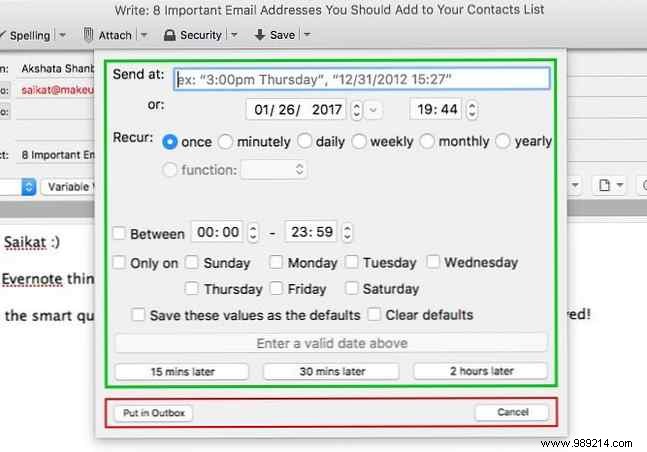
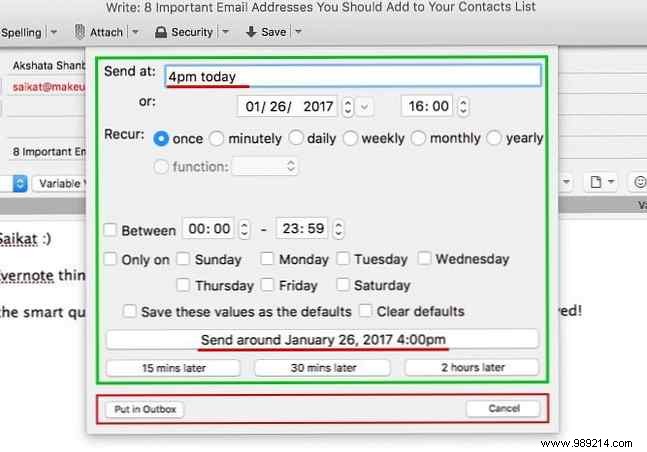
Enhance Thunderbird's Send Later with scheduling. Use CTRL + SHIFT + ENTER, set date/time, and choose "Send Around" for auto-send or Outbox.
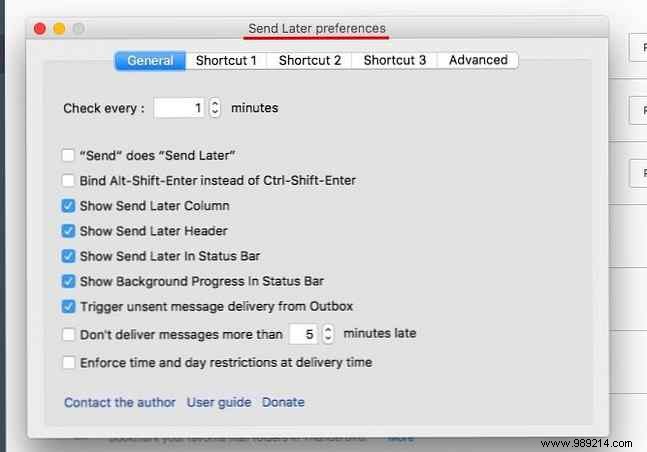
Customize intervals in preferences.
Personas Plus customizes Thunderbird's UI with themes. Install for instant default persona; preview more via toolbar.
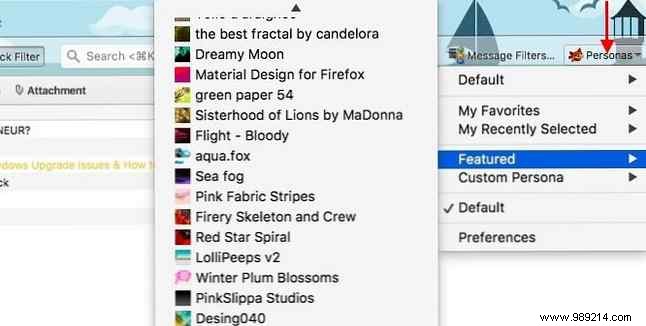
1. Enigmail: Adds OpenPGP encryption and authentication.
2. Allow Temporary HTML: Temporarily enable HTML per email.
3. MinimizeToTray revived (Windows, Linux): Minimize to system tray.
4. Nostalgie: Adds shortcuts for folders, panes, messages.
5. Provider for Google Calendar: Syncs Lightning with Google Calendar/Tasks.
6. Mail Redirect: Redirect/forward to multiple recipients.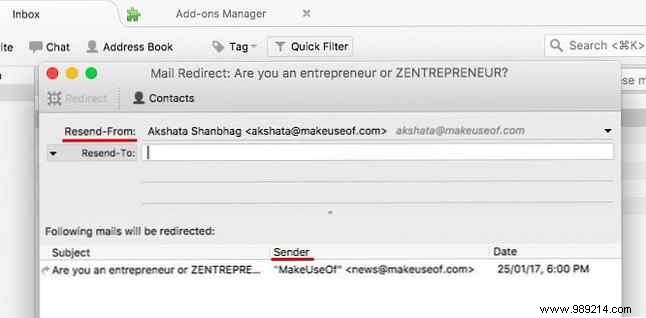
7. Auto Address Cleaner: Strips display names from addresses (may conflict with Mail Merge).
8. QuickNote: Tabbed note-taking with auto-save.
9. Master Password+: Timer-lock or button-lock enhancements.
10. CardBook: CardDAV address book support.
11. BorderColors GT: Color-code Compose by From address.
12. Menu Filter: Hide unused menu items.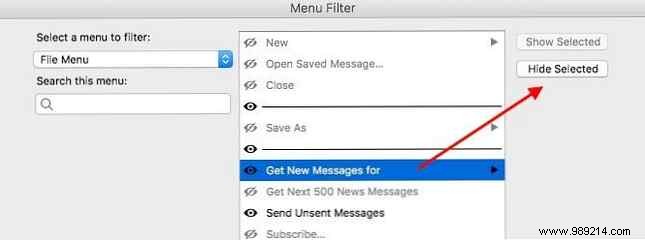
13. Classic Toolbar Buttons: Restores small buttons, tweaks.
14. CategoryManager 2: Categorize contacts, mass-send.
15. Tab Wheel Scroll: Mouse wheel tab switching.
16. Search as List: List-view search results.
17. Manually Sort Folders: Reorder folders/accounts.
18. ThunderHTMLedit: Edit HTML in Compose.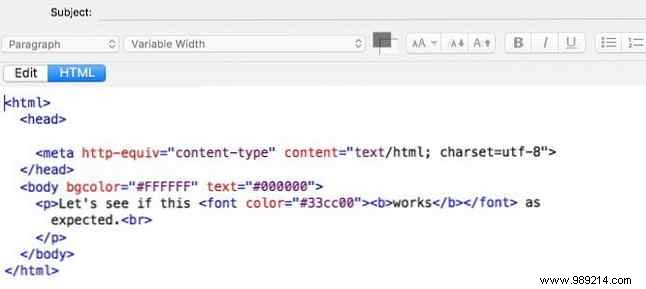
19. Search Results Sort By Date Not Relevant [No Longer Available]: Defaults to date sort.
20. Subject Manager: Reuse subjects.
21. AutoCopy 2: Middle-click paste selected text.
22. Safe Addressing: Prevent wrong recipients.
23. Slim Add-ons Manager: Compact add-on list.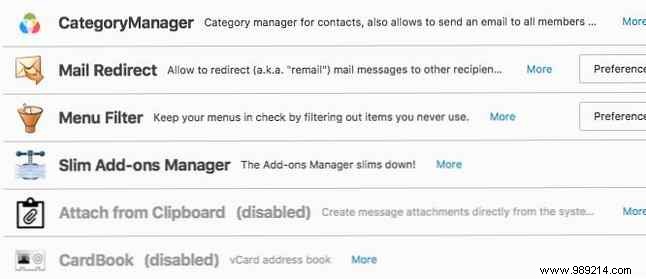
24. Simple Locale Switcher: Quick UI language switch.
25. Add-on Manager - Version Number: Shows add-on versions.
These popular ones lag in updates or TB 45 compatibility:
Flexible and open-source, Thunderbird is email's VLC—loved across Mac, Linux, Windows. These add-ons make it unstoppable.
Missed your favorite? Share in the comments!
Originally by Aibek Esengulov, May 15, 2007.
