Optical Character Recognition (OCR) tools make it easy to convert printed or handwritten text from images into editable digital text. Whether you're extracting quotes from photos or digitizing scanned notes, OCR saves time. But with free options available, is paying for premium software worth it?
I've tested countless OCR tools over years of productivity writing and research. Here, I compare Microsoft's free OneNote (2016 desktop version) against Nuance OmniPage 18 ($60), one of the top paid options, across real-world scenarios.
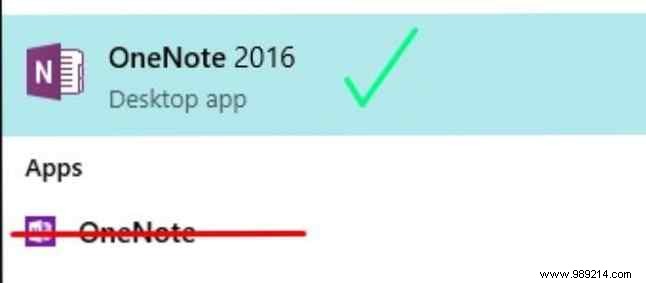
Key caveat: Use only OneNote 2016 desktop app for OCR—the web or modern apps lack this feature. Download it free from Microsoft's site (select Windows Desktop version).
Both follow a simple process:
To demonstrate accuracy based on my hands-on experience, I scored each tool 1-5 (5 = perfect transcription, no errors). Tests included:
Expectations: Free tools often match paid ones for basics, per my tests with tools like Google Docs vs. Word.
Test file: Sample PDF from Lakeshore Learning.
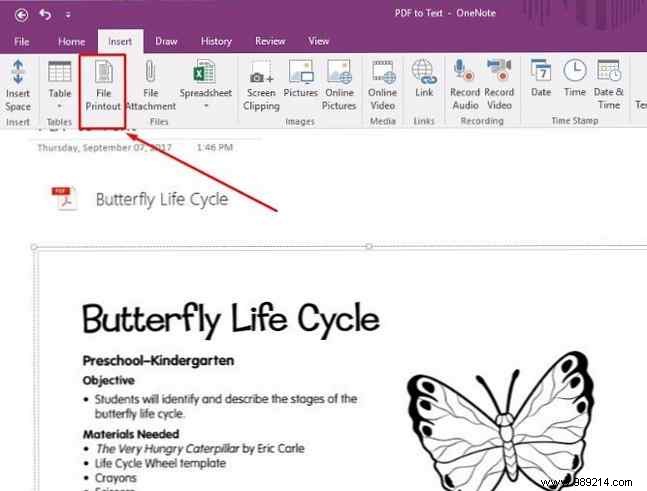
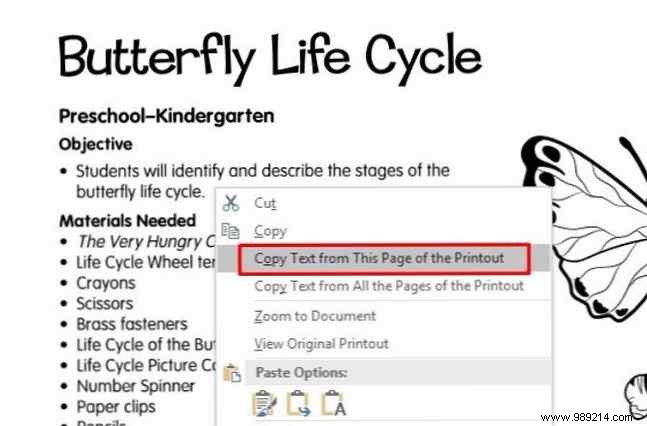
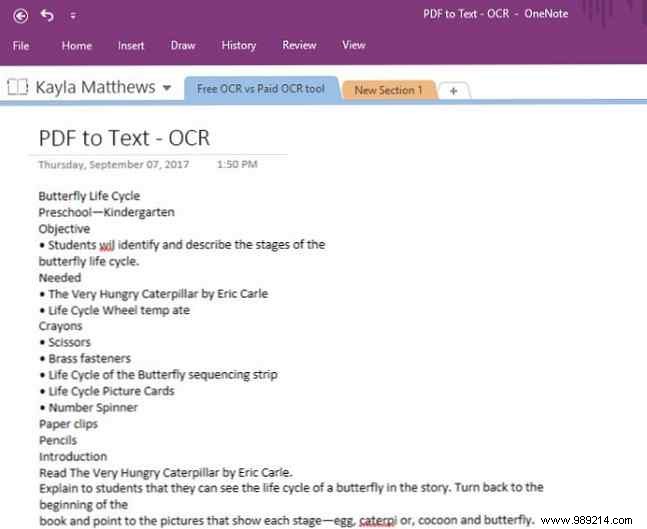
Insert as printout, right-click image > "Copy Text from This Page of the Printout." Paste worked flawlessly for page 1—editable, searchable text (layout not preserved).
OneNote Score: 5
Wizard interface: Upload PDF > OCR > Save as Word. Result: Perfect editable Word doc with images and layout intact.
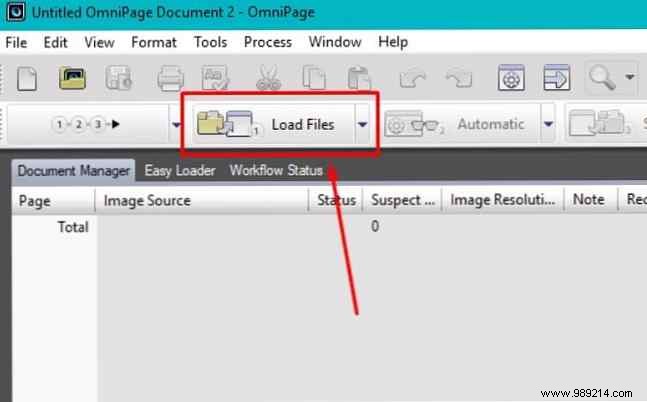
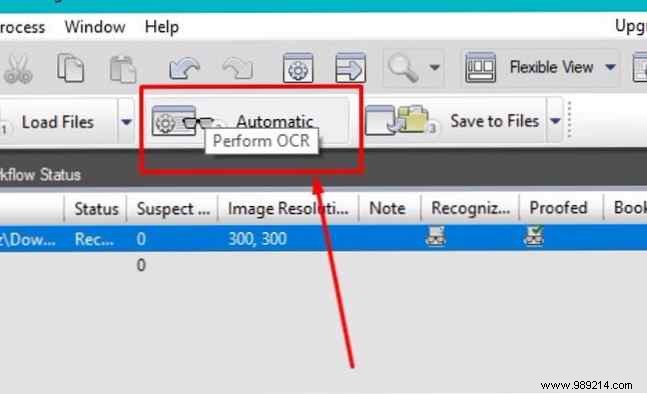
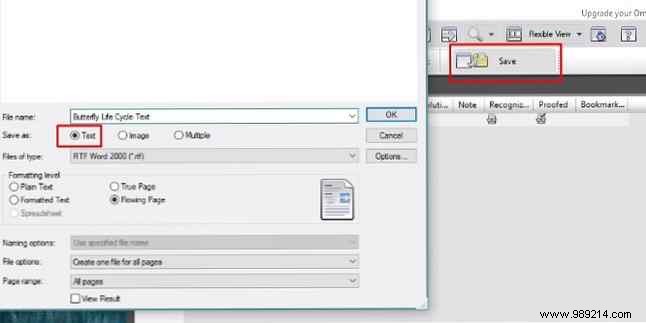
No preview, but quick and accurate.
OmniPage Score: 5
Test: Pinterest quote image (textured background).
Insert image, right-click > Copy Text. Failed to paste anything—likely due to texture.
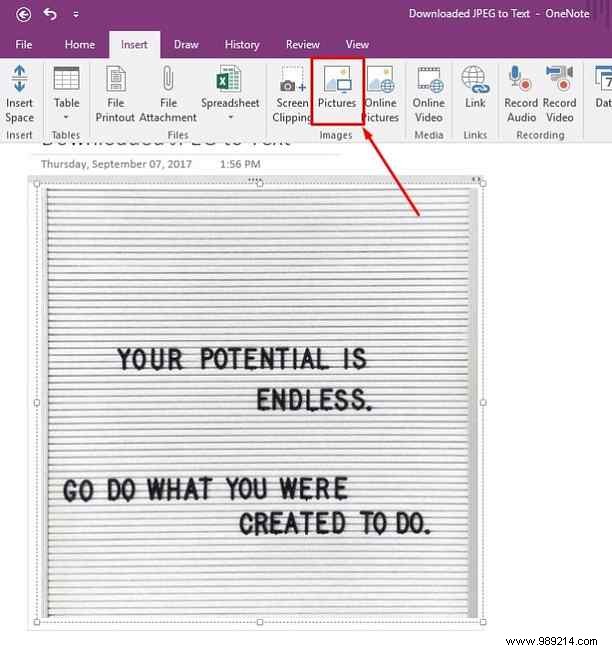
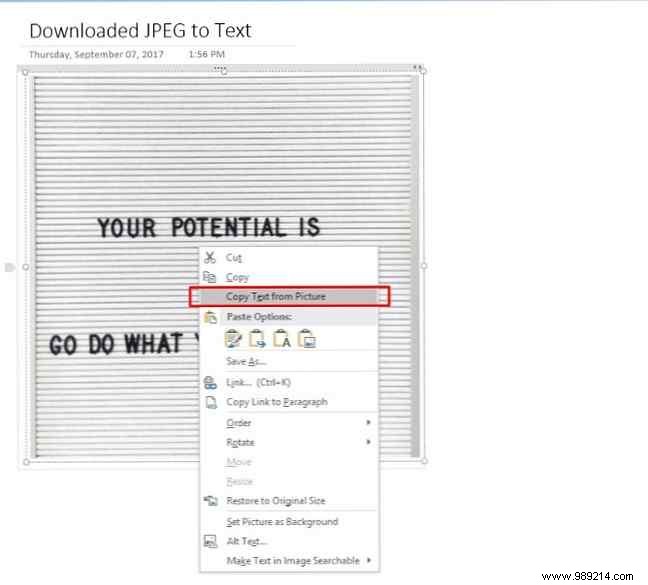
OneNote Score: 1
Struggled with background; partial recognition (e.g., misread words). Manual fixes didn't fully resolve.
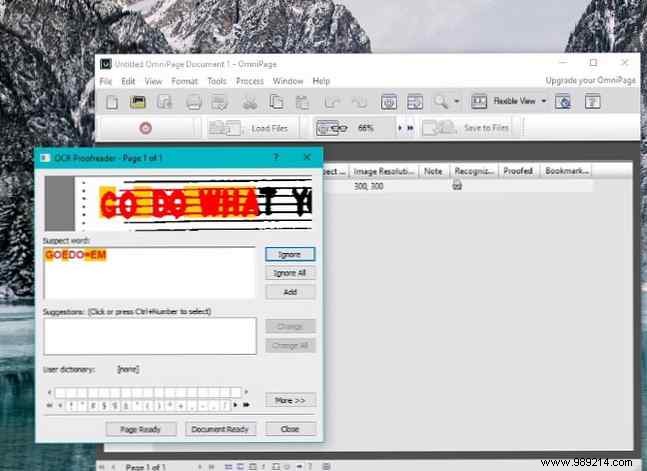
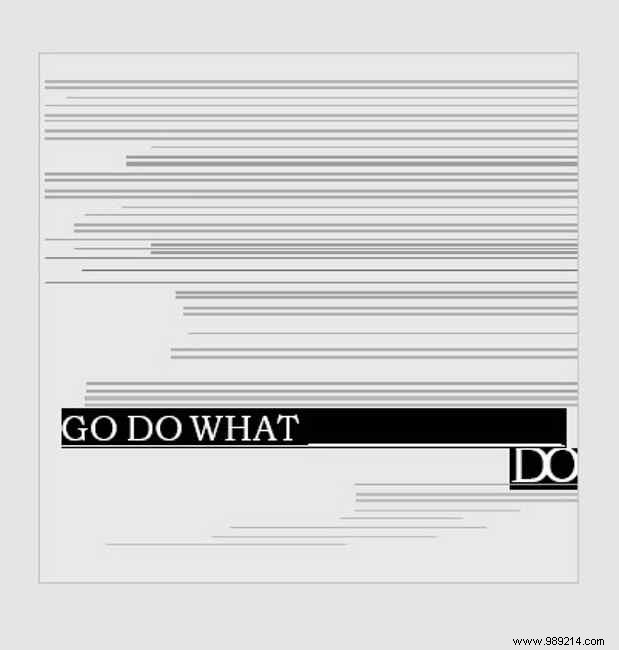
OmniPage Score: 2
Test: Chai tea box snapshot.
Copied text accurately despite minor line shifts—fully editable.
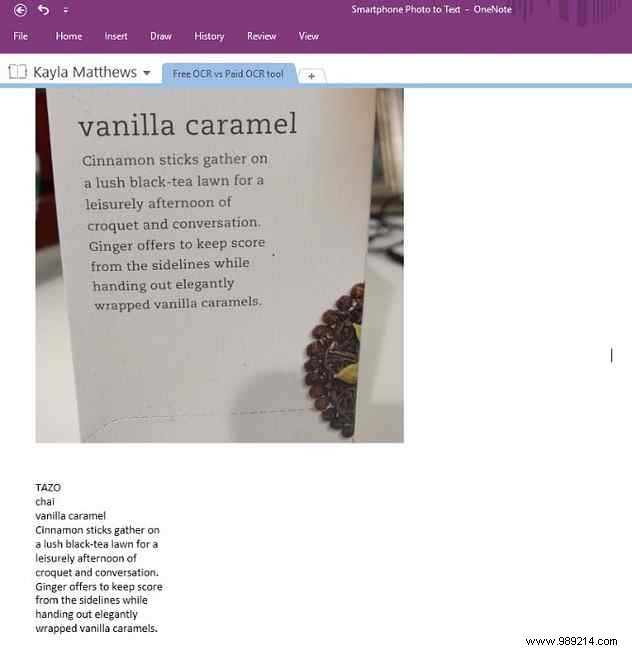
OneNote Score: 5
Workflow wizard handled well; accurate Word output with minor extras.
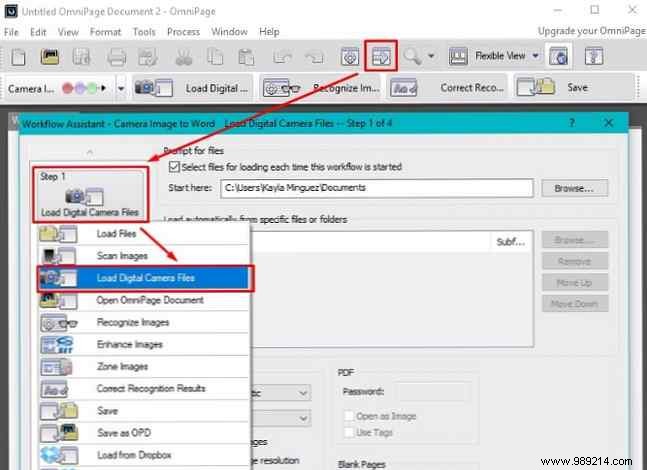

OmniPage Score: 4
Test: Phone-scanned note via free CamScanner app (PDF/JPG).
Partial success on PDF; poor on JPG.
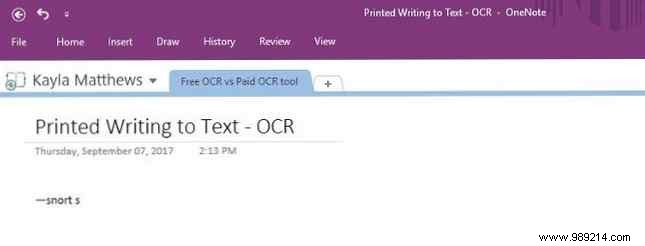
OneNote Score: 1
Weak on both formats.
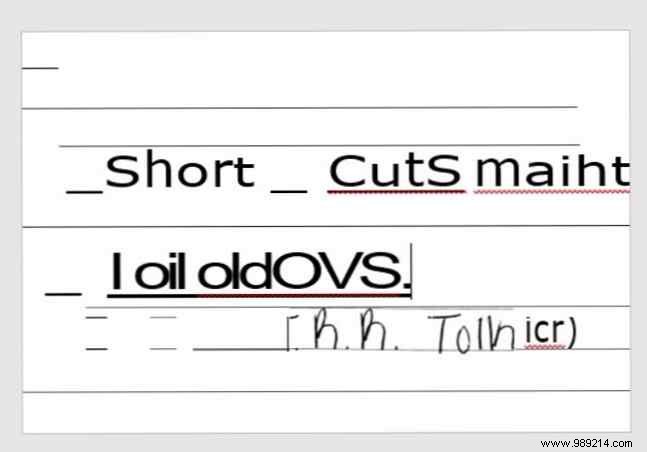
OmniPage Score: 2
Test: Handwritten note scanned via CamScanner.
Detected some text but wildly inaccurate.
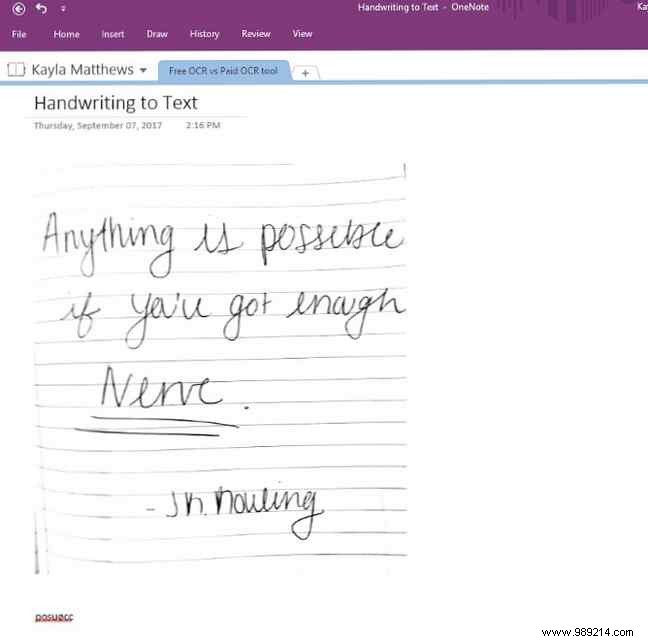
OneNote Score: 1
Imported but not editable.
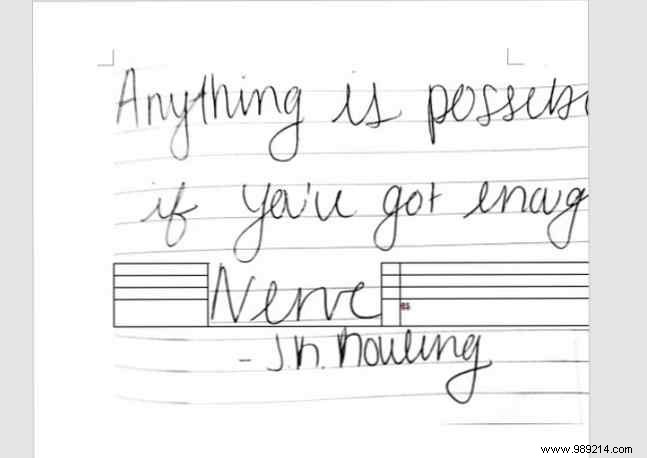
OmniPage Score: 1
OneNote: 13/25 | OmniPage: 14/25. Both excel at clean PDFs/smartphone shots but falter on handwriting/images. No compelling reason to spend $60—stick with free OneNote or online tools.
What’s your experience? Best OCR tips in comments!
