Project management tools like Intellinote excel at consolidating tasks, files, messages, and meetings in one place for seamless collaboration. But for overseeing multiple projects, you need more—a solution that tracks status, schedules meetings, sends reminders, and stores documents centrally. Enter Podio, a versatile platform designed to streamline project tracking, team coordination, and resource management. As a seasoned project management consultant with years of hands-on experience, I've helped teams leverage Podio to stay ahead. Here are proven tips to maximize its potential.

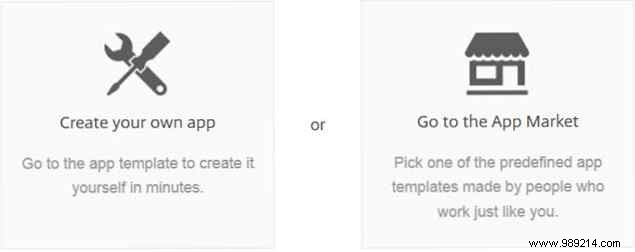
Podio's strength lies in its customizable "apps," pre-built modules for various functions and industries—like meetings, ideas, clients, purchase orders, invoices, and contacts. Start by exploring the Podio App Market to find packages suited to your needs, whether by function or sector. This sets a strong foundation, with the flexibility to add individual apps later.
For event management, grab the package with apps for participants, venues, vendors, speakers, events, and guest lists. In sales, use the lead management suite covering sales pipelines, leads, meetings, communications, and products.
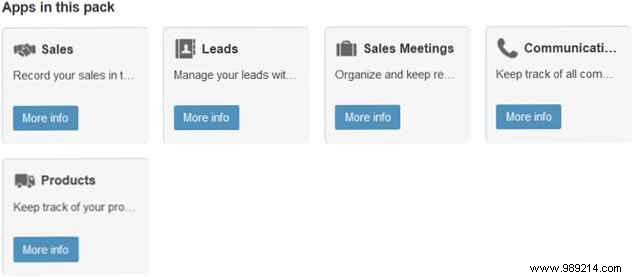
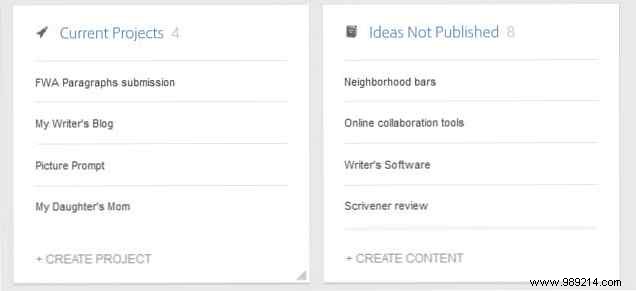
Arrange these apps on your workspace dashboard for a clear overview. Customize fields to match your workflows—Podio's apps form the backbone of efficient, adaptable project tracking.
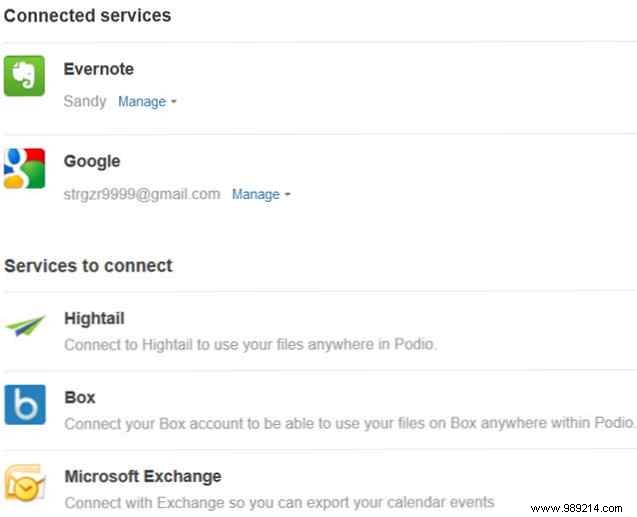
Podio integrates seamlessly with tools you already use, such as Microsoft Exchange Calendar for event exports, GoToMeeting for one-click launches, and Evernote for note attachments. Connections to Hightail, Box, ShareFile, Office 365, Windows Live, Facebook, SugarSync, and Dropbox keep everything centralized.
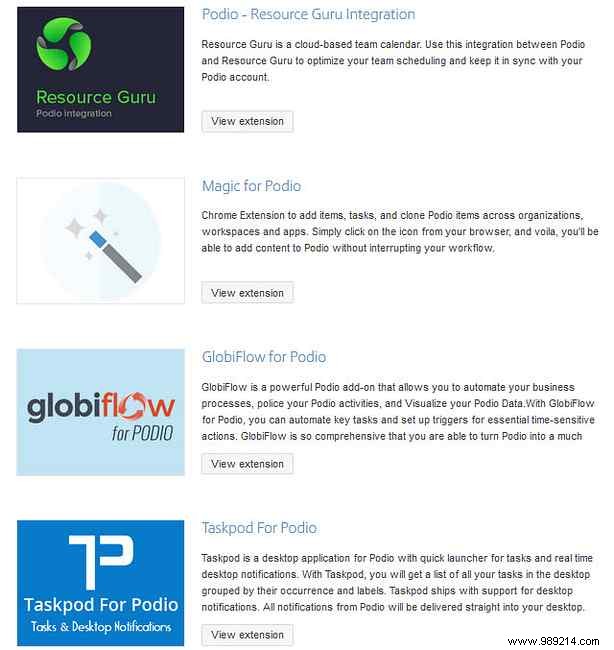
Access via Account Settings > Services—simply connect and go. Plus, Podio Extensions from third-party developers like MailChimp, Google Maps, Xero, and QuickBooks supercharge functionality. For instance, QuickBooks syncs customer data for automated invoicing.
Both Podio and Trello handle projects, tasks, notifications, and customization well—but they shine differently. I've used both extensively with client teams.
Trello offers instant boards and cards for quick starts, ideal for simple setups. Podio requires initial app configuration for a bespoke dashboard, but the result is a highly personalized hub Trello can't match.
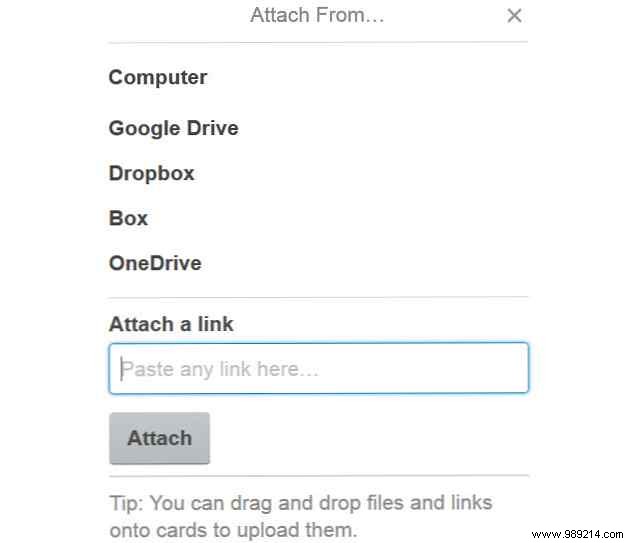
Trello links to Google Drive, Dropbox, and calendars like iCal. Podio provides broader, deeper options for calendars, meetings, and files—essential for complex workflows.
Free apps for iOS and Android make both portable. Trello's visual boards drag-and-drop smoothly; Podio excels at data tables and activity feeds.
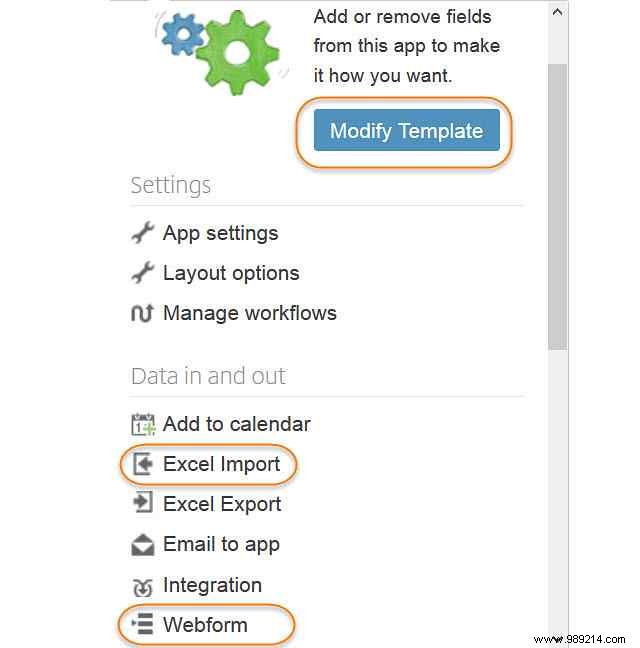
Unlike rigid tools like Microsoft Project, Podio adapts to your needs. Here's how to optimize:
Podio offers a free plan for up to 5 users (no user management). Paid plans start at $9/user/month, scaling to unlimited users with training, priority support, and advanced features.
Podio users: Share your top tips below. Considering it? What features matter most? Let's discuss in the comments!
