As a project management expert with over a decade of experience leveraging Microsoft Excel, I've seen firsthand how the right templates can streamline workflows, automate calculations, and drive teams to success. These free, customizable tools handle everything from timelines to budgets, saving you hours of setup time. Simply input your data, and watch the magic happen.
We've curated a selection of reliable Excel templates to supercharge your projects.
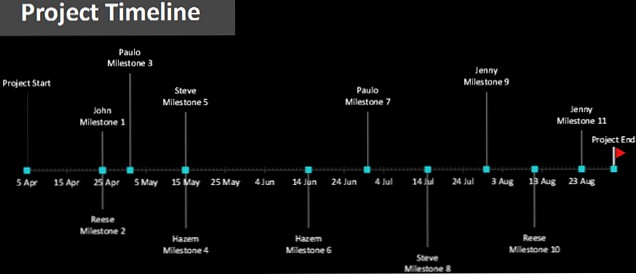
For straightforward project timelines, Microsoft's template gallery offers two excellent options. The basic version visualizes milestones, resources, and dates on a clean timeline. Enter details in the dedicated input section below, and it populates automatically.
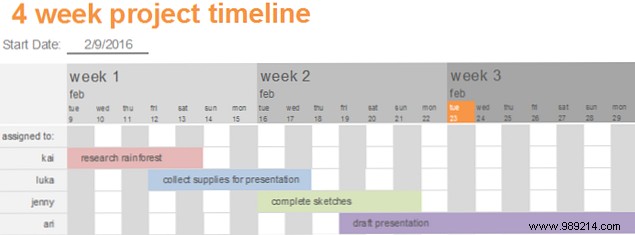
The second is a four-week timeline with color-coded resource assignments and status tracking. While not as advanced as full Gantt charts, these provide quick, at-a-glance overviews perfect for team sharing.
Access them by signing into your Microsoft account—they auto-save to OneDrive for seamless online or desktop Excel editing.
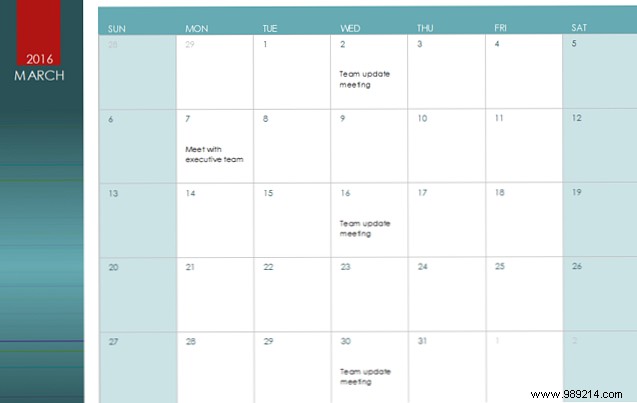
Excel's calendar templates adjust automatically: input the year, and days, dates, and weeks update. Add meetings and deadlines for a comprehensive monthly view in one tab.
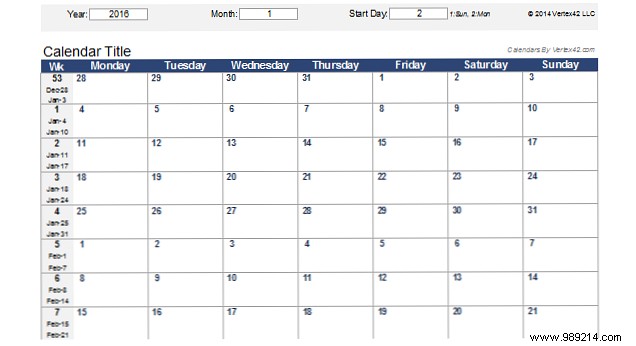
Microsoft's yearly calendar features a tab per month, with notes sections for reminders—ideal for project scheduling.
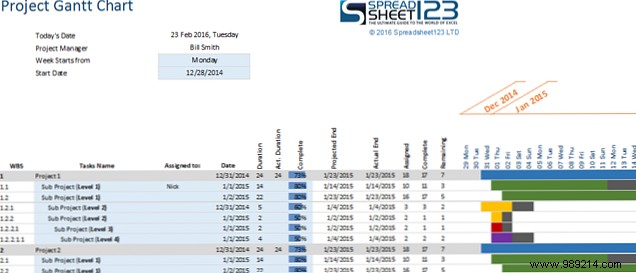
Gantt charts are a project manager's best friend for tracking deliverables by date. Input tasks, start/end dates, durations, and completion percentages—the chart builds dynamically.
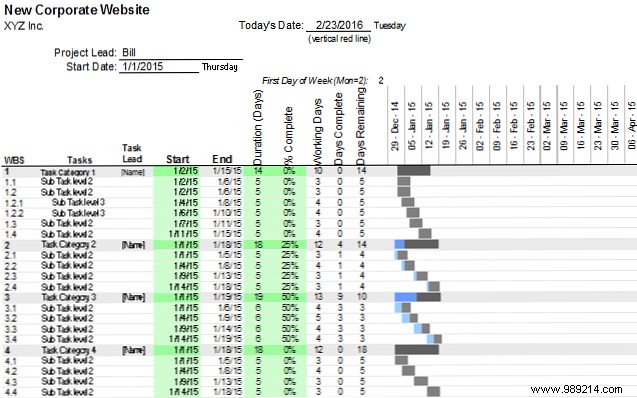
Trusted sources like Vertex42 and Spreadsheet123 offer free downloads compatible with Excel 2007+. Spreadsheet123 includes handy tabs for project details and contacts.
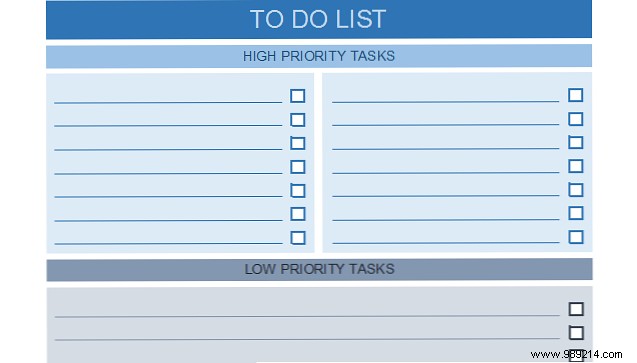
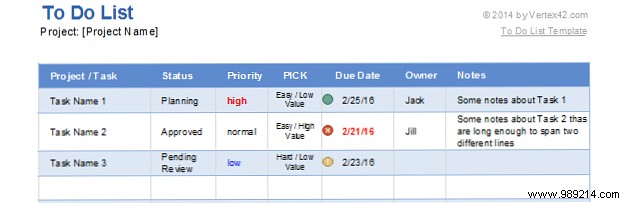
Customizable and printable, these lists keep tasks organized. Vertex42 and Spreadsheet123 provide user-friendly options—simple checklists or advanced with status, priority, due dates, and resources.
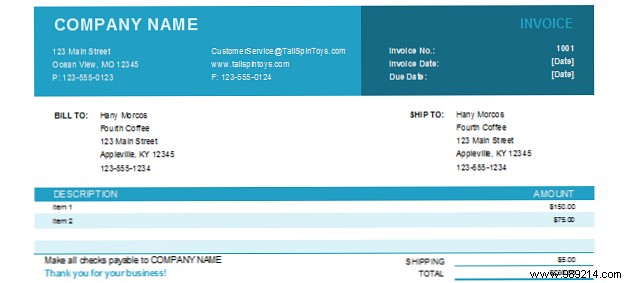
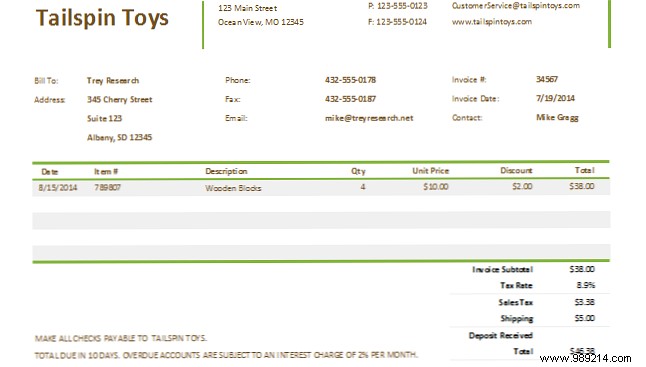
Microsoft's basic invoice auto-calculates item prices and shipping. The commercial version adds tax rates and customer dropdowns for pro invoices.
Vertex42's templates range from detailed work breakdown structures to simple income/expense trackers. TidyForms offers construction-specific options with categories like salaries and travel.
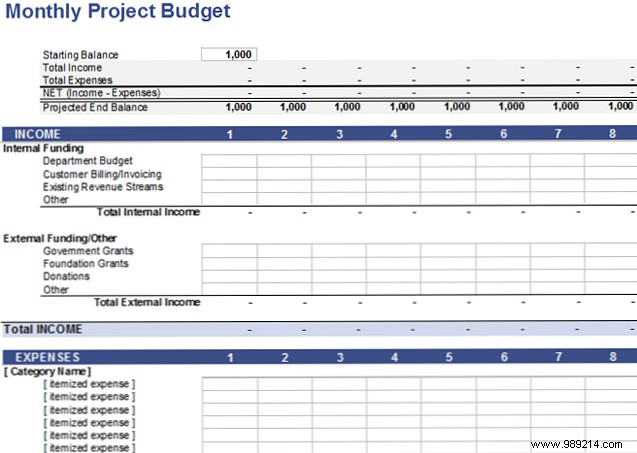
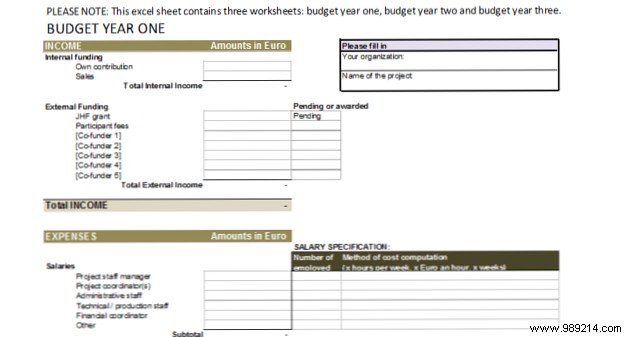
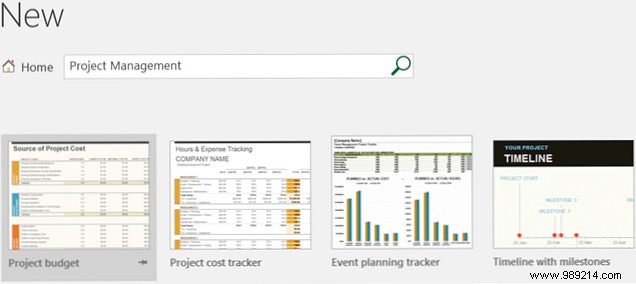
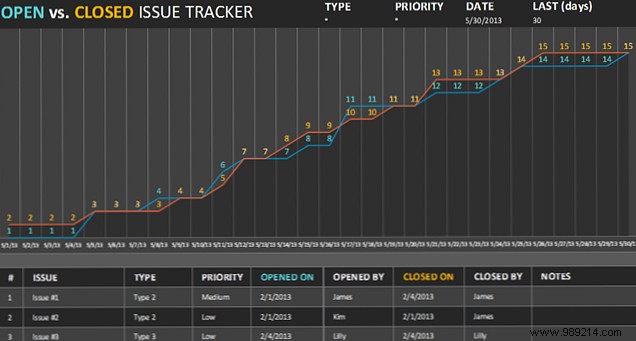
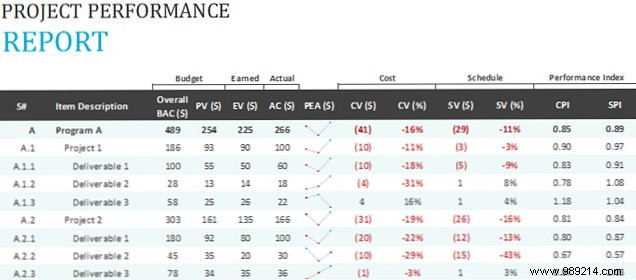
In Excel 2016, search 'Project Management' under File > New for instant access to budgets, cost trackers, performance reports, and issue trackers. Customize with your logo and data—they're pre-formatted for efficiency.
Project managers have endless tools, from Microsoft Project to online platforms. Excel templates stand out for their accessibility and power in any industry.
Do you use Excel templates for project tasks? Which is your favorite, and what could be better? Share in the comments!
