As a seasoned Outlook user managing daily workflows, I've relied on calendar reminders for key meetings and project tracking. They're invaluable—much like setting up tasks with due dates and links, as detailed in our How to Use Outlook for Simple Tasks and Project Management guide. But when they turn intrusive, disabling them is straightforward.
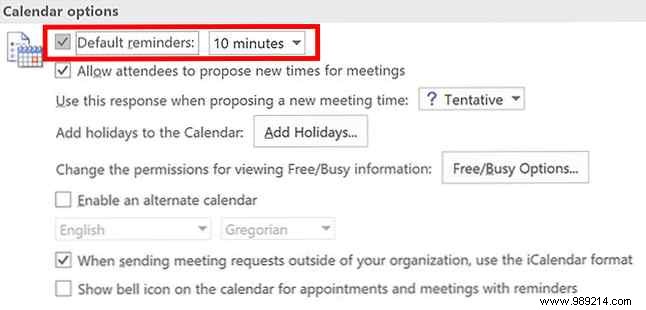
To turn off default Outlook calendar reminders:
This prevents reminders for accepted meetings on your calendar.
For reminders on specific emails or tasks, disable them all at once:

What's your go-to Outlook setting for peak productivity? Share in the comments below.
