Dropbox enables seamless updates to shared files, preserving original links and comments. Whether you've generated a shareable link or recipients have collaborated with feedback, simply upload a new version to keep everything intact.
This approach is ideal for individual files shared via the Create a link button, and it works equally well for files within shared folders.
Upload the updated file using the exact same filename and extension as the original—case sensitivity isn't an issue. Dropbox automatically replaces the file without prompts, so double-check you're targeting the right one to avoid accidental overwrites.
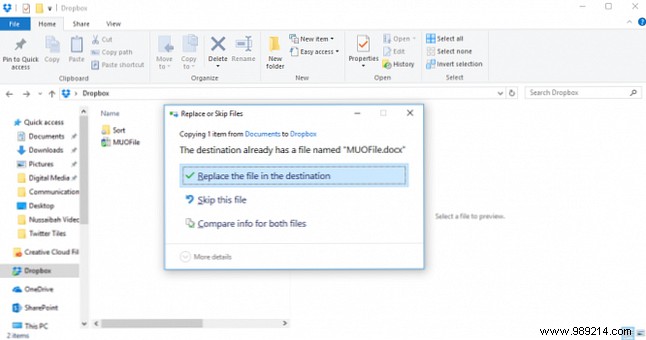
For added safety, use the Dropbox desktop app; your OS will warn you before replacing the file.
Have pro tips for smooth file sharing with teams? Share them in the comments below.
