Struggling with a flooded inbox, hundreds of contacts, and complex communication workflows? Gmail-integrated CRM tools provide a straightforward way to regain control and boost productivity.
Customer relationship management (CRM) software tracks contacts, interactions, and workflows. Gmail CRMs embed directly into your inbox, enhancing your email experience with powerful organization features.
Discover what makes Gmail CRMs stand out, from seamless integrations to robust free plans.
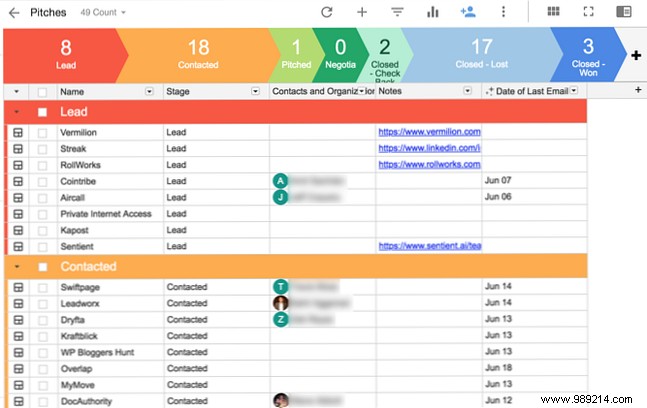
Streak lives entirely within Gmail—no need for separate apps or complex setups—yet delivers nearly all the capabilities of standalone CRM systems.
Create a 'Box' to organize related emails, which auto-populate. Track last contacts, manage organization or project contacts, and build custom workflows.
Streak offers email open/view tracking and a lightning-fast snippet system: type '#' followed by a keyword to insert pre-written text.
Its standout free plan makes it accessible:
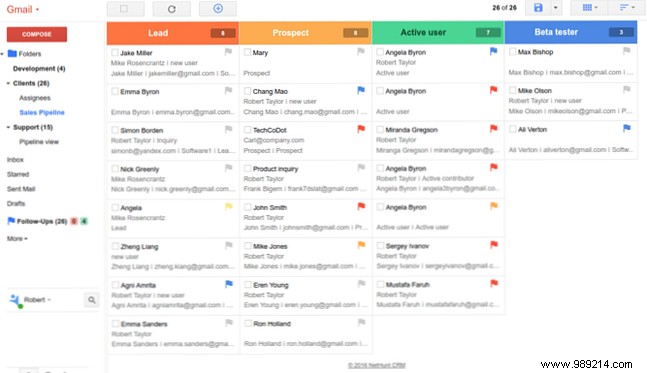
NetHunt organizes data into 'Records'—collections of emails, tasks, and files—grouped into folders with custom views.
Set color-coded follow-ups and reminders to prioritize next steps effortlessly.
Ideal for teams, the free plan supports two users with collaboration, reports, and more.
Pricing includes:
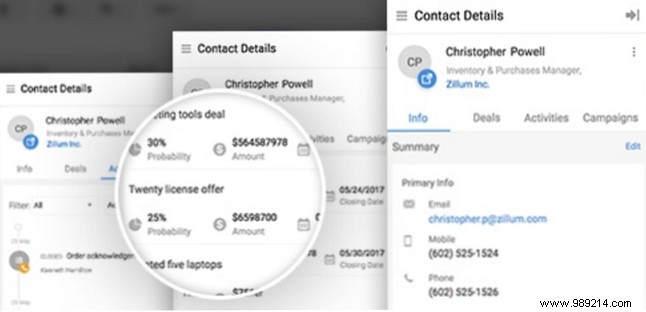
Zoho CRM, part of the Zoho suite—including top Microsoft Office alternatives (Top 7 Free Microsoft Office Alternatives)—integrates solidly with Gmail for workflow management.
Create leads, contacts, tasks, calls, and deals directly from your inbox. For full visibility, access the main CRM dashboard.
Simplified pricing (annual options available):
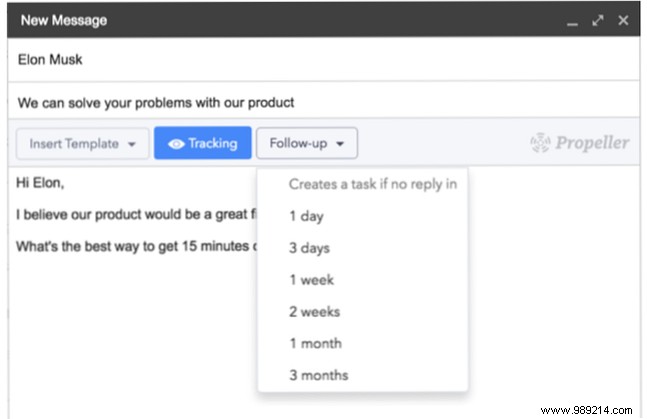
Helix (Propeller CRM extension) offers an intuitive interface with buttons for templates, follow-ups, and actions on new emails. Manage contacts in Gmail; pipelines appear in a sidebar.
Access full data via the web app. Its native feel and included one-hour onboarding make setup simple.
Straightforward pricing:
Insightly delivers enterprise-grade features like custom Kanban pipelines, reports, and relationship maps.
Perfect for sales and relationships, with a free plan for small teams.
Options include:
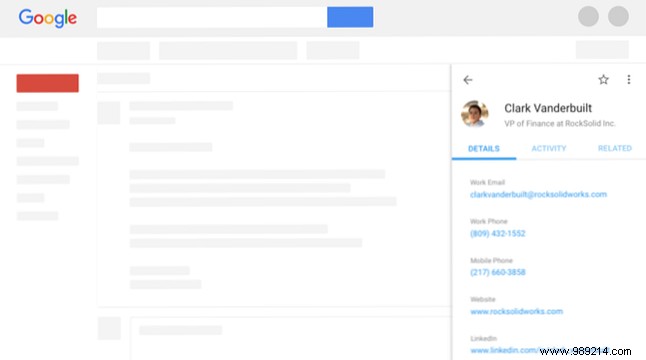
Built for Google Workspace, ProsperWorks integrates with Drive, Calendar, and Hangouts. Get notifications on CRM changes.
Sleek, Google-like interface with strong reporting and pipeline alerts for teams.
Pricing:
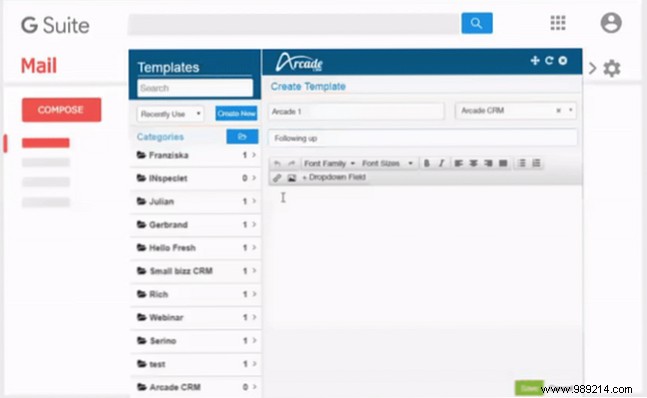
Arcade CRM features contact databases, tasks, calendar/docs integration, and sales pipelines.
Gmail extension supports templates, reminders, and open tracking—tightly linked to the full suite.
Simple pricing:
Two standouts emerge after thorough comparison.

Streak excels for full Gmail integration—no app switching, comprehensive features, and a robust free plan make it the top free and overall Gmail CRM.

For scalable standalone CRM with Gmail ties, Zoho offers professional tools and team collaboration on its free plan. (ProsperWorks' simplicity is a close contender.)
Need lighter management? Enhance Google Contacts with tips like those in '10 Easy Tips to Rescue Google Contacts from Neglect: A complete guide to cleaning and organizing your contacts. Read more.'
