I've relied on to-do list apps for years to stay organized and productive. Among the standouts, Any.do, Todoist, and Wunderlist shine with intuitive designs and powerful features across Android, iOS, and web platforms. But which one suits your needs best? Let's break it down based on my hands-on experience using each extensively.
Any.do was my go-to for over two years, starting with its sleek, minimal interface that quickly won me over. Available on iOS, Android, Web, and Mac, it balances simplicity and functionality.
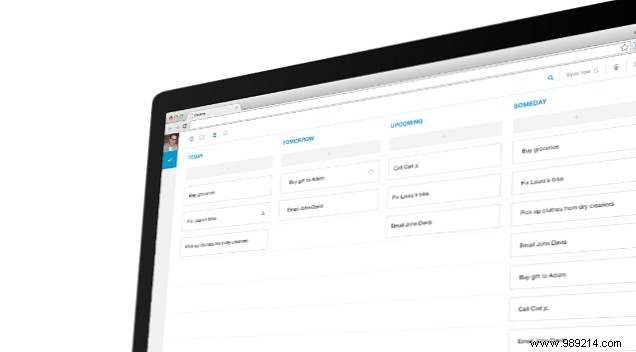
Create lists for work, personal tasks, shopping, and more. Add subtasks, notes, due dates, priorities, attachments (up to 1.5 MB), and basic recurring tasks. The Chrome extension lets you add tasks from Gmail.
Views include Time view (today, tomorrow, later, someday), Standard List View, Priority View, and landscape Calendar view—far superior to basic apps like Apple Reminders.
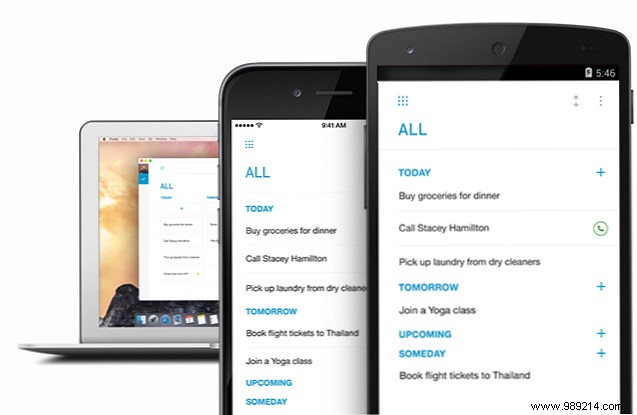
The standout Moments feature prompts daily or weekly reviews to prioritize tasks, available 5 times monthly for free.
Unlimited sharing for team use, custom recurring tasks (e.g., every 2 weeks), 100 MB attachments, unlimited Moments, and location-based reminders.
Switching from Any.do, Todoist became my powerhouse choice. It's feature-packed across iOS, Android, Mac, Windows, and web—less visually flashy but incredibly robust.
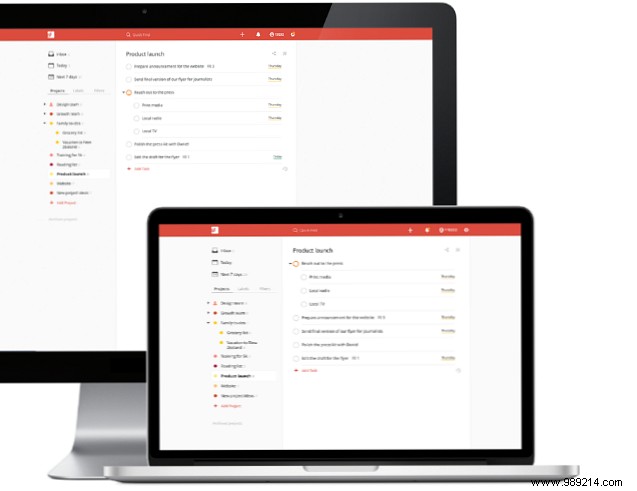
Organize into Projects, drag-and-drop tasks, schedule with natural language (e.g., "tomorrow," "next month"), four priority levels, subtasks, and recurring tasks. Share projects with up to 5 people.
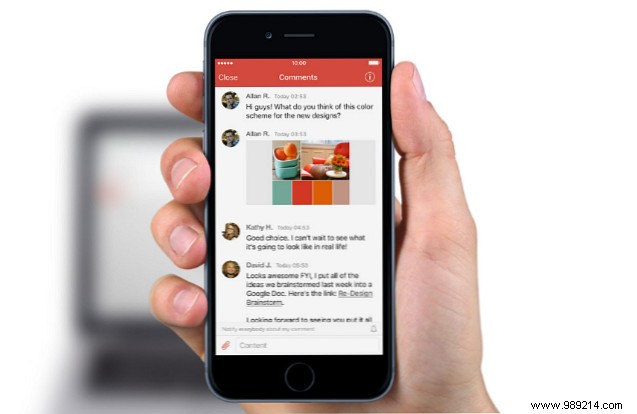
Natural language input and integrations with IFTTT/Zapier (e.g., missed calls, Trello tasks, Google Calendar) make automation effortless.
Add reminders, labels, email-to-task, iCal sync, location tasks, and productivity charts for GTD tracking.
Used by millions on iOS, Android, Apple Watch, Windows, Mac, and web, Wunderlist offers broad accessibility.
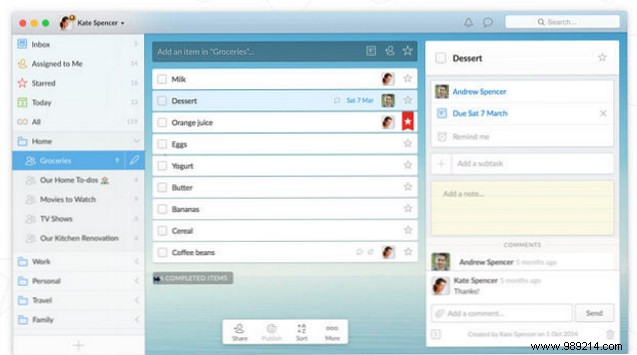
Generous features: shareable lists in folders, natural language due dates, basic recurring tasks, reminders, priorities (stars), up to 25 subtasks/notes/files per task, and task assignments.
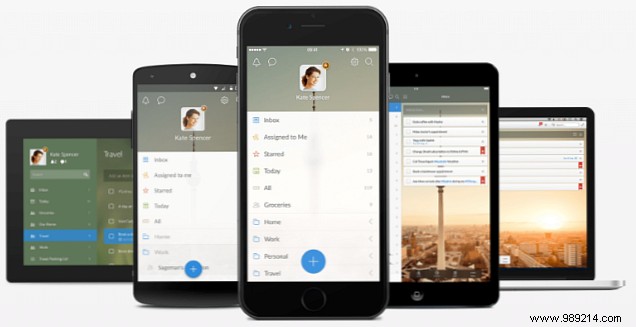
Zapier integrations (e.g., starred emails, Google Tasks). Sort by date, priority, or hashtags for smart filtering; view today's/this week's tasks separately.
Removes limits: unlimited assignments/subtasks and 5 MB+ file uploads.
The best app is the one you'll use consistently. For basics and beauty, try free Any.do. For free integrations and generosity, Wunderlist. For full power, IFTTT/Zapier, and polish, premium Todoist—my long-term pick after testing all three.
Which fits you? Or have a better alternative?
