Google Home's built-in calendar integration has limitations—it only supports adding events to your primary Google Calendar, leaving other calendars out of reach.
Want to bridge that gap with your iPhone's Calendar app? Our tested IFTTT applet makes it possible, drawing from years of smart home automation experience.
Start by installing the IFTTT app on your iOS device and enabling the applet. Customize it by naming a specific iOS calendar; leave it blank to default to your main one.
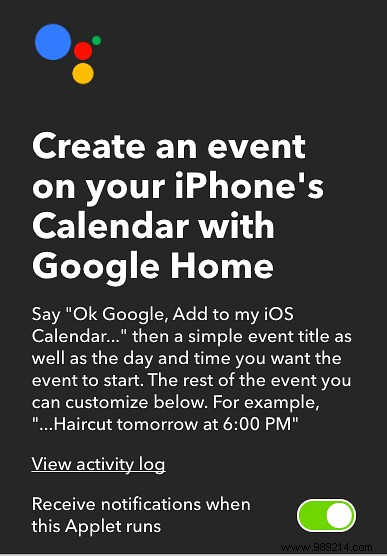
To create an event, simply say: "Add [event name] to my iOS calendar on [date/time]." We've refined this through hands-on testing for reliability.
Precision matters here. Stick to clear phrasing, or Google Home may confirm without syncing. It's optimized for events within a week: use "today," "tomorrow," days of the week, or "next week" (e.g., saying it Thursday schedules for the following Wednesday). Phrases like "Add haircut to my iOS calendar on Saturday at 6 pm" work perfectly for the upcoming Saturday. Exact dates, however, didn't trigger reliably in our trials.
If you pair your iPhone with an Android device running Google Assistant, these commands extend seamlessly across ecosystems.
Got pro tips for optimizing Google Home with calendars? Share in the comments—your insights help the community.
