As a high school or college student, your schedule is packed with classes, jobs, family, friends, clubs, sports, and more. Staying organized—especially with schoolwork—is essential for success.
Google Drive provides a powerful, user-friendly platform for storing, managing, sharing, and collaborating on files. Drawing from years of experience helping students streamline their workflows, here are practical tips to kick off your school year strong. Discover how to create custom, printable planners using Google Drive as your daily planning hub—tailored to every aspect of your life.
The foundation of an organized Google Drive for school starts with dedicated folders. Begin by making a top-level folder for each term, like "Lincoln High Fall 2023" or "State University Semester 3." Inside each, create subfolders for classes such as Calculus, Human Anatomy, Nutrition, or Psychology.
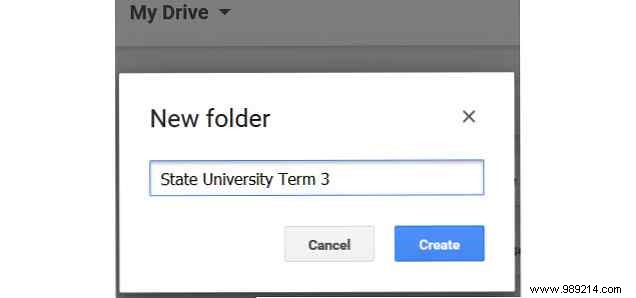
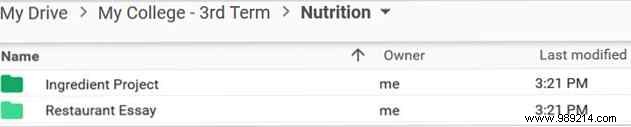
Take it further by adding sub-subfolders for projects and assignments, e.g., "Week 1," "Week 2," "Ingredient Project," or "Restaurant Essay" within Nutrition. This hierarchy ensures quick access to what you need.
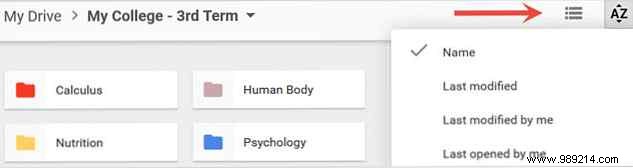
To create a folder, click New > Folder or right-click and select New Folder. Switch between list or grid views, and sort by name, date modified, or date opened for customized navigation.
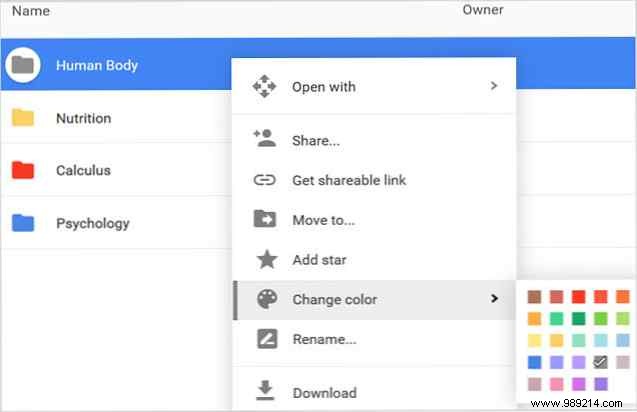
Give folders meaningful names, then enhance visibility with colors. Right-click a folder, hover over Change color, and pick your shade. This visual cue helps spot classes instantly, even in a rush.
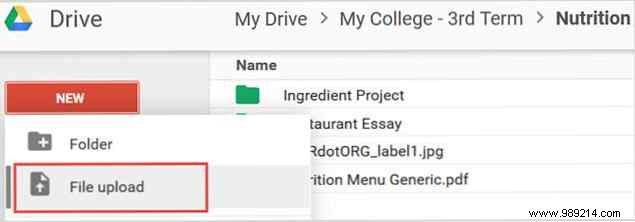
Google Drive supports PDFs, text docs, images, audio, and more. Navigate to your target folder, then select New > File upload or right-click > Upload files. Browse, select, and open.
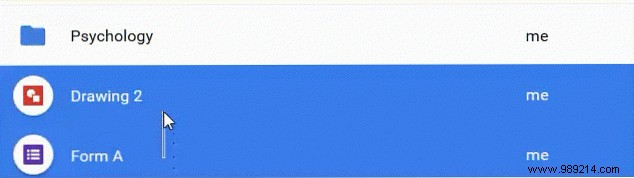
Organize existing files by selecting multiple (drag or Ctrl+click), then drag-and-drop into folders. Or right-click > Move to for precise placement.
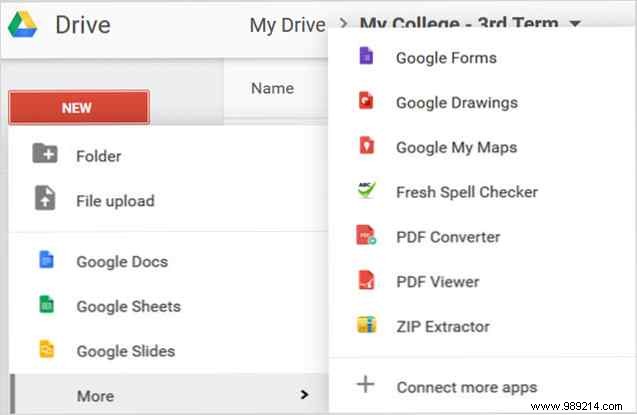
Leverage Google Workspace apps—no Microsoft Office required. Click New and choose Docs, Sheets, Slides, Forms, Drawings, or My Maps. Edit, share, and export (e.g., Slides as .pptx).
The only Google Drive guide you'll ever need to read Google Drive is the perfect combination of online file storage and document management tools. We explain how to best use Google Drive online and offline, on your own and in collaboration with others. Read More 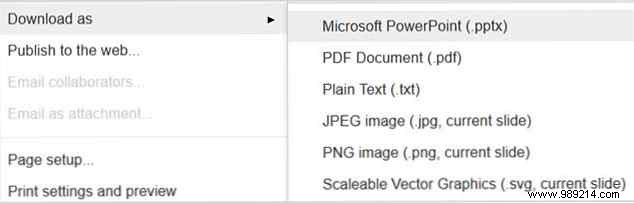
Group projects? Google Drive's sharing tools reduce stress by enabling real-time organization and updates.
For projects, create a dedicated folder. Select it, click Share (top bar or right-click). Generate a link, add emails, and set permissions (edit/view).
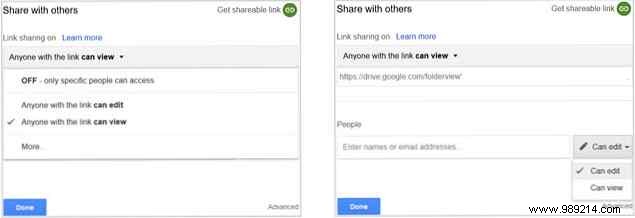
Single files are just as simple. Use Share for collaboration. 10 Tips for managing shared files in Google Drive Take Google Drive beyond a file storage system with the many tips and tricks it offers for real-time collaboration. Here are ten tips to help manage your files on Google Drive. Read More
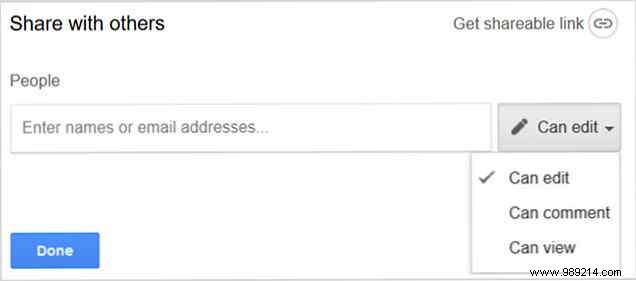
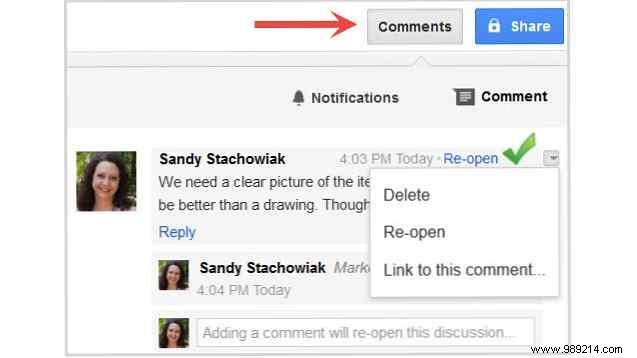
Add a Comments layer for feedback without full edits. How to easily collaborate on Google Drive with online annotation Specialized annotation web applications are available that integrate with Google Drive and make it easy to communicate with others about your work. We look at the best annotation tools for Google Drive. Read More
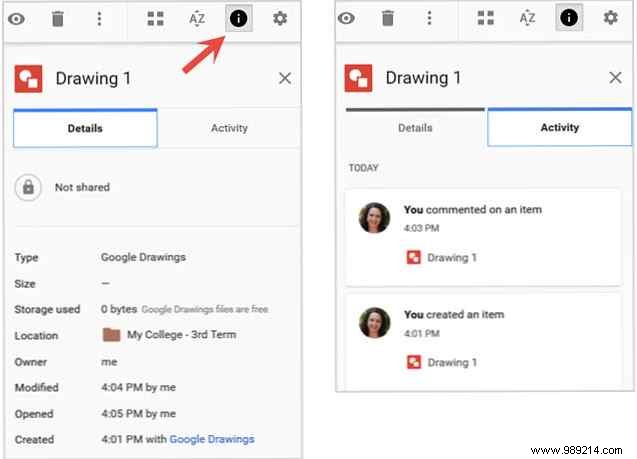
Click Show details for file/folder info: last modified, location, activity, and editors.
Boost efficiency—access via Settings > Keyboard shortcuts or Help Center.
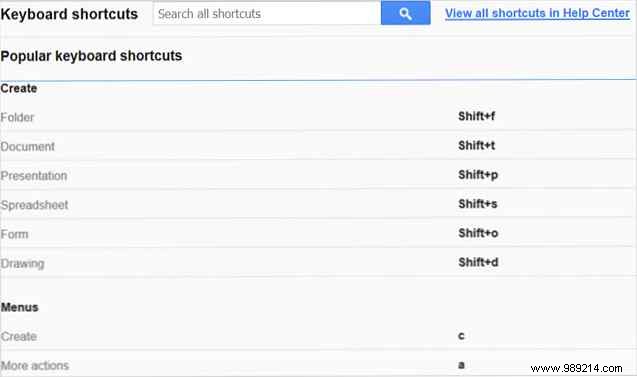
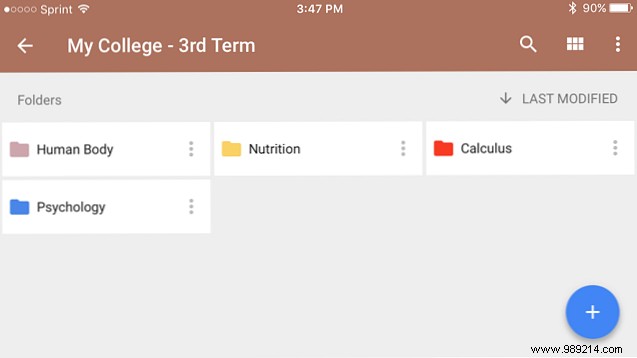
Free on Android/iOS for on-the-go access, sharing, and activity checks.
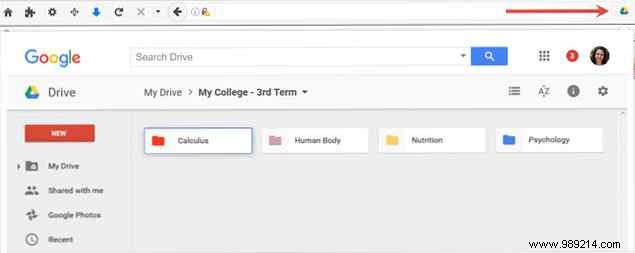
Save research effortlessly. 15 Essential Chrome Extensions for Google Drive better use of your disk space and the files you keep there. Read More
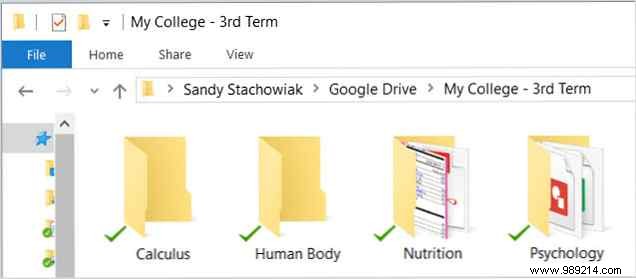
Sync on Mac/Windows for seamless access.
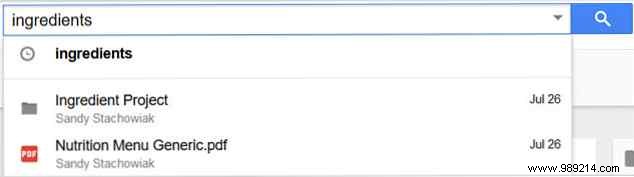
Use keywords and operators to find anything fast. 7 Google Drive Search Tips to Help You Find Anything Is your Google Drive a mess? Find everything easier with our help. Google search operators can find just about anything, including text in images (OCR) or content-based photos, for example. your dog. Read more.
Google Drive eliminates school organization stress with robust storage, creation, sharing, syncing, and integrations. How to organize your Google Drive like a pro. Its advanced search functions. They can help you sort and organize your files and you'll always find what you need! Read more. Make Google Drive absolutely amazing with these tools. Google Drive comes with many smart features. And you can greatly expand its potential with third-party tools. Here we have collected some of the best tools that connect to Google Drive. Read more.
Do you use Google Drive for school? Share your top tips in the comments!
