As a longtime OneNote power user and literature student, I've refined note-taking for complex novels like George Orwell's 1984. Ditch pen and paper—OneNote's digital hierarchy, links, tags, and multimedia integration make CliffsNotes-style summaries effortless and searchable.
Microsoft OneNote excels as a cross-platform tool seamlessly tied to the Office suite. Follow this proven step-by-step guide to organize book reports like a pro.
Physical notebooks get messy fast. OneNote lets you structure notes hierarchically, rearrange anytime, and collapse sections for focus.

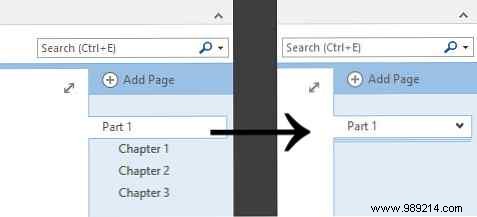
I start with a page for Chapter 1 under a "Part 1" parent page, mirroring the book's structure. Drag subpages rightward to nest them.
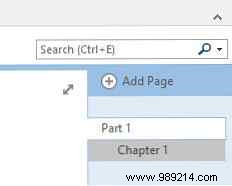
This keeps your sidebar tidy—minimize nested pages as needed.
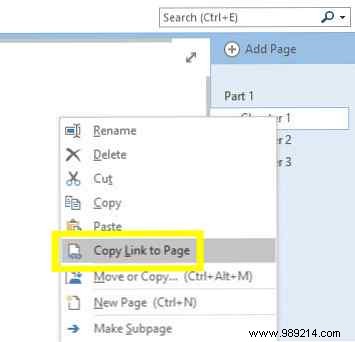
Use the parent page for summaries. Right-click a chapter page, select Copy link to page, and paste into the summary.
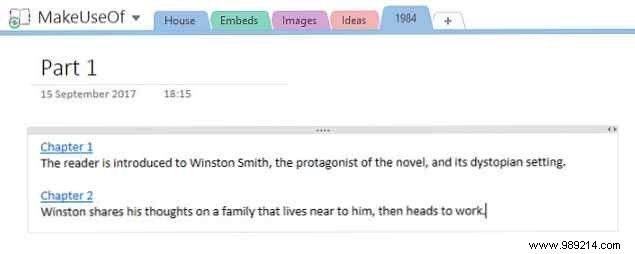
Add concise overviews; click links for details. Expand with glossaries (e.g., Newspeak terms) or essay outlines for academic prep.
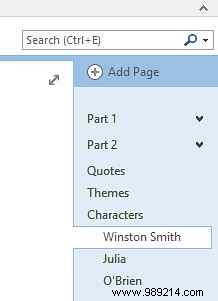
Sensible hierarchy saves hours during reviews.
Contextualize quotes and themes across your notebook. Divide a "Key Quotes" page by section, then link from theme pages.
Right-click a quote paragraph, select Copy link to paragraph.
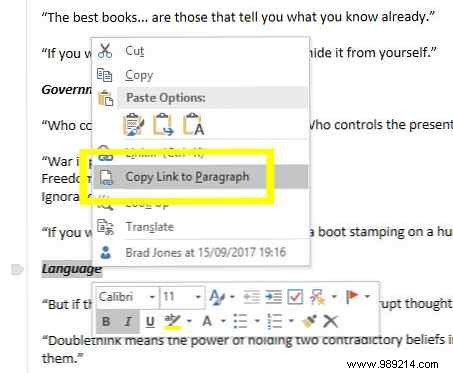
On your theme page, highlight text, press Ctrl + K, paste the link, and confirm.
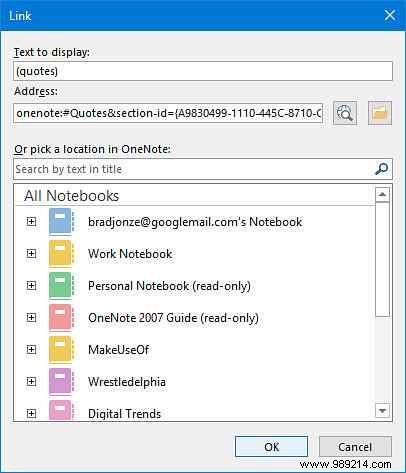
Click to jump precisely—no endless scrolling in growing notebooks.
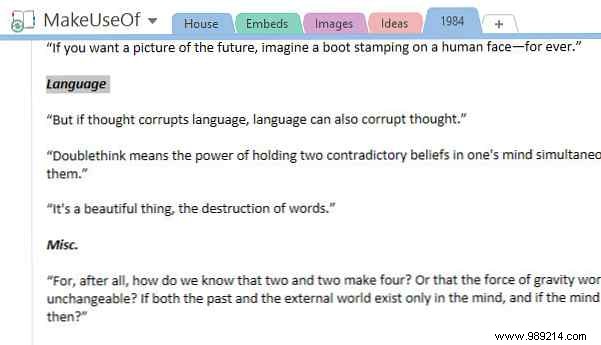
OneNote's search is robust, but custom tags supercharge it—track characters, quotes, and more.
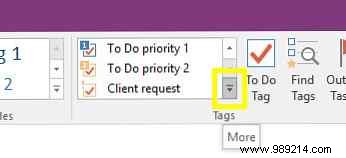
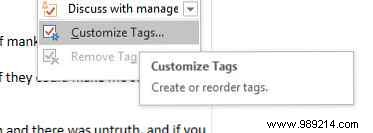
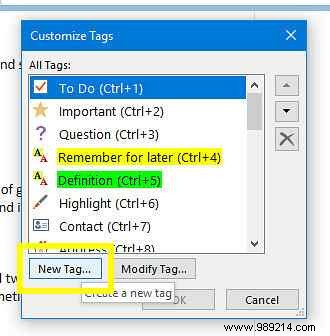
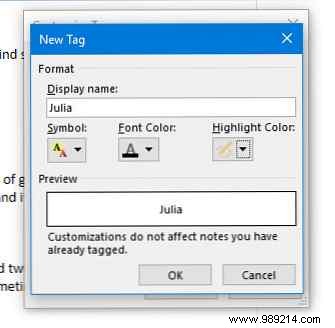
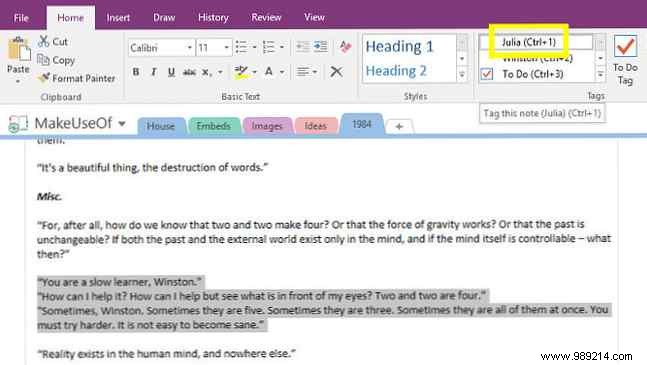
In the Home tab's Tags section, click More > Customize Tags > New Tag. Name it (e.g., character names); skip styling if desired.
Highlight text and apply tags via ribbon or shortcuts.
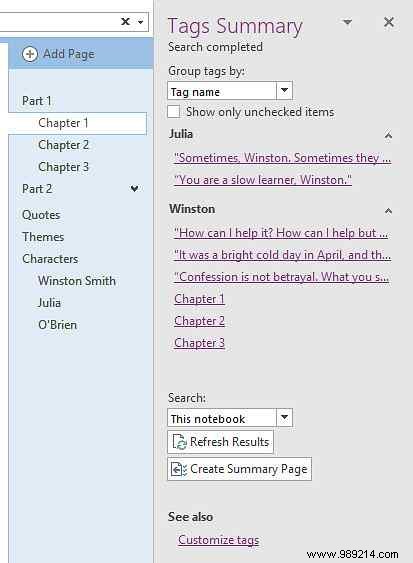
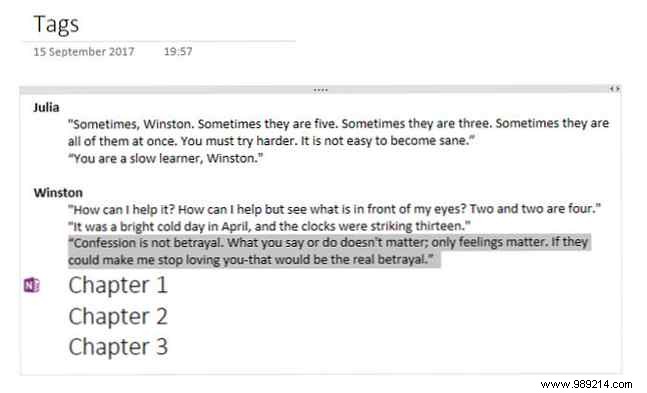
Click Find Tags to view all in one pane; generate a Summary Page with backlinks via purple OneNote icons.
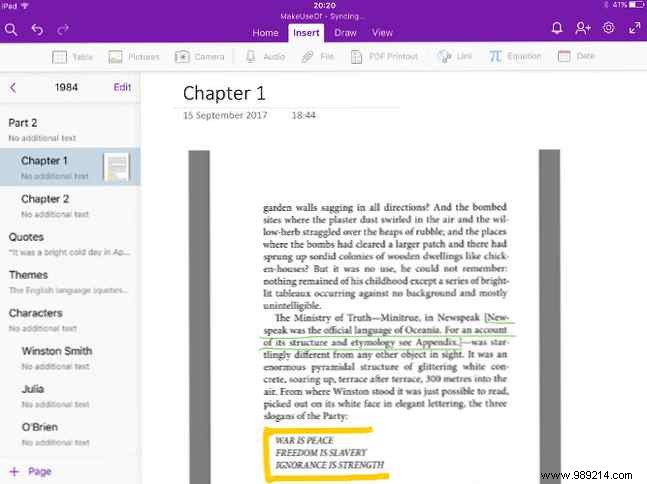
OneNote centralizes everything. From iPad, insert ebook highlights or handwriting via Insert > Pictures.
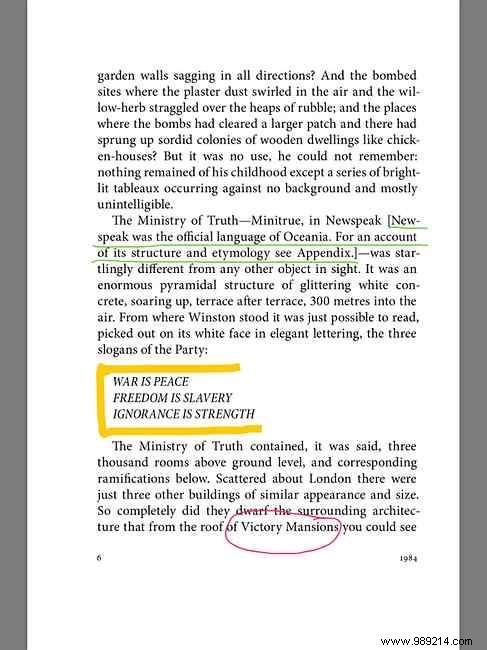
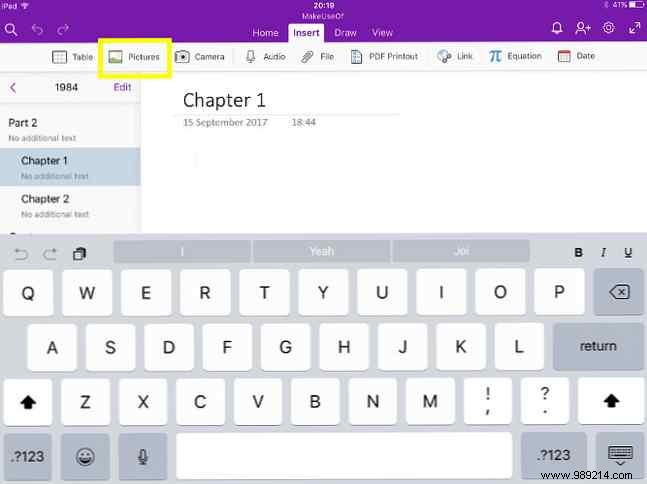
Synced across devices, including Windows.
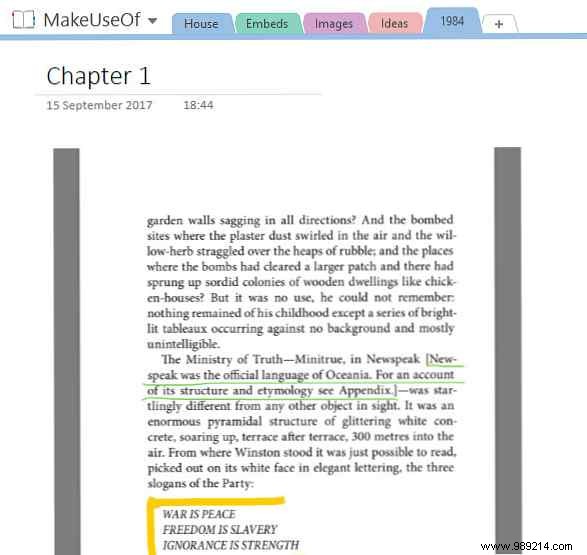
Attach essays or docs for version control and collaboration.
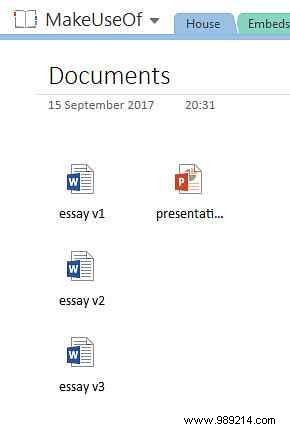
Paper notes limit you to sticky chaos. OneNote delivers control: search notebooks, hyperlink pages, embed Word docs.
Ideal for English classes or book clubs—unlock deeper text insights.
Got tips for OneNote book notes or need help with features? Share in the comments below.
