Protecting your whodunit novel draft—a zombie romance—with a strong password seemed like a smart move. Until you forget it and can't access your Microsoft Office document.
Fortunately, proven tools can help remove password protection from your own Office files. As a cybersecurity expert with years testing recovery software, here are five reliable options I've vetted.
Important disclaimer: Use these tools only on files you own. Attempting to unlock someone else's document could be illegal. Period.
Password recovery tools either recover the exact password or remove protection. Microsoft Office (from 2007 onward) uses 128-bit AES encryption, which is highly secure with strong passwords. Cracking it requires immense time unless the password is weak.
Protection varies by version:
Older files crack fast; modern ones with strong passphrases? Often impossible in practical timeframes.
Older Office files yield easily. Newer ones? Tough luck without massive compute power.
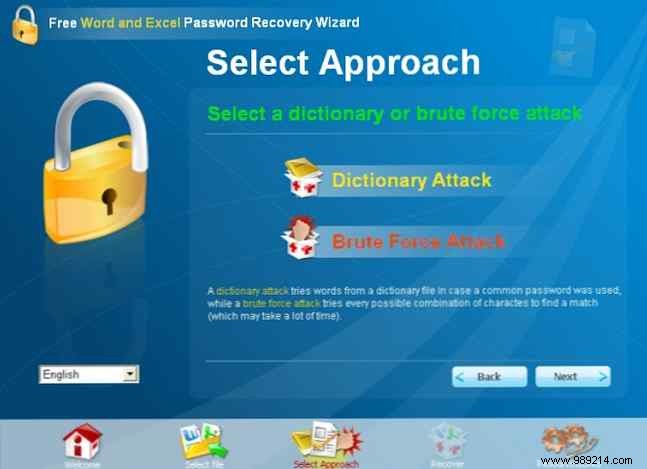
Supports: Word/Excel 95-2003
This free tool is a solid first try. It uses dictionary or brute-force attacks on legacy files. Modern files? Error city. Customize with wordlists, case variations, lengths, and char sets.
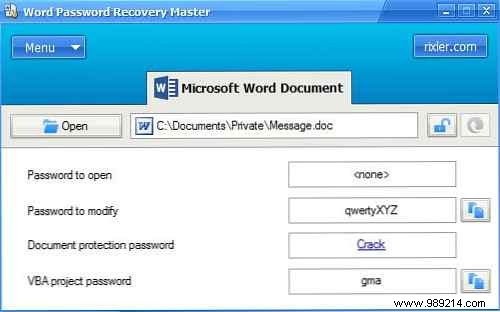
Supports: Word/Excel 95-2007 (claimed up to 2013)
Free and versatile for older versions. In my tests, it breezed through Office 2003 passwords but failed on 2010 basics. No custom encryption support—defaults only.
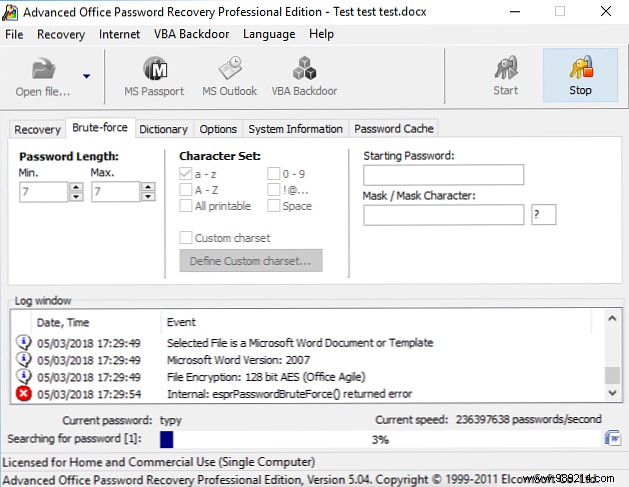
Supports: All Office versions
A professional powerhouse ($49 Home Edition; $99 Standard for GPU acceleration). Leverages CPU/GPU for dictionaries, brute-force, masks. Cracked my test files reliably. Worth it for pros.
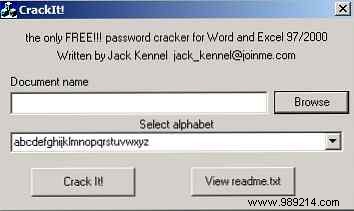
Supports: Word/Excel 97-2003
Portable relic from Windows 95 era—still runs on Win10, no install needed. Basic brute-force/dictionary for simple passwords on old files.
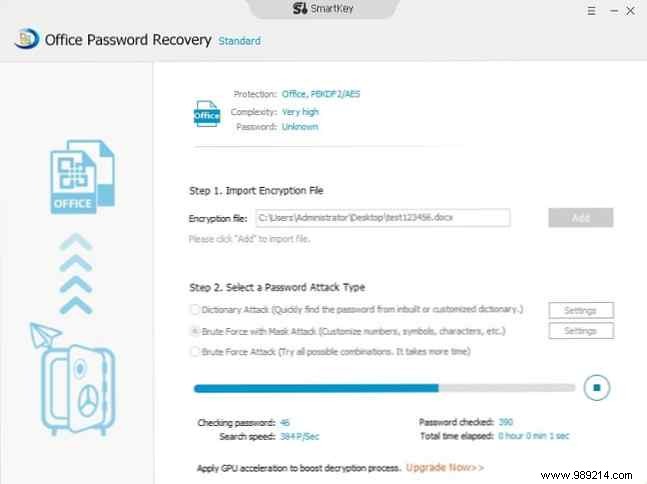
Supports: All Office versions
Intuitive pro tool ($24.95 Standard; $34.95 Pro for multi-CPU/GPU). Clean UI, tackles AES-128 given time. Easiest for beginners in my experience.
More options exist, but they mirror these features. Recent Office + strong passphrases (e.g., multi-word phrases) resist cracking for thousands of hours. Always back up files and use memorable-yet-strong passwords.
