As a long-time Evernote user and productivity enthusiast, I once faced a chaotic account: 43 tags with sparse notes, notebooks crammed with goals, habit trackers, recipes, career tips, and finances. It was like a digital junk drawer. Here's how I decluttered it and built a streamlined project management system—lessons drawn from real-world experience to help you do the same.
The toughest step: ruthlessly review every notebook. Ask if you'd truly revisit it or if it's easily Googled. I slashed mine to seven core notebooks, ditching redundant self-publishing advice and tax tips.
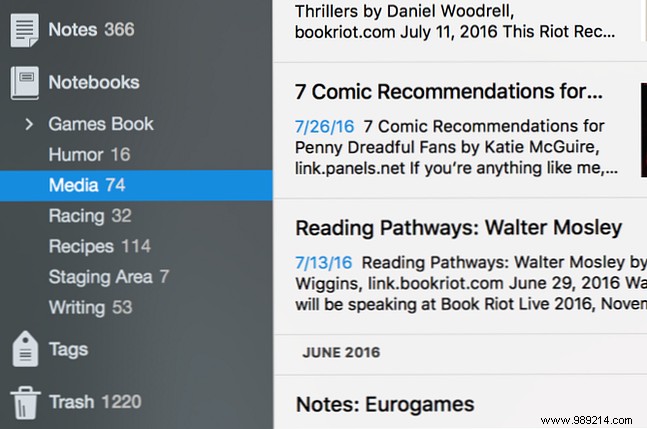
Optionally, consolidate similar notes—merge query letter tips into one master note. Stack related notebooks, like grouping 'Humor' and 'Media' into 'Funny' to declutter your sidebar.
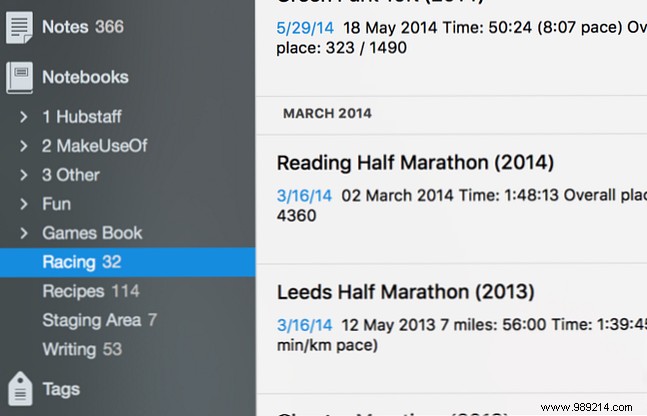
Build dedicated stacks and notebooks. Mine include:
Prefix with numbers for sorting. Quick access transforms workflow.
Your dashboard: a central note tracking projects, pay rates, priorities, short-term tasks, and back-burners. Link to spreadsheets or Trello boards.
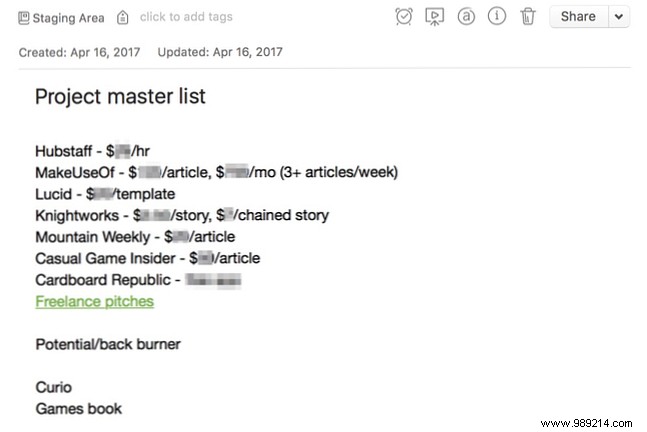
Customize with due dates or checkboxes (via Evernote's toolbar). It's your go-to for deciding next steps.
Pack notes densely for efficiency. My 'News Gathering' note compiles 9,000 words of sources.
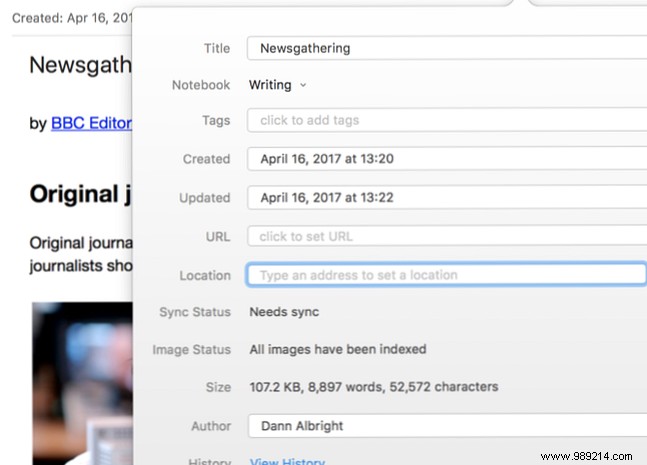
Store plans, emails, annotations here. Link external tools like Trello from your master list.
Pin frequent notes/notebooks for one-click access.
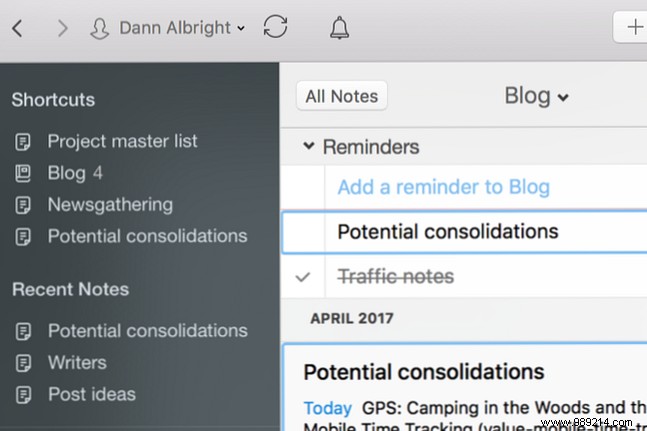
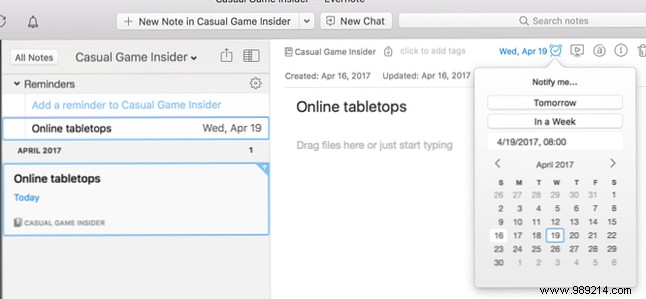
Click the clock icon per note. Reminders bubble to the top.
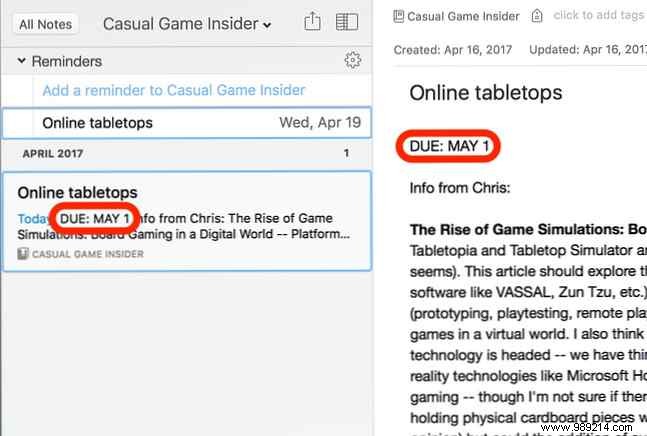
Note due dates prominently for snippet views. One reminder per note—split tasks if needed.
Tailor tags to your style: by type (writing, editing), priority (high/medium/low), or GTD methods. Or skip and rely on search. Experiment for what fits.
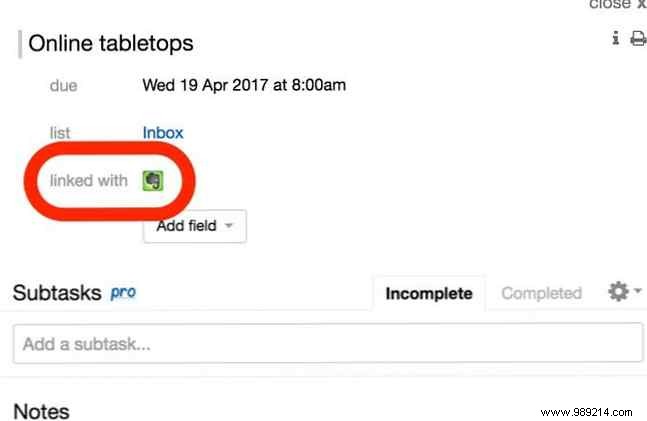
Leverage Feedly, Pocket, Trello Power-Ups, Zapier/IFTTT for automation. Sync reminders via TaskClone.
Share notes via email links or public URLs. Use Work Chat for team notebooks.
Beyond work, apply to personal goals. Declutter, organize, plan—you'll thank yourself. How do you use Evernote for projects? Share tips below!
