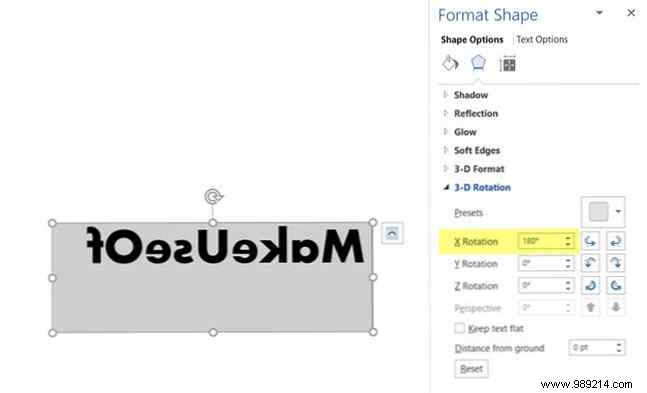
While mirrored or inverted text might not be a staple in professional Microsoft Word documents, it offers creative flair for custom initials, invitations, or eye-catching designs. As a seasoned Microsoft Office expert with years of experience, I've used this technique to enhance visuals without leaving Word.
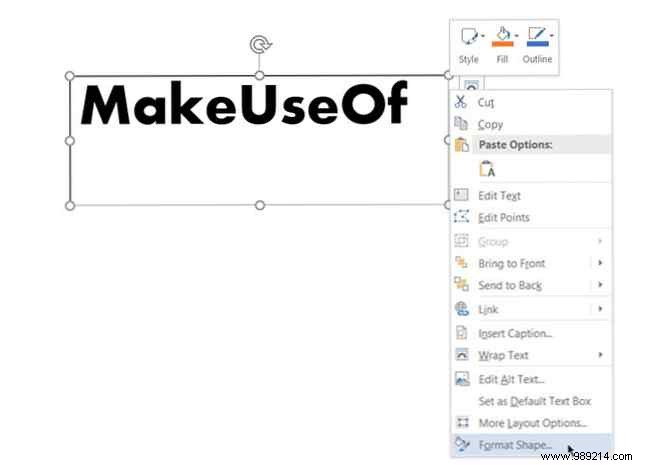
Word doesn't have a one-click button for reversing text, but you can achieve it easily with a Text Box and Format Shape options. These steps work seamlessly in Office 365, Office 2016, and across Word, PowerPoint, Excel, and Outlook.
Always consider your document's purpose before adding effects—professionalism first. For more text styling tips, explore font customization in Word.
