Want to save on business cards without sacrificing quality? Leverage Microsoft Word's free templates to design standout cards tailored for any profession—no expert design skills needed.
Pick up premium printable cardstock from Avery or Staples, customize your design, and start networking confidently.
It's simpler than you might expect. As a seasoned Word user who's crafted hundreds of business materials, I'll guide you through the process step by step.
Don't have Microsoft Word? No problem—access it for free via Microsoft 365's web version or trial options.
Word's native templates shine because you edit just one card, and the rest auto-populate across the sheet, saving time and ensuring consistency.
To get started, go to File > New, then search for "business cards" or browse the Business or Cards categories. Preview options, note the file size, and hit Create to open.
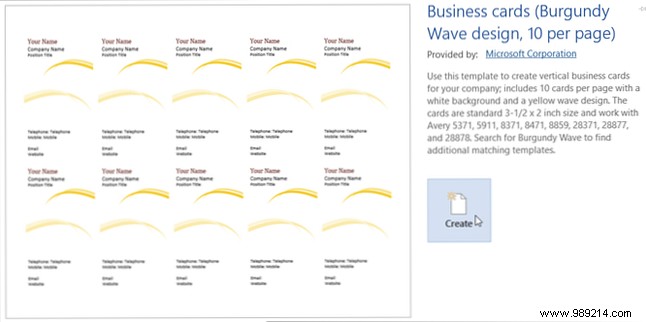
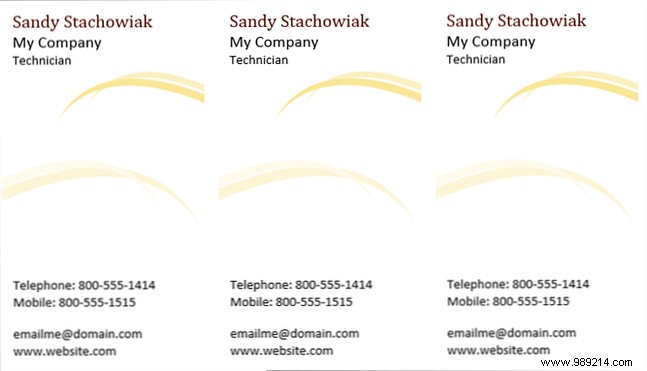
Prefer portrait orientation? This modern template features flowing waves that elegantly separate your name, company, title, and contact details.
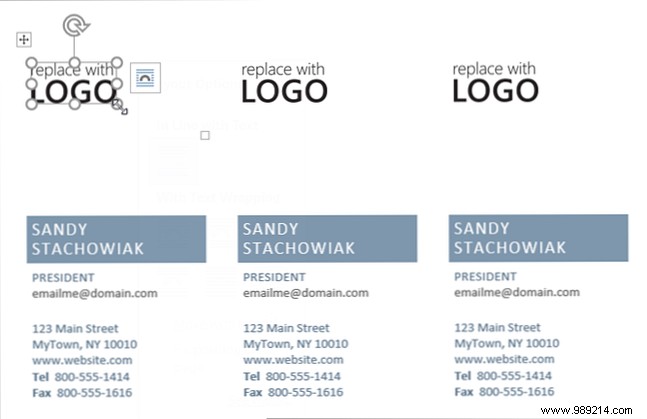
A sleek portrait option with dedicated logo space—click "Replace with Logo" to insert yours. Resize as needed; the professional layout suits most businesses.
Ideal for eco-friendly or nature-themed brands, this clean template offers spots for name, address, phone, email, and website. The green accents match the bamboo motif, but customize colors freely.

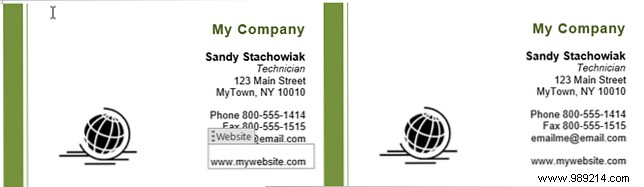
Perfect for tech or global firms, featuring a world graphic (easily swapped for your logo). Form fields highlight editable areas for seamless auto-fill.
Retail pros will love the vibrant icons of clothing and accessories, plus space for your tagline below the company name.

Subtle color stripes add flair without overwhelming. Hover to adjust stripe width and emphasize your preferred hue.
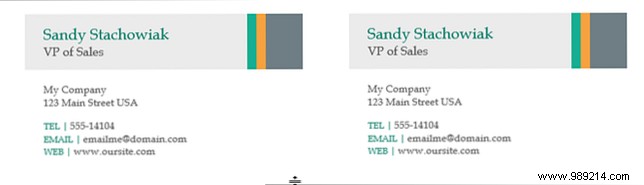
For more variety, download from Vertex42. These require manual copy-paste per card (select all with Ctrl+C, paste with Ctrl+V), but it's quick and straightforward.
Orange borders make your company name pop—ideal if it's your brand color.
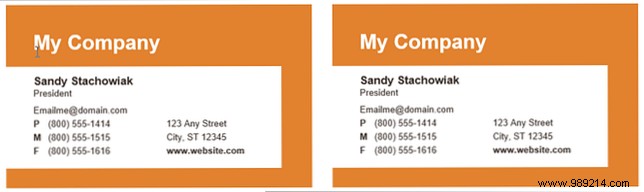
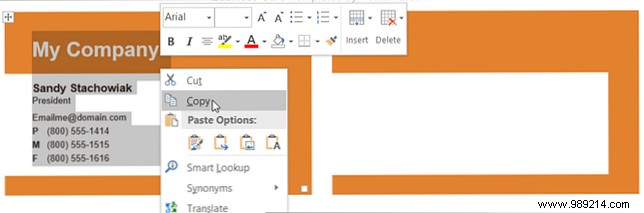
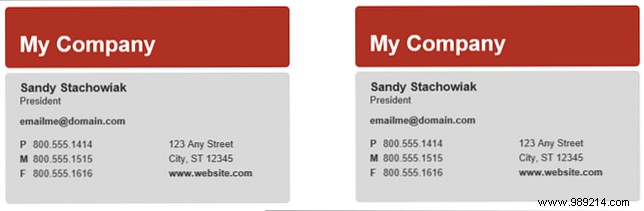
A versatile, masculine two-tone design with ample room for phone, mobile, fax, and more.
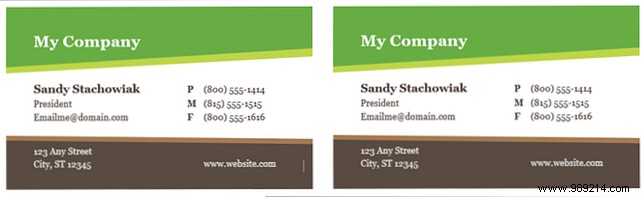
Black, white, and gray only—budget-friendly for low-ink printing while staying sharp.
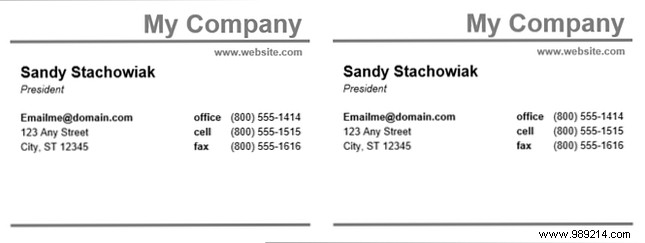
Block-style with two tones; separates contact info clearly with space for all essentials.
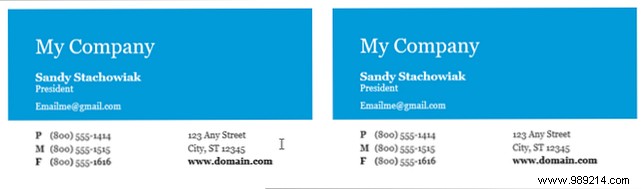
Similar block layout in calming blue—plenty of room for details.
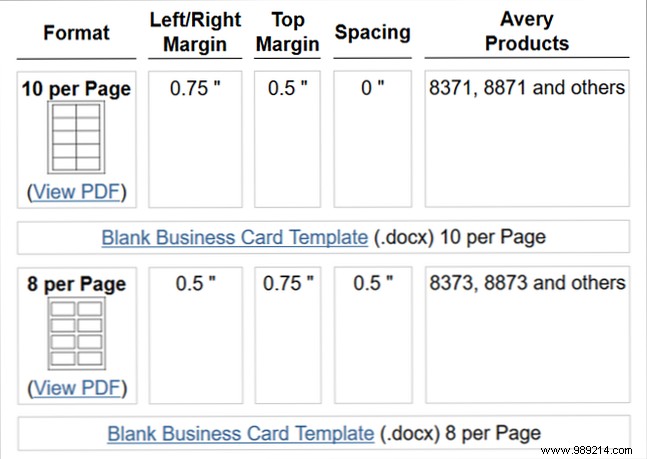
For custom designs, use Vertex42's blank templates (10 or 8 cards per sheet) as a precise layout foundation.
Word excels for professional documents and reports, so its templates extend naturally to cards. Prefer Illustrator for advanced graphics? Word offers unmatched simplicity for quick results.
