As a professional document creator with years of experience using Microsoft Word, I've found that a well-crafted table of contents (TOC) is essential for longer documents. It helps readers navigate effortlessly, saving time and enhancing professionalism.
Luckily, numerous high-quality, free templates are available online. These save hours of manual formatting. Below, I've curated the top 10 versatile TOC templates for Microsoft Word, categorized by style.
Your TOC sets the tone for the entire document. Choose creative styles for brochures, events, or nonprofits; opt for balanced designs for business materials.
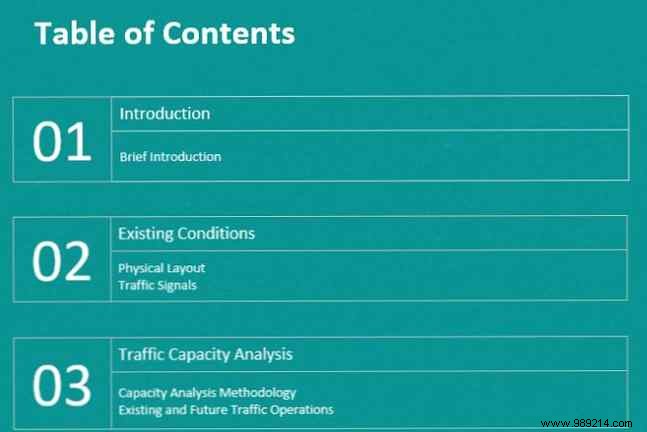
This modern, minimalist design is clean and highly readable. Fully customizable:
Ideal for event or business brochures. Download free in Word, Google Docs, Pages, or editable PDF (email required). Use the header link.
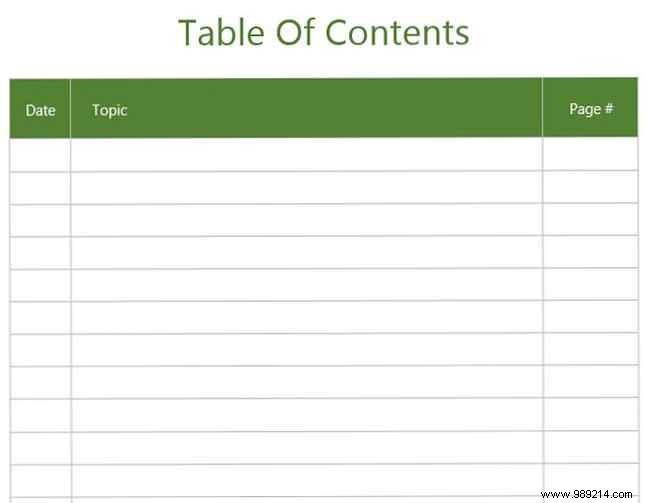
From Template.net, this professional yet straightforward TOC includes date, subject, and page columns—perfect for journals or logs (26 entries per page). Add pages as needed. Free download in Word, Google Docs, Pages, PDF, or Numbers (email required).
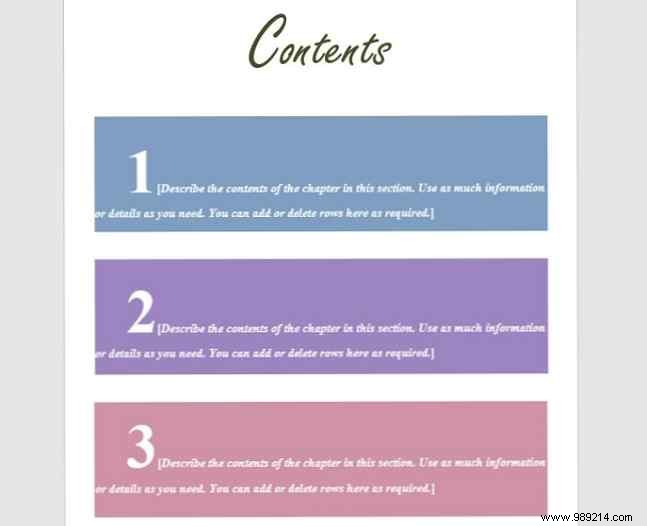
Playful and vibrant for events or nonprofits. Oversized numbers with editable text blocks; customize colors easily. Available in Word or PDF.
Download: PDF | DOC
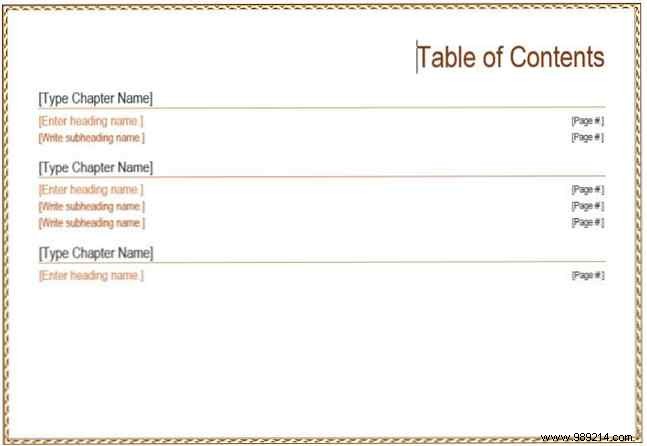
Refresh standard portraits with this landscape option for matching documents. Structured for chapters and subheadings; highly customizable.
Download: PDF | DOC
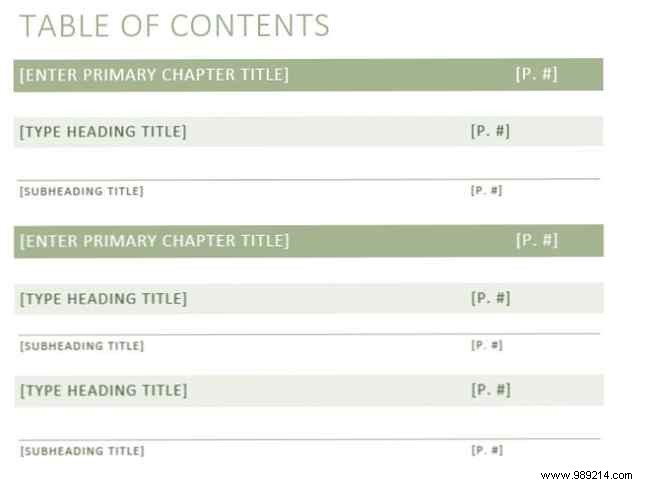
Balanced creative-formal design with colored blocks for sections. Clean and scannable for brochures, school papers, or reports.
Download: PDF | DOC
For academic theses, official reports, or dissertations, these professional templates deliver precision and polish.
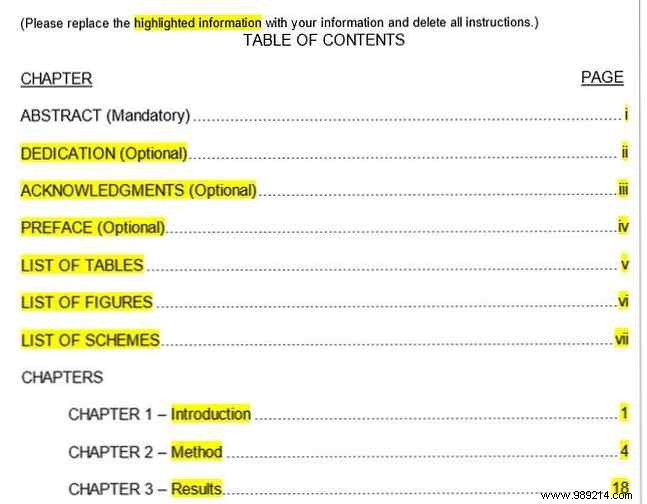
From Tidyform.com, tailored for research papers. Includes preface, lists of tables/figures, and indented chapters (Roman numerals transitioning to decimals). Edit highlighted text. Free in DOC or PDF.
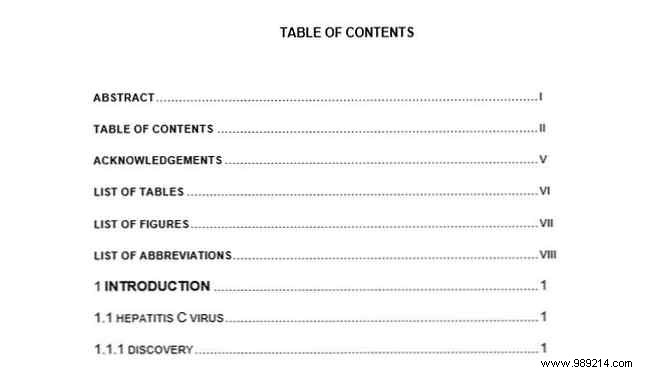
Standard outline for theses: bold mains, numbered subs. Easy to reorder and renumber.
Download: DOC
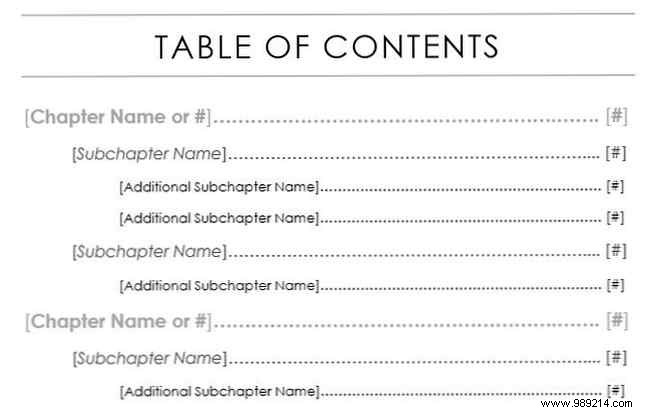
From Templatesinfo.com, elegant with clean header and indented subs.
Download: PDF | DOC
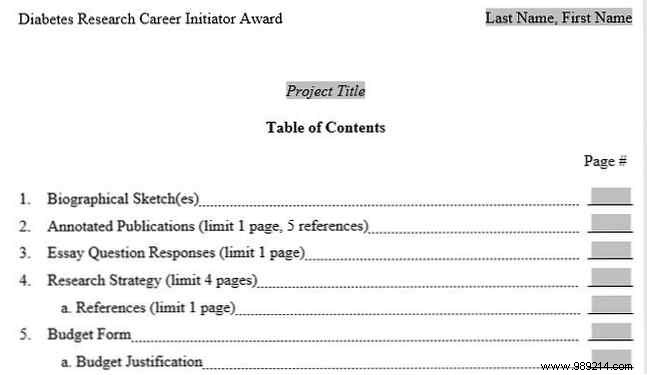
Advanced for school projects or research: fields for name, title, pages; structured for academic sections. Word only.
Download: DOC
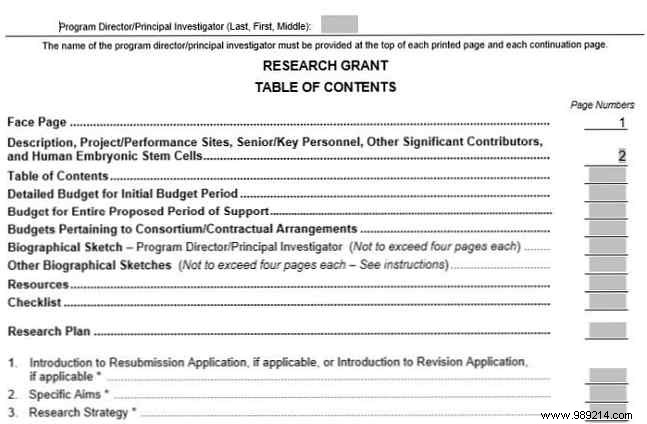
From TemplateLab.com, detailed for grants but versatile. Includes intro/preface and numbered sections; form fields for pages. Professional look.
Download: DOC
After selecting a template, insert your sections and pages. For superior results, refine with these expert techniques.
Customize visually like any Word doc, but watch formatting. Fix dotted leaders:
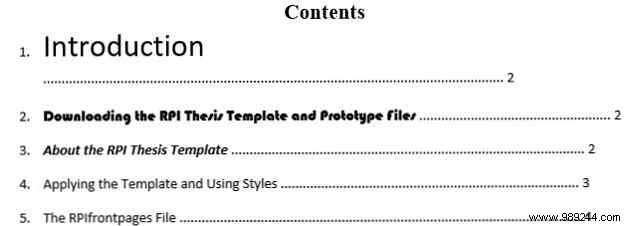
Ensures uniform spacing.
Edits can shift pages. Use Word's built-in TOC:
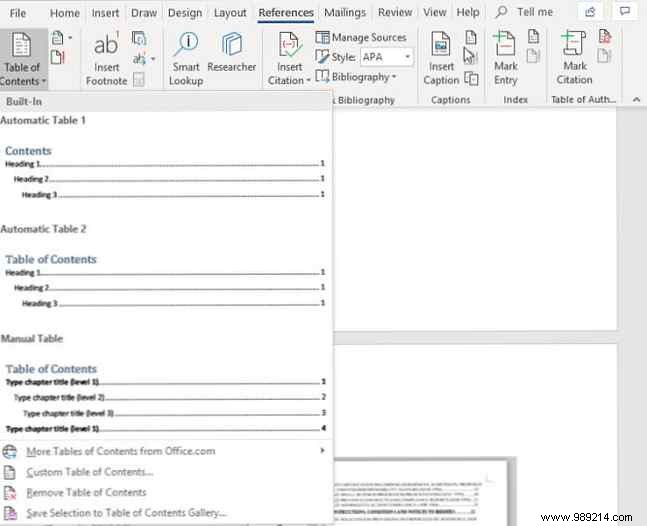
References tab > Table of Contents. Creates hyperlinks and auto-updates pages—ideal for dynamic docs.
Explore more free Word templates for invitations, meeting agendas, and resumes to streamline your workflow.
