Running a small business involves juggling endless tasks. Intelligent automation lets you offload routine work, so you can focus on growth and priorities that drive success.
Key areas ripe for automation include logging PayPal payments as income for tax records, tracking business mileage via GPS, and scheduling domain renewal reminders directly into your to-do list. As a business automation specialist who's implemented these workflows for numerous entrepreneurs, I'll walk you through proven setups using reliable tools like IFTTT and Google Sheets.
Small businesses often rely on services like PayPal, which send email alerts for incoming payments. These notifications are perfect triggers for automation.
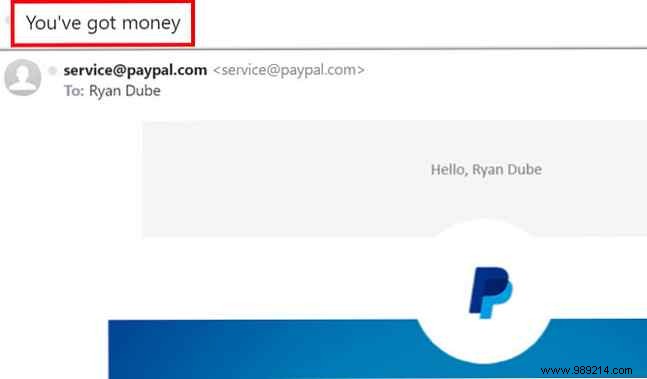
Use the consistent subject line in these emails to automatically add a record to your earnings spreadsheet.
If you haven't already, sign up for a free IFTTT account. For a deeper dive, check out The Ultimate Guide to IFTTT: Use the Web's Most Powerful Tool Like a Pro.
IFTTT connects your apps and devices effortlessly. Head to My Applets, click New Applet, then this.
Search for Gmail (or your email provider if supported) and select New email in inbox matching search.
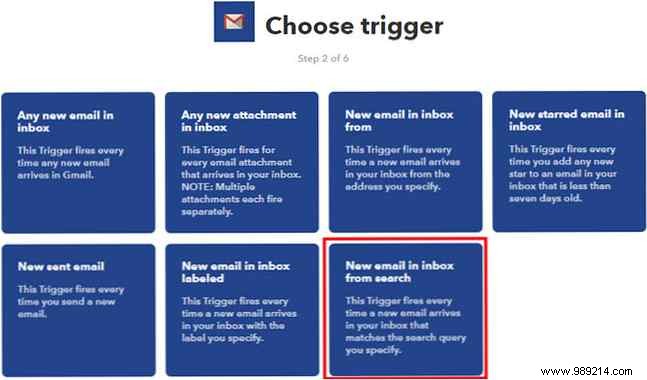
For the search query, enter Subject: "you have money" (adapt to your payment service's exact phrasing).
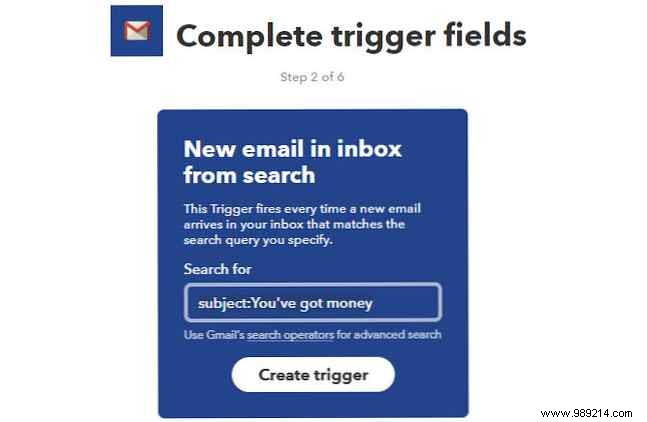
Click Create Trigger.
Now for the action: Click that. First, in Google Drive, create an IFTTT folder, then a Business subfolder. Inside, make a spreadsheet named Income and Expenses with a tab called Income.
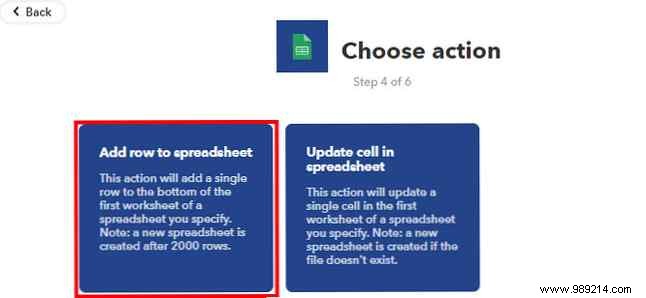
Search Google Sheets, select Add row to spreadsheet.
In the Formatted row field, enter: {{BodyPlain}}||| ||| {{ReceivedAt}}. This captures the email body and timestamp, leaving spaces for parsing.
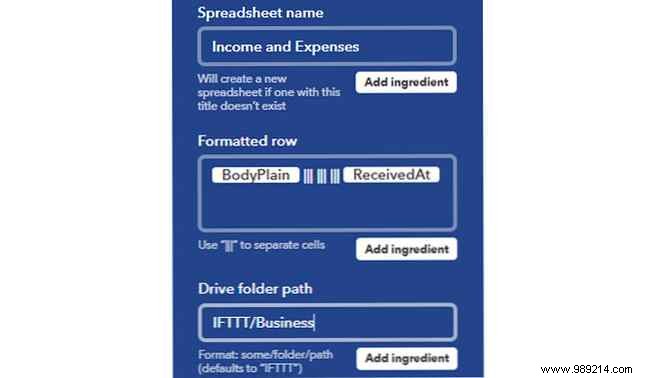
Click Create Action.
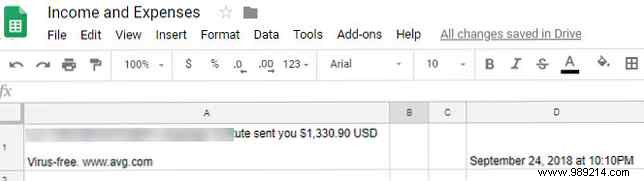
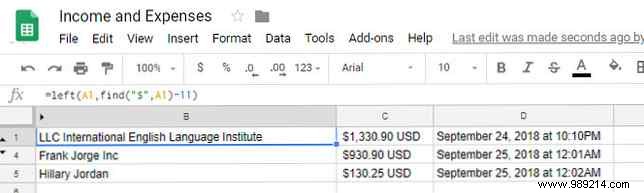
Open your spreadsheet. Incoming rows will dump the email body into column A and date into D.
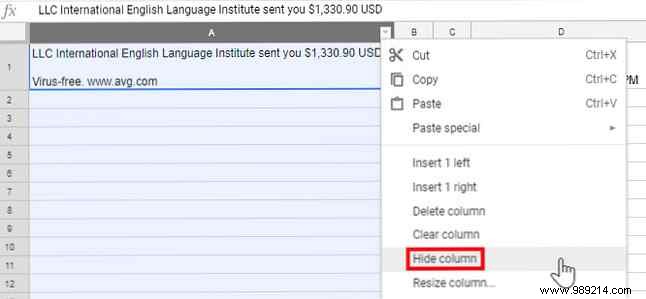
Hide column A (right-click header > Hide column).
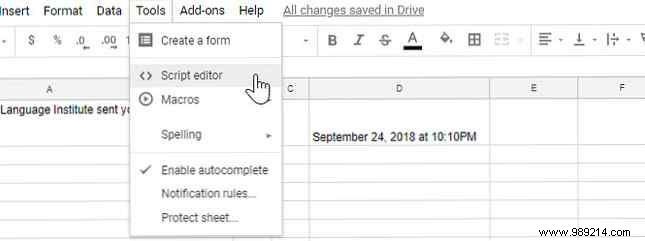
Apps Script supercharges Sheets. For more ideas, see 4 Google Scripts That Make Google Sheets Much More Powerful.
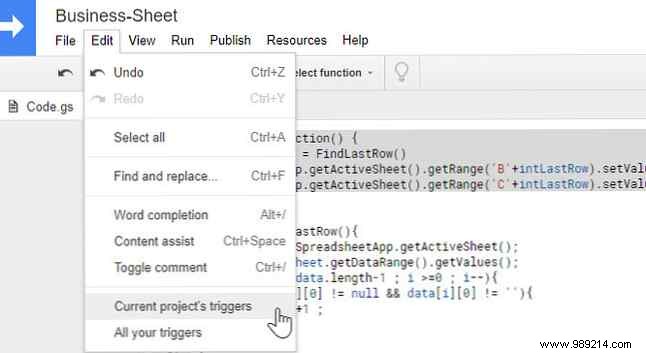
Go to Extensions > Apps Script.
Paste this helper function after the default myFunction():
function findLastRow() {
  var sheet = SpreadsheetApp.getActiveSheet();
  var data = sheet.getDataRange().getValues();
  for (var i = data.length - 1; i >= 0; i--) {
    if (data[i][0] != null && data[i][0] != "") {
      return i + 1;
    }
  }
  return 1;
}
Replace the contents of myFunction() with:
function myFunction() {
  var intLastRow = findLastRow();
  SpreadsheetApp.getActiveSheet().getRange('B' + intLastRow).setFormula('=LEFT(A' + intLastRow + ', FIND("$", A' + intLastRow + ') - 11)');
  SpreadsheetApp.getActiveSheet().getRange('C' + intLastRow).setFormula('=MID(A' + intLastRow + ', FIND("$", A' + intLastRow + ') - 1, (FIND("USD", A' + intLastRow + ') - FIND("$", A' + intLastRow + ')) + 2)');
}
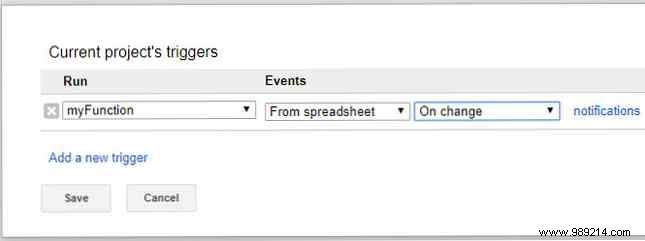
This extracts the sender name into B and amount into C dynamically. Save (disk icon), then set a trigger: Triggers (clock icon) > Add Trigger > Choose myFunction, From spreadsheet, On edit.
Now payments auto-populate cleanly.
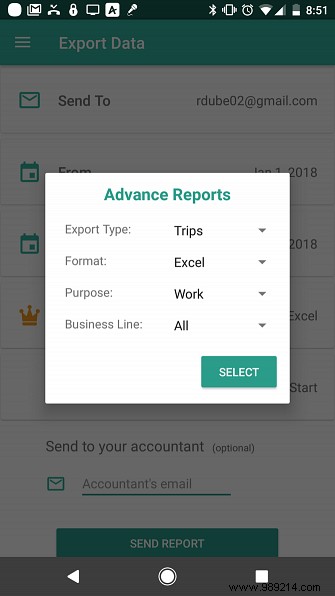
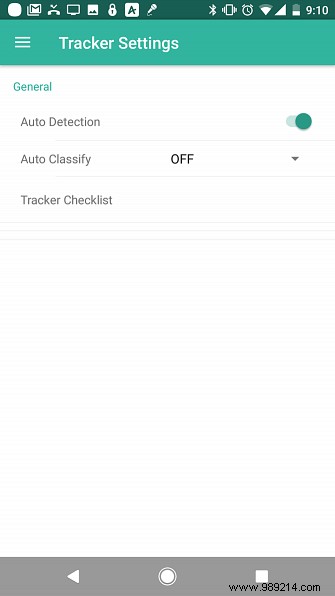
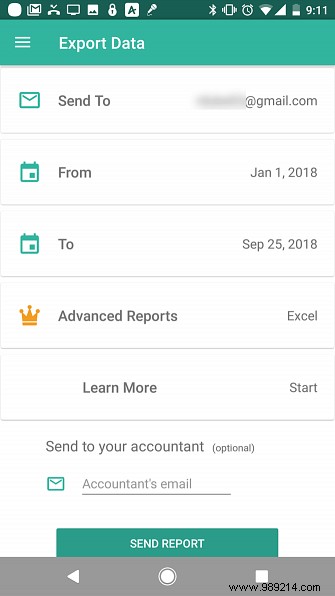
Use the Everlance app for automatic GPS mileage tracking. Export logs via email (free), and automate saving to Drive.
Logs arrive with subject: "Your transaction export is ready."
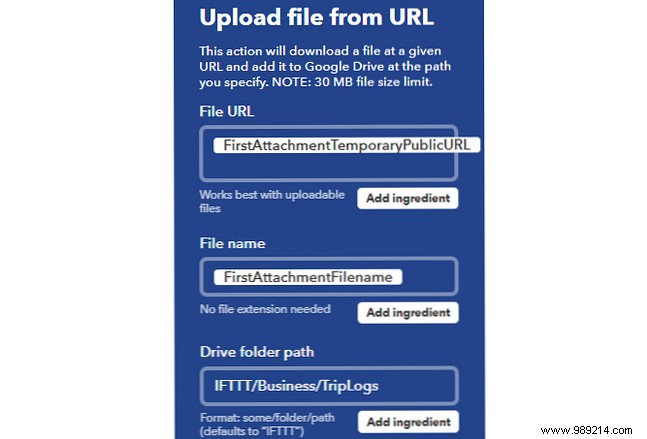
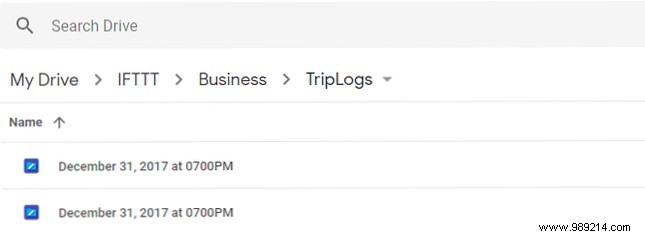
Create action. Exports now land automatically in Drive.
Download: Everlance for Android (Free) | iOS (Free)
Forgetting domain renewals risks losing your site. Set IFTTT to catch registrar emails and add tasks to your to-do app.
Example: GoDaddy's "Your GoDaddy Renewal Notice". How to Transfer a Domain Name with Zero Downtime for related tips.
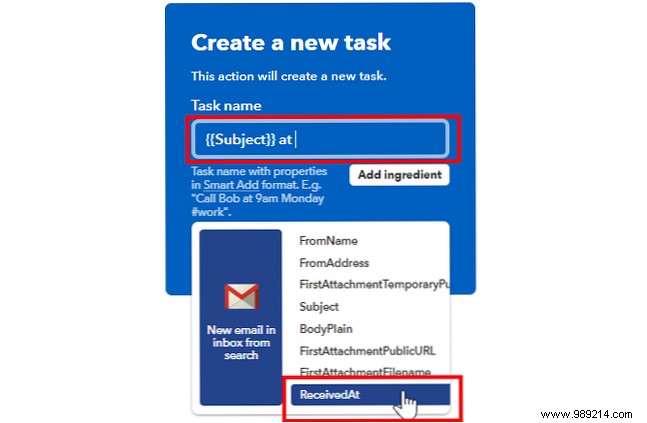
Apps parse dates intelligently—handle at your convenience, even for multiple domains.
These setups cut manual work dramatically. For freelancers, explore The Best Accounting Software Every Freelancer Needs.
