As seasoned project managers, we've found that you don't need Microsoft Project to build a professional Gantt chart. For beginners diving into project management—check out our Top 5 Project Management Tips for Beginners—Excel is an excellent starting point. Explore the best productivity templates for Microsoft Excel to streamline tasks and expense tracking. PowerPoint also shines for presentations and follow-ups. A ready-made Gantt chart template is the perfect solution to get your projects on track.
We've curated 10 versatile Gantt chart templates for Excel and PowerPoint, tested for reliability and ease of use, to launch your projects successfully.
Microsoft Office offers a robust template, downloadable from their site or via Excel's search (File > New > Search online templates). See our guide on creating custom Excel templates.
Update activity values, and the right-side bar chart adjusts automatically. Highlight periods using the top dropdown or number input.
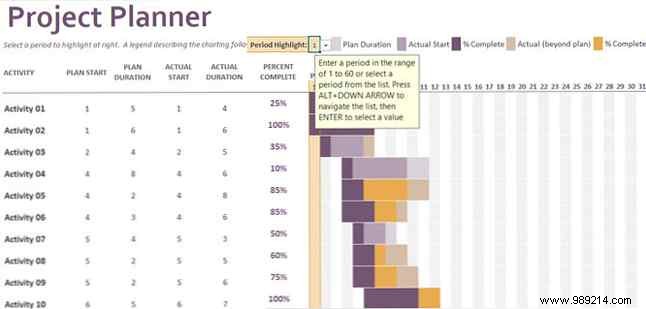
Its strong color contrast ensures readability, ideal for in-depth project oversight.
Unsure about inputs? TeamGantt's workbook features three tabs: full manual chart, end-date manual, and duration manual. Choose what fits your project.
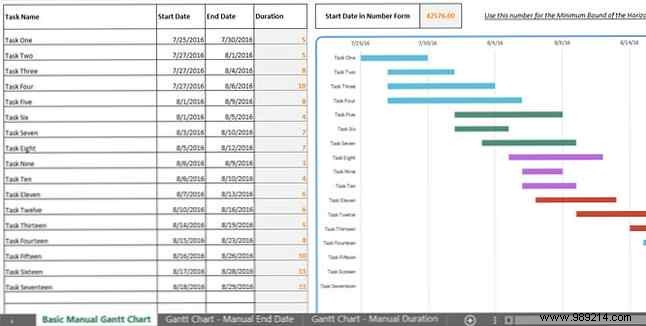
Each tab's bottom key clarifies calculated vs. manual cells for effortless use.
Got a Work Breakdown Structure (WBS)? Learn more how to organize projects with WBS. Vertex42's template supports WBS numbers for seamless visual-to-written transitions.
Use the top slider for quick period views and bottom help section for data entry guidance.
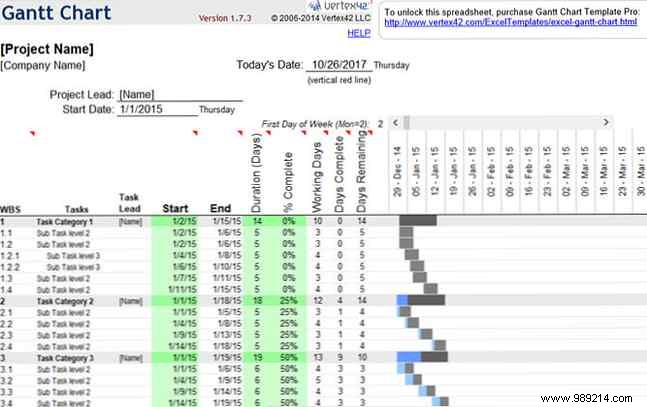
Explore the Pro version tab for advanced features.
Like Vertex42, Template Lab's chart (Gantt Chart Template 08) pairs well with WBS. It includes numbering, tasks, four subtask levels, resource assignment, durations, actuals, completion percentages, projected/actual end dates, and allocated/completed/remaining values.
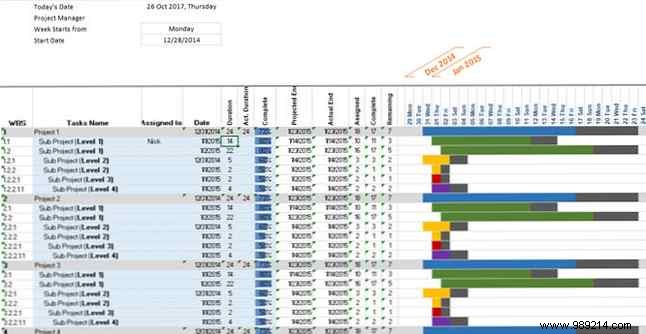
High-contrast bars auto-update, making it a top choice for detailed projects. Browse more on their site.
PowerPoint options are limited, but Template.net delivers. Include timeline sections, subtasks, dates, and weekly milestones.
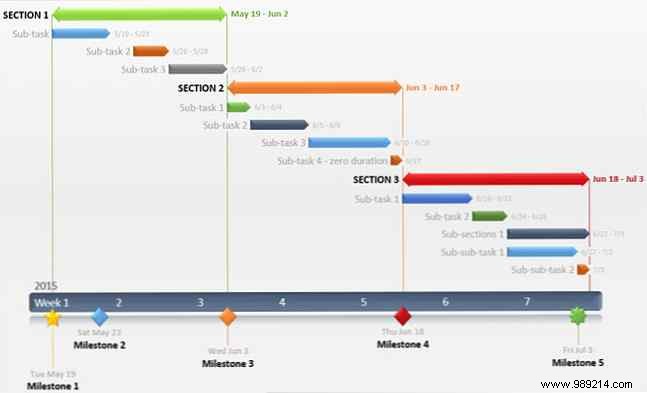
Clean, readable design. Slide 2 details the Office Timeline add-in for auto-updates.
Office Timeline's version emphasizes duration via a clean timeline. Add color-coded task bars without subtask clutter.
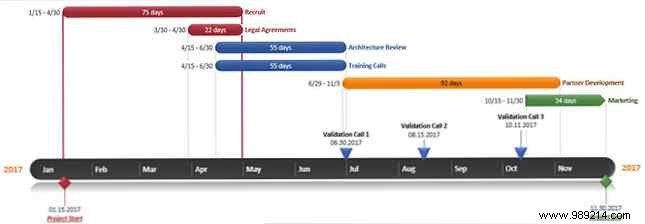
Perfect for minimalist, clear visuals.
Track baselines and budgets? Input tasks/subtasks/durations; calendar and dates update automatically. See Excel macros resources (enable macros post-download).

Double-click cells for costs, resources, and budgets per task.
Need hourly precision? This PowerPoint template shows a full day, adjustable to the minute.
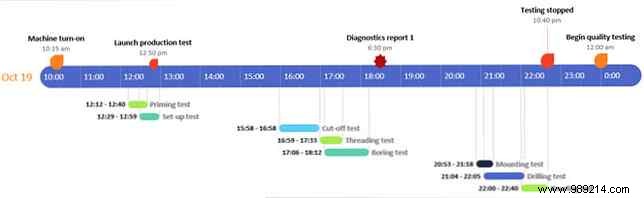
Great for micro-managed projects if it suits your style.
For simple manual entry, try this. See Excel templates for project success. Enter tasks, drag timeline bars (quarters/months).
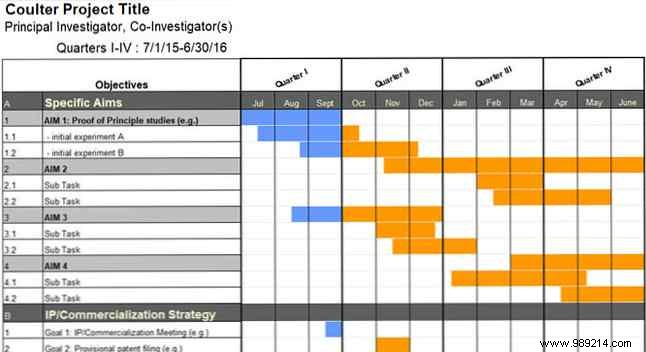
Ideal for quick overviews without dates/durations.
Present cleanly in PowerPoint? All manual entries, including bars. See best free PowerPoint templates.
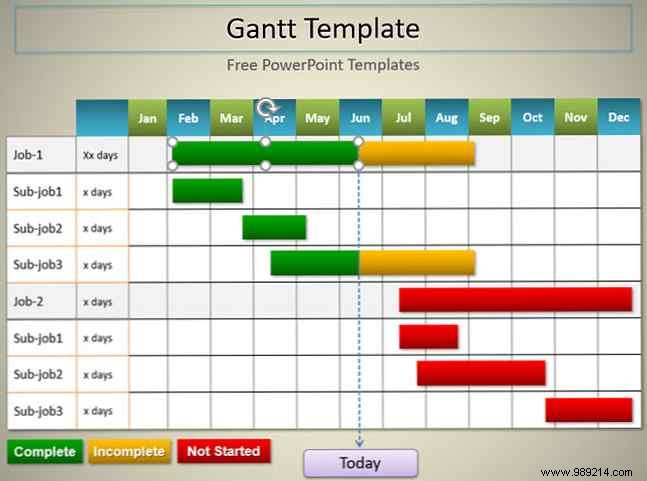
Attractive for basic project showcases.
These templates offer variety for any need. As avid users, we love sharing insights—see 14 Excel time-savers or timeline tools.
Share your tips, tweaks, or favorites in the comments below!
