Collaborating on Microsoft Word documents doesn't require granting full access to everyone. Beyond read-only or comments-only modes, Word lets you protect most of the file while allowing edits to specific sections—a powerful feature for controlled teamwork. With over a decade of experience optimizing document workflows for teams, I've relied on this method countless times to maintain security and productivity.
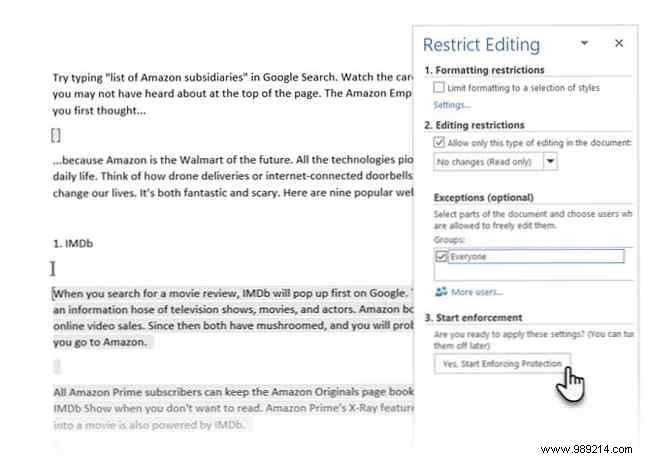
This approach, available in Word 2016 and later versions, ensures collaborators can update designated areas without altering the rest. Here's a step-by-step guide based on proven practices.
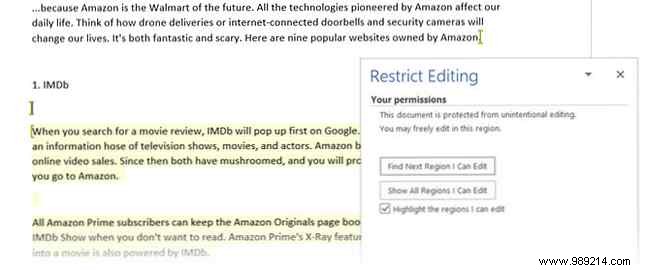
Once protected, recipients see the Restrict Editing task pane with navigation to editable sections. This setup fosters secure collaboration without compromising your document's integrity.
